
-
🎄🏳️⚧️René (F)🏳️⚧️🎄


 2024-10-08 16:56:11 UTC
 @ralph bug report ?
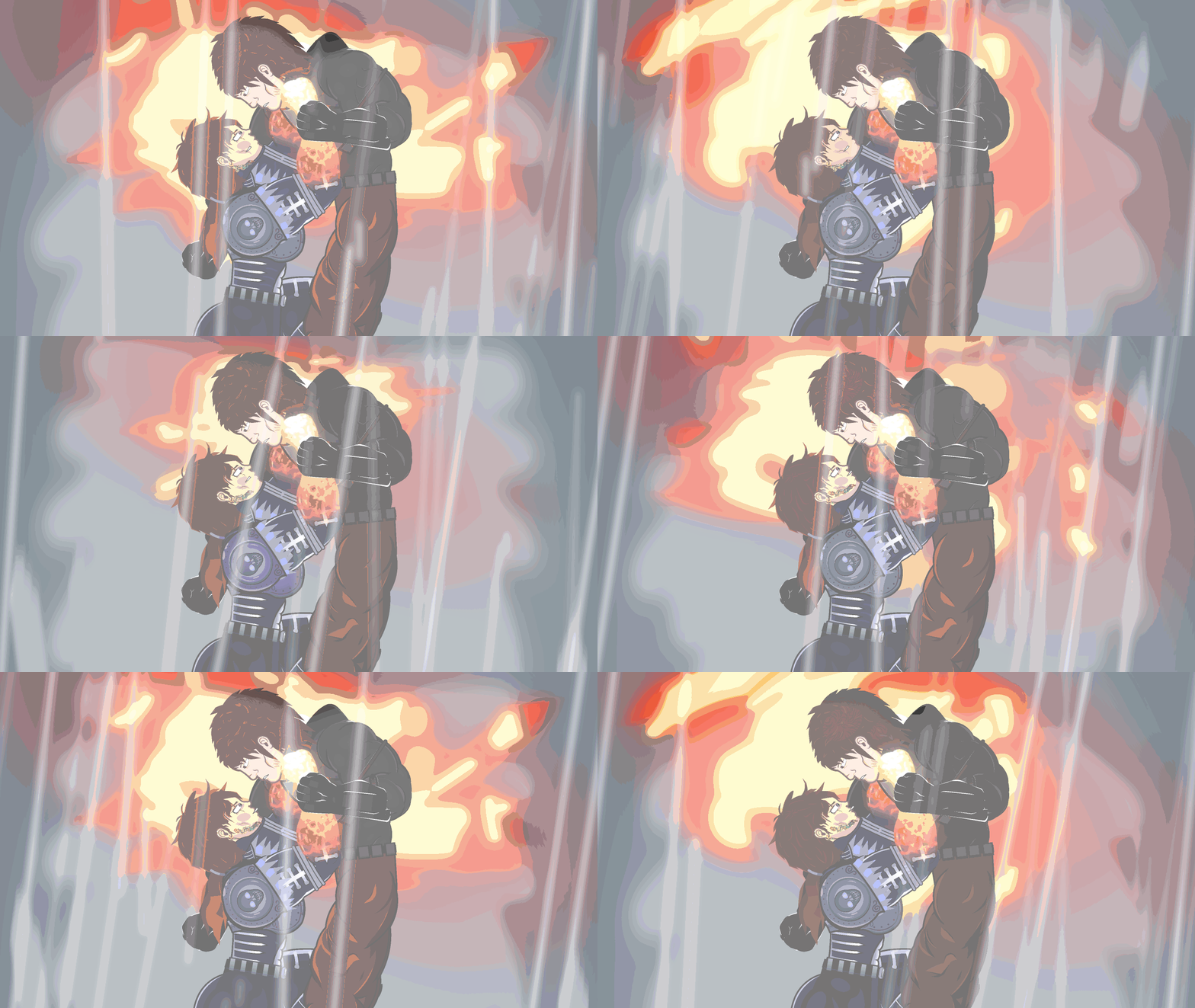
I seriously do not understand what’s going on here with Adira’s tattoo and mouth figuresThey are attached via joined figures and such but the tattoo node+Sprite is always locked , and while the mouth is a movieclip attached to a stretchy node , this has never happened before nor do they have any new features turned on like floaty stretch
The animation itself is a single frame with camera shake turned on but I am legitimately stumped as to what could be causing this
As it seems to only affect Adira Whilst Adraik doesn’t have a similar mouth problem going on
Stick Nodes®
A stickfigure animation app created for mobile devices!
Create your own stickman animations on your Android or iOS device!


Ok the only thing that I could find this being linked to is Camera locking figures
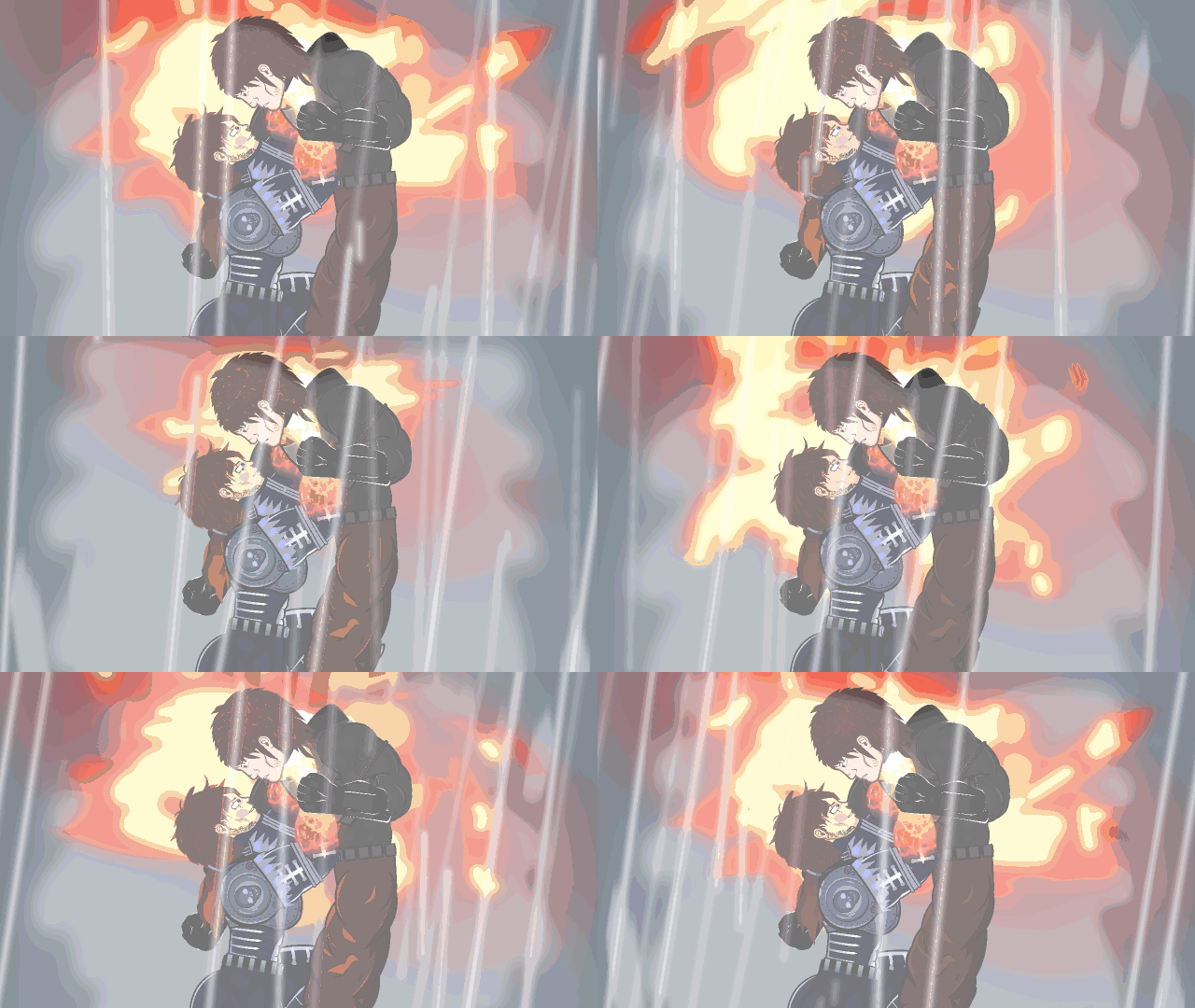
Without Adira being locked to the camera , she shakes around rather normally
I’m legitimately confused because no matter what , camera locked or not , Adraik isn’t affected by the mouth glitch at all
I’ve played around with turning on and off any node specific features for both Adira and Adraik’s mouth nodes
Stretchy , drag lock , lock node , etc
Nothing seems to work
The problem is worsened/sources from camera locked figures with parallax
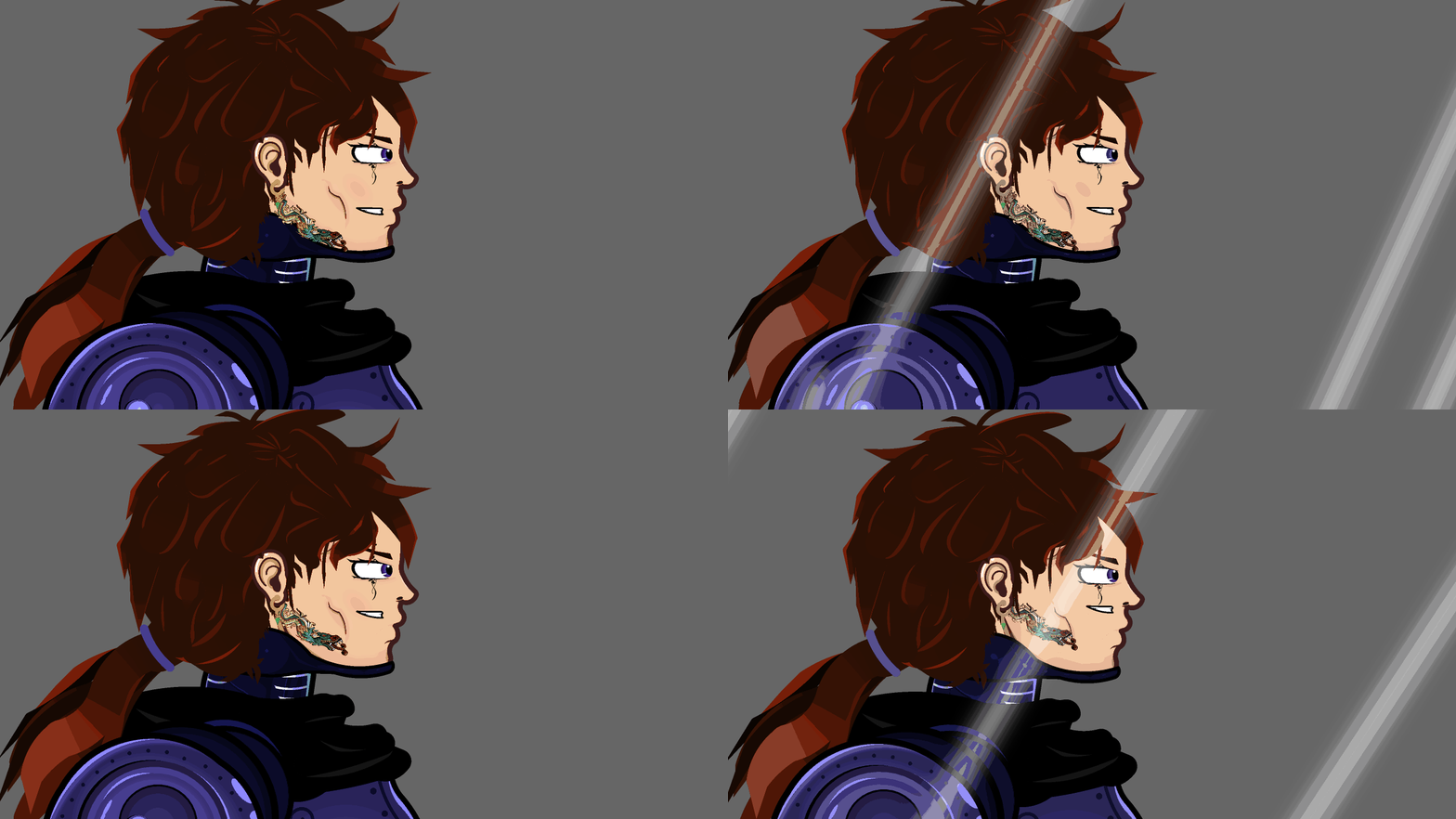
Max parallax vs 0.01 parallax
Shit doesn’t even loop back to where the nodes are supposed to be at max parllax
Stopping the animation from playing also sometimes leaves the figures out of wack tho the app updates the positioning back to their normal spots once you do anything , click the screen then on a setting , whatever
Actually never mind this isn’t just a camera lock related issue !
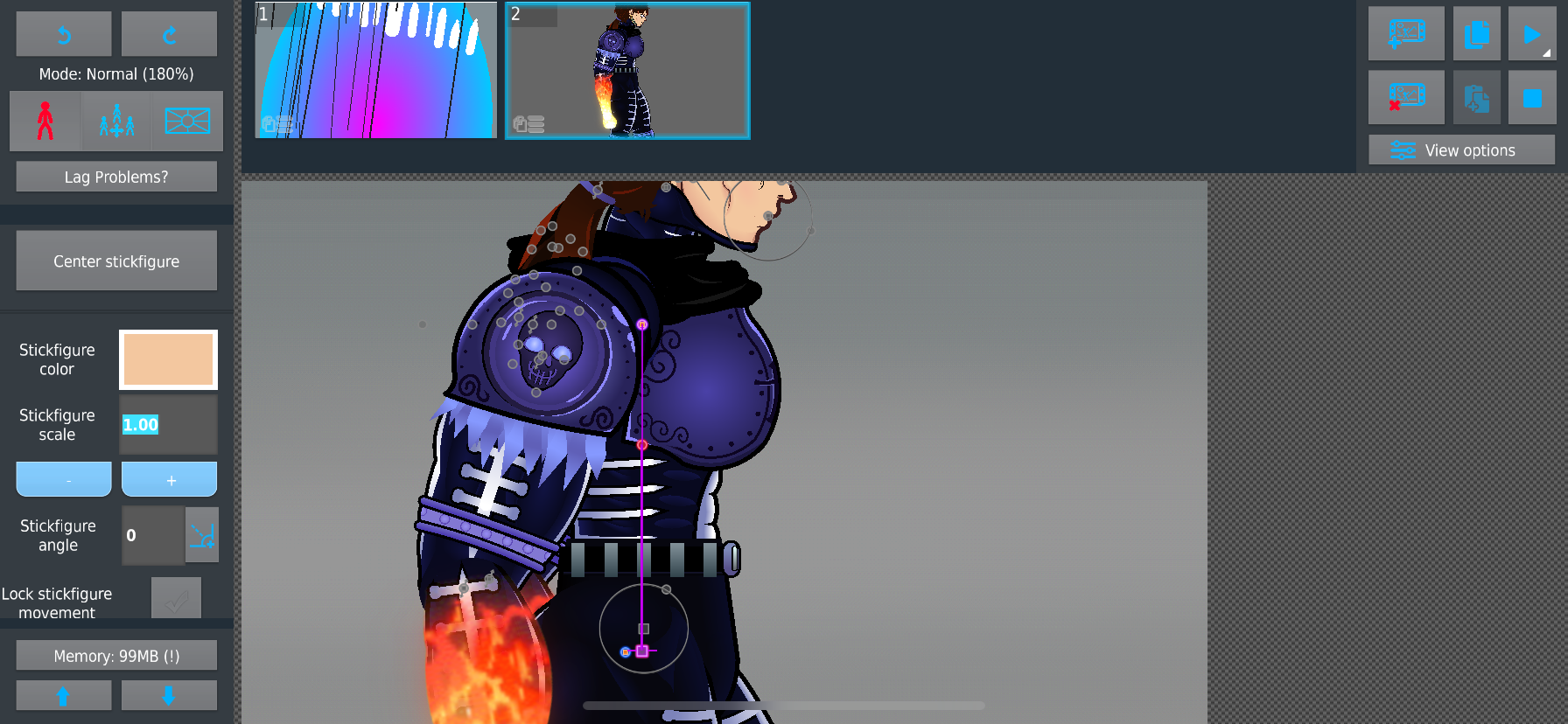
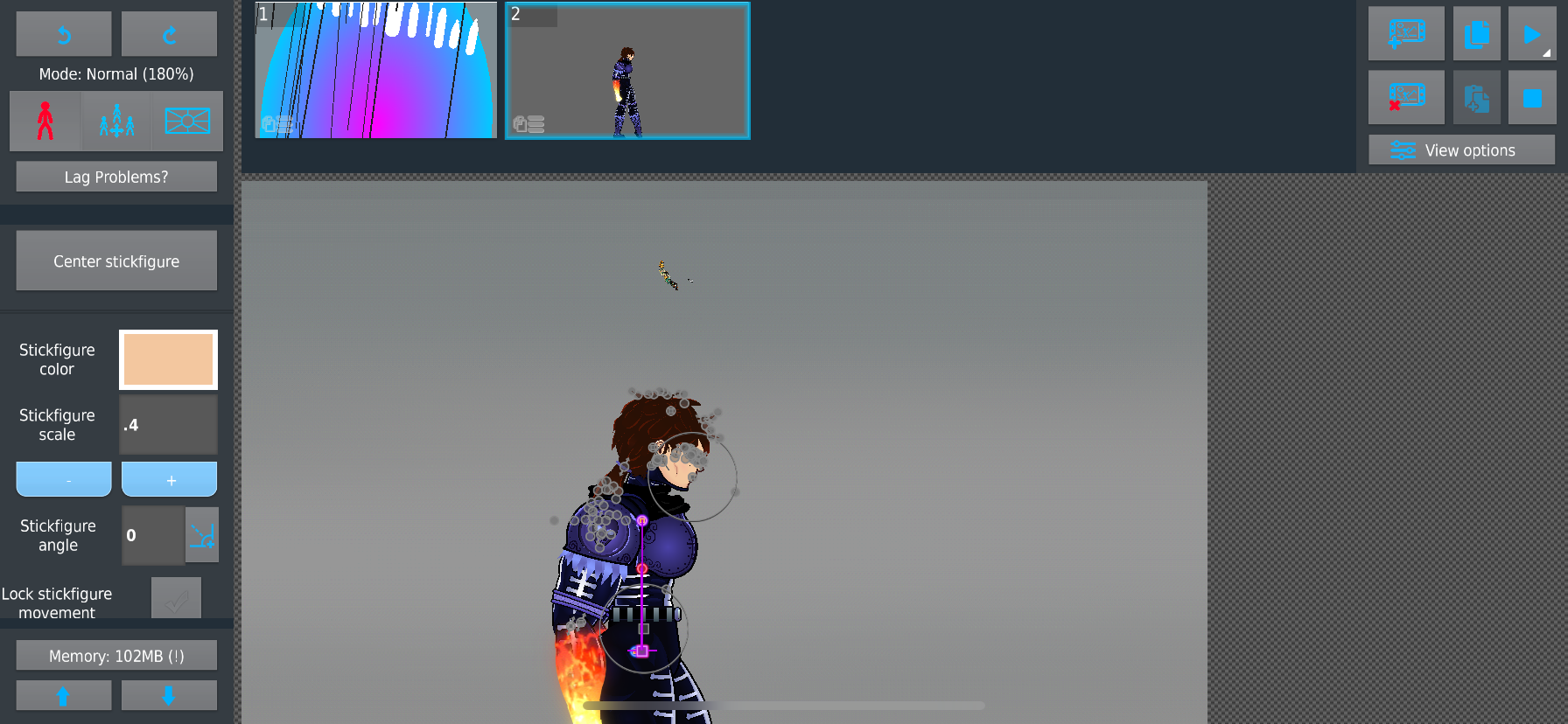

The figure’s mouth and tattoo lags behind any changes
Here I was altering her figure size when now , apparently the mouth and tattoo refuse to change size or even location with the rest of her body , for a second it does update back to what they should be with size changes but still wtf man 😭
Glitch carries over through new project/imports of Adira and seems to only affect her
She has the same pieces lag behind when any changes are made , I also didn’t save/overwrite any of her figures or movieclips during the release of 4.2.0-beyond so it isn’t a issue correlated to saving these files during the previous recent updates
i come back from a day off and have a whole encyclopedia-length bug to decipher
can you just send me the smallest reproduceable project file showing it
i’ll need to play with settings and see whats doing what
You already have Adira since she came inside the posse movieclip but I’ll send her own movieclip and the mouth piece movieclip ,
Again it’s odd since no other character is affected by this
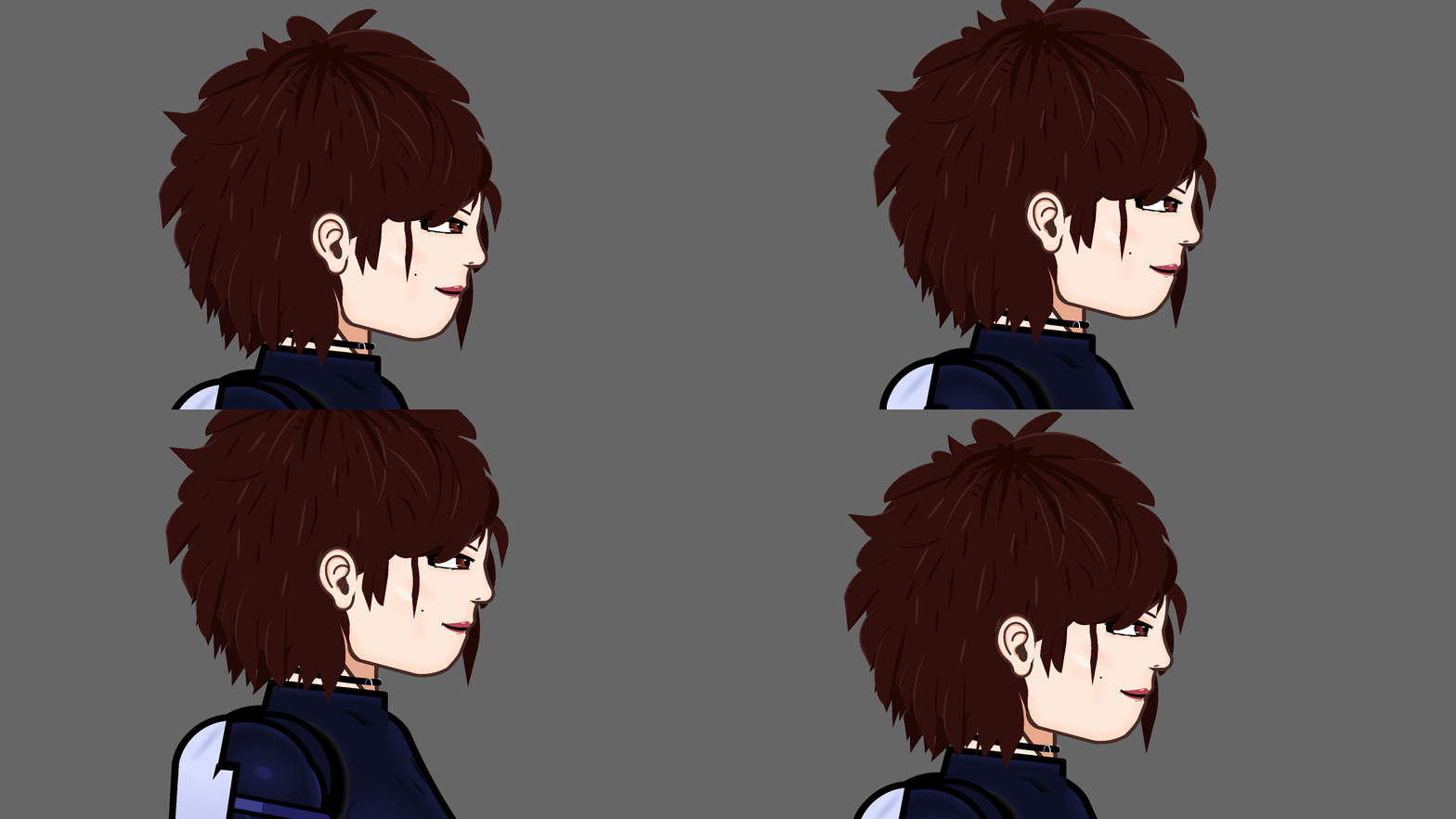
If it was just her tattoo sprite I could then imagine it’s something with how I rigged that but the mouth style is same across the other 11 characters
I have another character that does use a different movieclip for the mouth but uses the same system I have for attaching mouths and she isn’t affected at all by this glitch
Will send Adira’s movieclip and the mouth one again tho , this isn’t a glitch just attached to project
Sent to [email protected]
Good luck dad
User Banned
You are adopted
Shut up noderx
Ain’t nobody loves you
You ain’t John wick bro you’re an abused cunt letting out their frustrations on a person that will aspire to someone better than your past 10 generations
Gigan stays winning 🤌
Taking afte your dead beat and unloving dad isn’t going to fix your problems
aight, got it replicated
looks like sprites/mcs aren’t updating properly when it comes to camera lock, and also when scaling the anchor figure (any maybe other movements)
strange and gay
It’s weird cause it’s only the Adira figure that’s being affected
I’ve swapped the tattoo piece onto other figures and that mouth movieclip is the exact same one I used for other figures
it has to do with the order of joins
simplified version, with the fire movieclip getting all out of place:
this one is not bugged

this one is bugged (the joined figure is behind the main anchor)

odd
proud of you for figuring it out
go be a desk slave now
Gigan singlehandedly finding every bug in this update lmao
User Banned
And waste our time with his paragraphs
alright you did a lot of yapping here but i fixed it, just confirming it was just these circumstances:
scaling the anchor with the menu scale buttons
locking the anchor to camera + camera wobble
i think that’s it
Yasss bitch yassss