
-

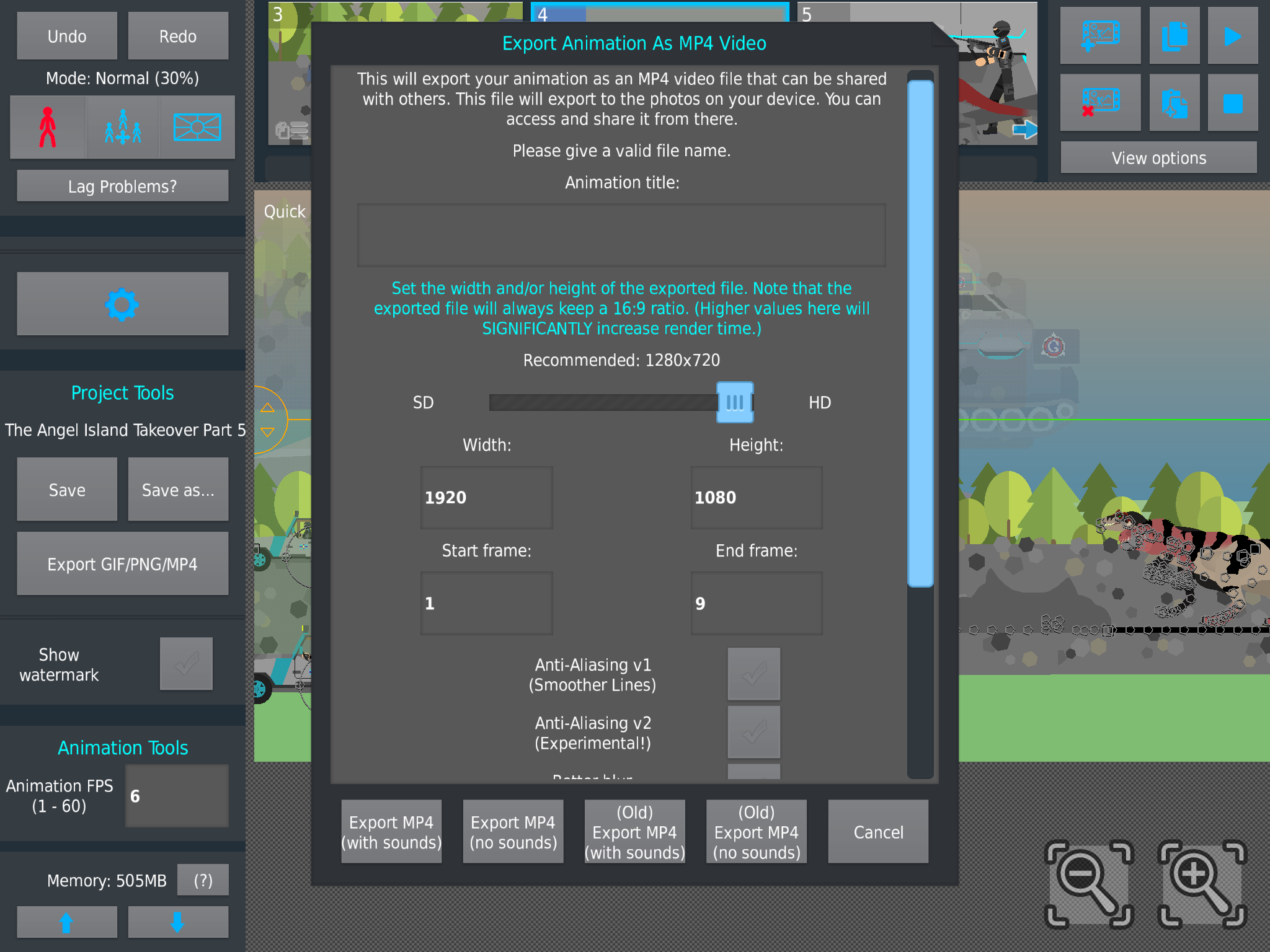
To My Fellow Animators and To Mr.Ralph, Is This Normal When The Animations are Exported. this Is My Exported Animation After Exporting, It Came Out Fuzzy and Not High Quality. The Screenshot Shown here is what Ratio and Quality it is Intend to Be, Clear and With Good high Quality. It is Very odd, This All Started Around Early April.
I’m Trying to Figure it out but To No Avail.

Stick Nodes®
A stickfigure animation app created for mobile devices!
Create your own stickman animations on your Android or iOS device!


Hello
The answer to this is,
I don’t know
Idk Either, but all I know That It Happens when Filters are used. Saturation, Blur, Glow, Hue shift, and Intensity. It’s Very odd for it to Do That.
filters seem to interfere with the quality, try turning on “Better Blur” , and one of the “Anti-Aliasing” options
Which anti-aliasing you Strongly Recommend??
V1 or V2??
V2 is better in my experience
?!
Yes
Thank You, I’ll Let you Know On a Update 👍
no i not
i’d need to see the actual video tbh
from what i think i can see, that screenshot shows a scene where there’s a lot of moving objects across a semi-complicated background
this results in a lot pixel changes across frames
this results in bitrate quality having problems, and can result in fuzzy video
its somewhat unavoidable
go to 3:15
Actually based to link a Tom Scott video