


@kingwhalebo

Joined on August 6th, 2017, this user has been a member for 3,224 days and is the 1,631st person to register an account.
Has 6 submissions, the first one uploaded on August 30th, 2017 and the most recent on December 2nd, 2018.
Of those, 0 have been featured and 0 have won Users' Choice.
On average, each submission earns 5,459 downloads.
In total, they have been download 32,756 times.
Counting every individual stickfigure, including the contents of all packs, this user has technically made and submitted 17 stickfigures.
On average, when this user rates stickfigures, they are 77% positive.
Has made 450 comments on non-activity pages of the site. Alternatively, this user has made 1,325 comments on actual activity pages of the site.
This member is not a Users' Choice voter.
Show More



-
Hey, @ralph I’m shure I As well as many others would like to be able to download movie clips to use in our stickfigure projects. I made a bunch of movie clips and if I would want to submit them, would that be possible?
-
 Replying to comment by:
I thought you animated this stickfigure and I was like “Holy snap that’s cool”
-
Replying to comment by:
Yeah I’m on android and okay thanks I’ll try it
-
Replying to comment by:
Yeah that would help except for the fact that sometimes my files wont sync up with the actual app
-
Replying to comment by:
Yeah I have over 200 stickfigures, not including effects and backgrounds. I might as well just keep the ads ig
-
@ralph will deleting stick nodes pro and reinstalling it (to fix the ads issue) erase all my projects and stickfigures?
-

Yes it will, I tried to avoid this issue as well but almost nothing worked plus I thought why not just start from scratch, than again this is your choice. Try and create a file and save any stickfigure or projects there than redownload when on new stick nodes pro.
Also I wouldn’t suggest deleting stick nodes pro because of ads, it may be something to do with your device still enabling ads, i’m sure there is a fix for it.
2019-10-19 19:27:16 UTC-
Replying to:
Yeah I have over 200 stickfigures, not including effects and backgrounds. I might as well just keep the ads ig
2019-10-19 19:28:41 UTC-
 Replying to:
If you can, find a way to backup all your stick figures onto a separate device like a laptop. I use iTunes on my MacBookPro so if you have an iPhone/iPad, I’d recommend doing that
-
Replying to:
Yeah that would help except for the fact that sometimes my files wont sync up with the actual app
-
-
Replying to:
Good choice, try fixing it through youtube, although search more simply than specifically Stick Nodes Pro
-

if you’re on IOS, uninstalling will remove all of your data and files too, yes
on Android, no you’re fine, the /Stick Nodes/ folder stays there
you shouldn’t have the ads issue on IOS since the IOS Pro version doesn’t have ads embedded in it in any way
-
Replying to:
Yeah I’m on android and okay thanks I’ll try it
2019-10-19 22:28:25 UTC
-
-
Replying to comment by:
A day where Ralph only posts DBZ stickfigures
-
Replying to comment by:
I’m just bored and I had these pictures here for a while so I’ll just post them now that its DBZ day on sticknodes
-
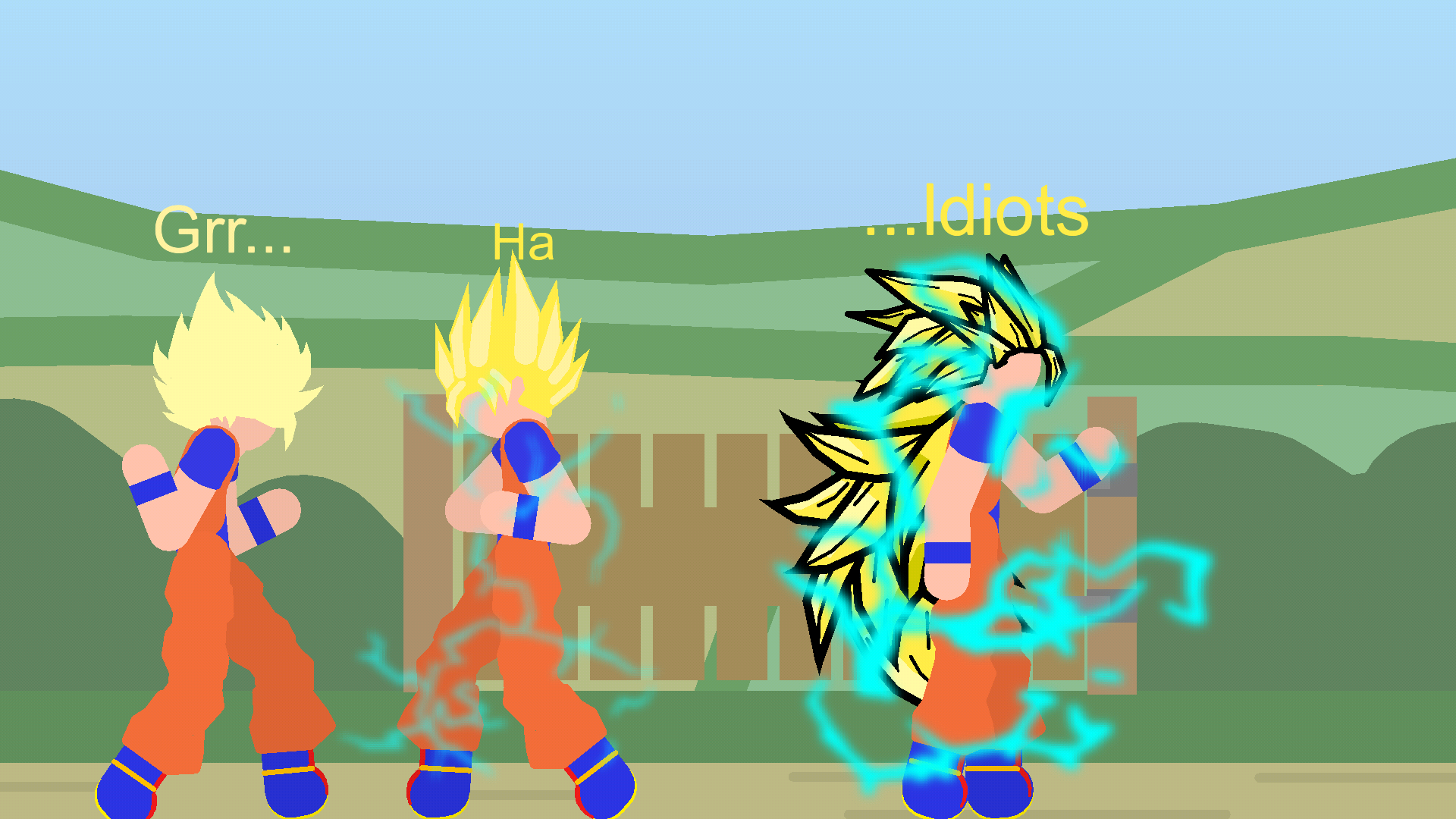
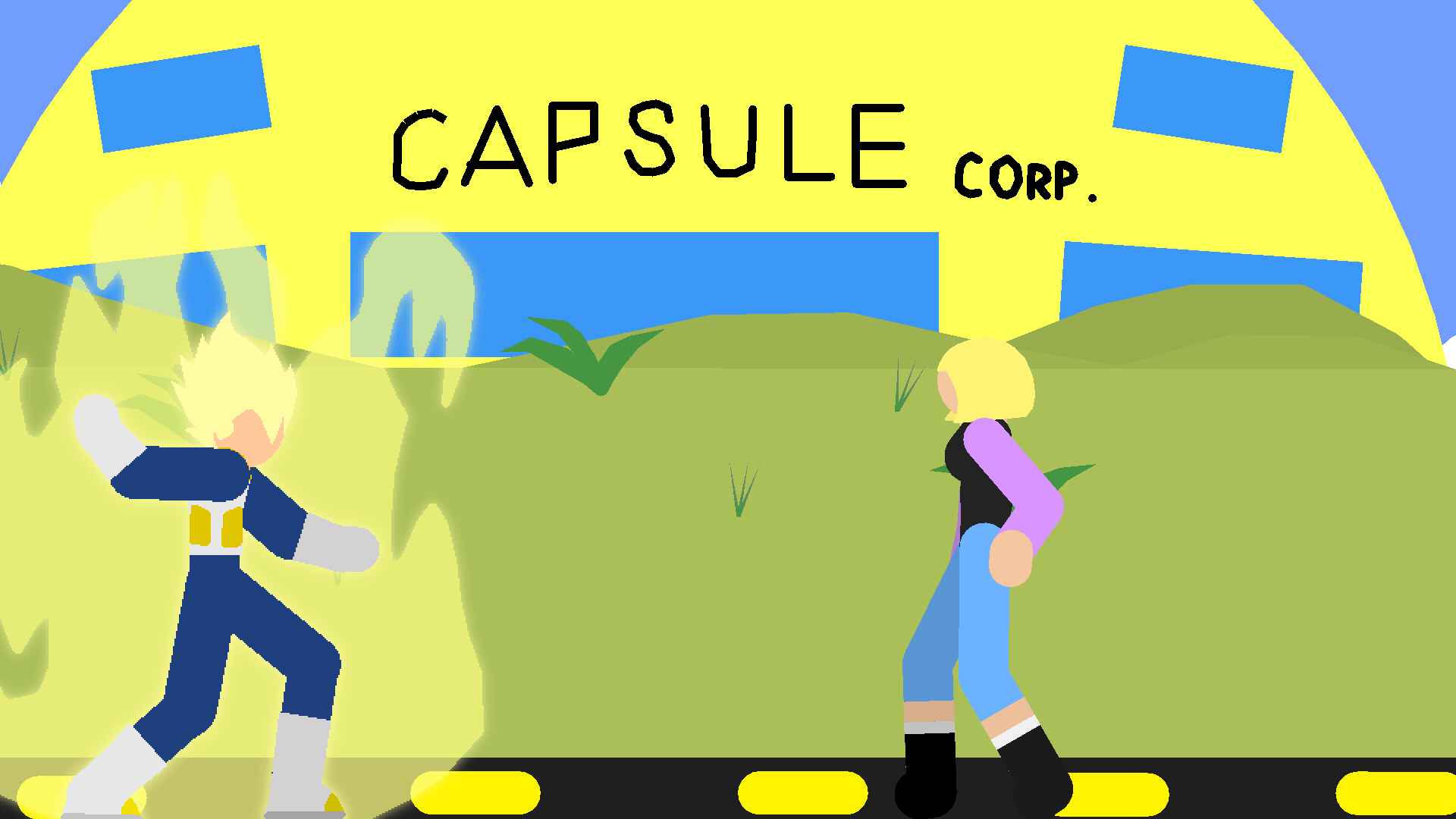
Enjoy the DBZ related stick figures
-
I’m just bored and I had these pictures here for a while so I’ll just post them now that its DBZ day on sticknodes
2019-10-14 18:14:38 UTC-
 Replying to:
Dbz Whooooo
2019-10-14 18:32:13 UTC-
Replying to:
A day where Ralph only posts DBZ stickfigures
2019-10-14 19:19:16 UTC-
Replying to:
Lol
-
vegeta finna get his arm broke again
2019-10-14 20:47:47 UTC
-
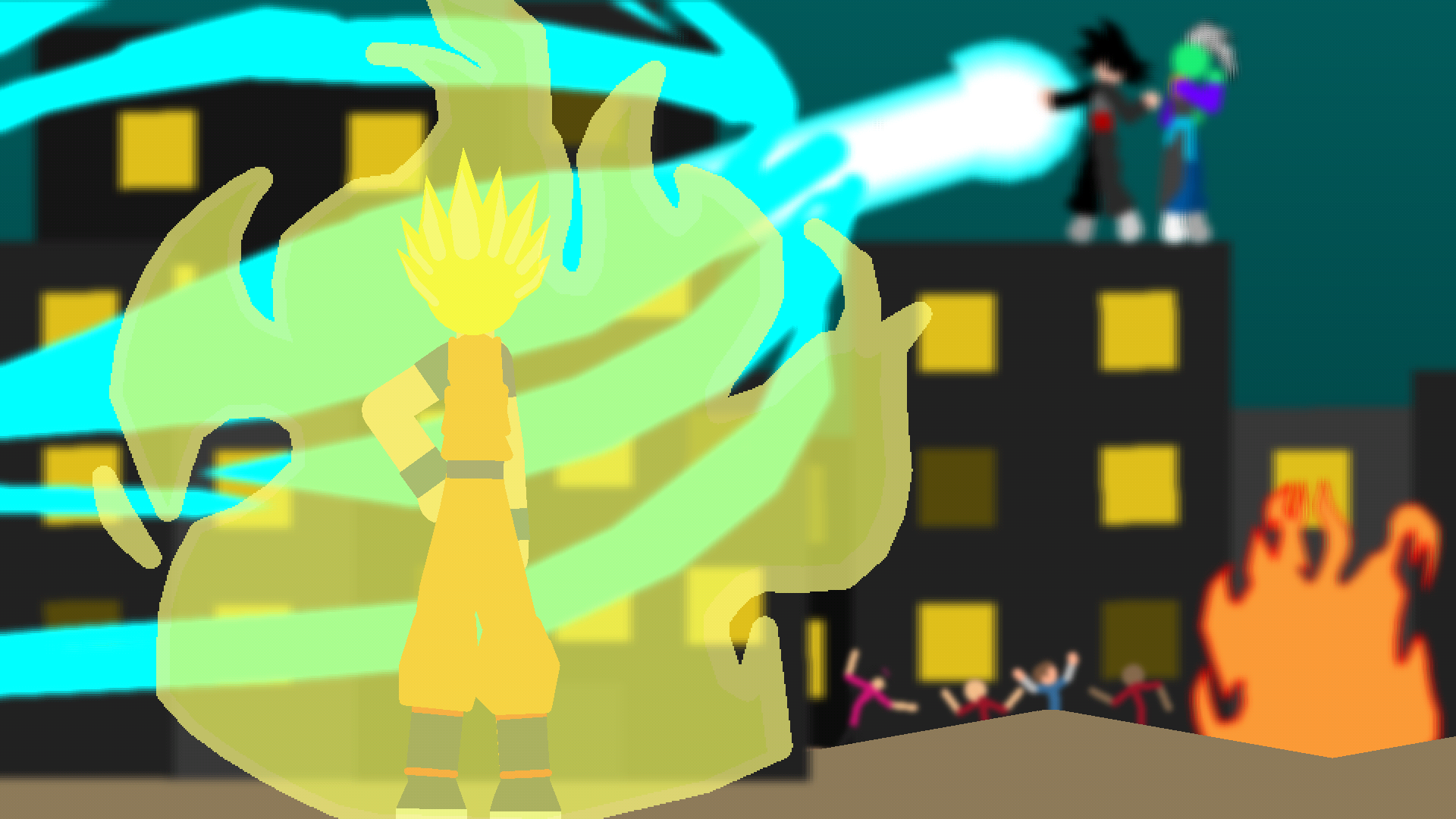
Happy DBZ Day everyone
-
something something don’t shoot this man is not black
2019-10-14 20:47:59 UTC-
Replying to:
*coughs
2019-10-14 20:56:14 UTC
-
Replying to comment by:
You\’re too w👁👁ke
-
Replying to comment by:
Smh my head, that\’s what I\’m doing too
-
Replying to comment by:
Wait so if the name isnt blue why doesnt it work
-
Replying to comment by:
Yeah it was a mistake with my settings that wouldnt lead me to that page but I got it now, thanks
-
Replying to comment by:
Ahh I figured it out, thanks, super sorry
- Load More


Lets just wait it out for people to actually get used to movieclips first-
Dang, I made like 15
I made quite a few too, just wait out a bit. Ralph still has to sort out bugs and issues between pro vs free compatibility.
Vv tru, I’ll just write my anthology in the meantime