

@lbgroups


Joined on December 23rd, 2018, this user has been a member for 2,739 days and is the 14,099th person to register an account.
Has 103 submissions, the first one uploaded on September 27th, 2018 and the most recent on January 4th, 2026.
Of those, 25 have been featured and 48 have won Users' Choice.
On average, each submission earns 7,653 downloads.
In total, they have been download 788,347 times.
Counting every individual stickfigure, including the contents of all packs, this user has technically made and submitted 170 stickfigures.
On average, when this user rates stickfigures, they are 91% positive.
Has made 93 comments on non-activity pages of the site. Alternatively, this user has made 143 comments on actual activity pages of the site.
This user also has been featured in the Animation Spotlights 3 times.
This member is a Users' Choice voter!
Their current voting streak is 0 and their longest streak is 0 consecutive votes.


-
 Replying to comment by:
Ight nevermind, I tried it on pc and it worked
-
Replying to comment by:
I tried with desktop mode, but still can’t see images that I want to upload
-
Replying to comment by:
I see nothing, just empty
-
Replying to comment by:
Yo Ralf the upload png won’t let me see the images what to upload. What should I do
-
Replying to comment by:
Oh, Alright
-
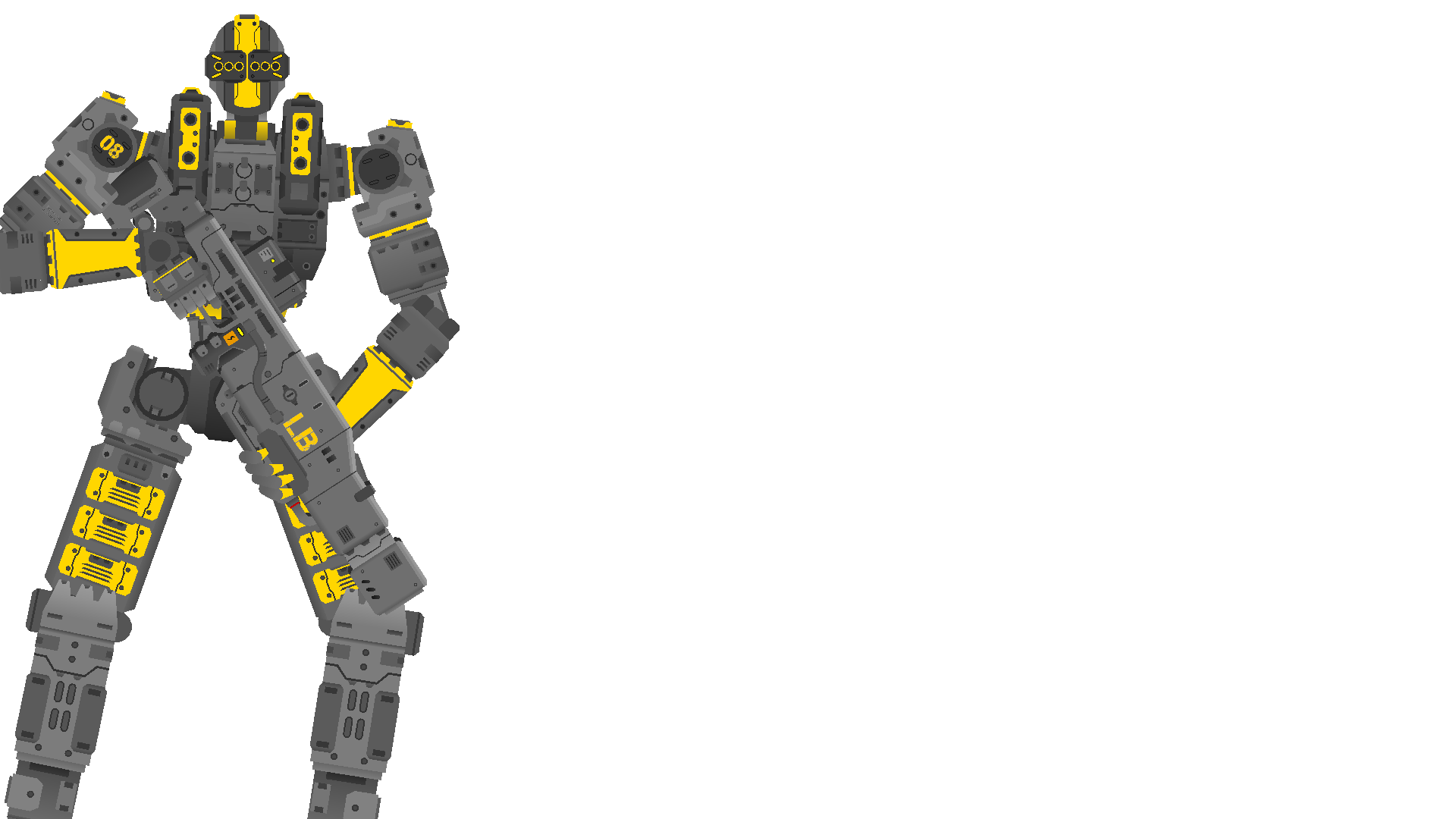
Yo @Ralph can you pls replace my existing one with this
-
LBGSN joined the group
 Splash Screen Characters 2022 (Closed) 3 years, 10 months ago
 -
LBGSN and
 Oofy Blox are now friends 3 years, 11 months ago
 -

The Judge and
LBGSN are now friends 3 years, 11 months ago -

SAZ da chad and
LBGSN are now friends 3 years, 11 months ago -

Madhav Jaiswal and
LBGSN are now friends 3 years, 11 months ago -

Jonathanboss13245 and
LBGSN are now friends 3 years, 11 months ago -
Replying to comment by:
Moment
-
Replying to comment by:
I don\’t make titanfall figs but ight :trollimoji:
-
Real
-

Hello titanfall stick figure maker.
2022-05-19 20:32:24 UTC-
Replying to:
I don’t make titanfall figs but ight :trollimoji:
2022-05-19 20:35:16 UTC-
 Replying to:
Mech like titanfall
2022-05-19 20:49:17 UTC
- Load More


it’s a whole new competition, pls use the form so all submissions are in the same place
ps neat
Oh, Alright
Yo Ralf the upload png won’t let me see the images what to upload. What should I do
It should pop up with a window that shows your old uploaded Google pics, as well as give you the option to upload new image. What thing r u seeing?
Also there’s an option to upload picture from your Google drive
I see nothing, just empty
idk mang, this is a browser issue, idk what it could be
save the exported PNG then go to the form and find/upload it
if it ain’t working try another browser
Likely this ^
I’m guessing your browser is blocking some scripts responsible for interacting with the window. Could be also some sort of adblock.
Have you tried opening the page with Desktop Mode?
I tried with desktop mode, but still can’t see images that I want to upload
Skillbrowser issue.Ight nevermind, I tried it on pc and it worked
This better get added