


@masonanimations

Joined on November 16th, 2019, this user has been a member for 2,392 days and is the 28,876th person to register an account.
Has 9 submissions, the first one uploaded on May 20th, 2020 and the most recent on August 29th, 2022.
Of those, 0 have been featured and 1 has won Users' Choice.
On average, each submission earns 890 downloads.
In total, they have been download 8,010 times.
Counting every individual stickfigure, including the contents of all packs, this user has technically made and submitted 27 stickfigures.
On average, when this user rates stickfigures, they are 79% positive.
Also, they are typically 100% positive when rating animation spotlights.
Has made 16 comments on non-activity pages of the site. Alternatively, this user has made 71 comments on actual activity pages of the site.
This member is not a Users' Choice voter.
Show More

-
 Replying to comment by:
Wdym
-
Replying to comment by:
Yaaaayy
-
@ralph <..> not for a meme you should add a ragdoll effect on a stickfigure n once you Annabel it it stars ragdoll ing?!¡¿
-
Replying to comment by:
It first millisecond you show them I saw my self 0/10 I hate myself
-
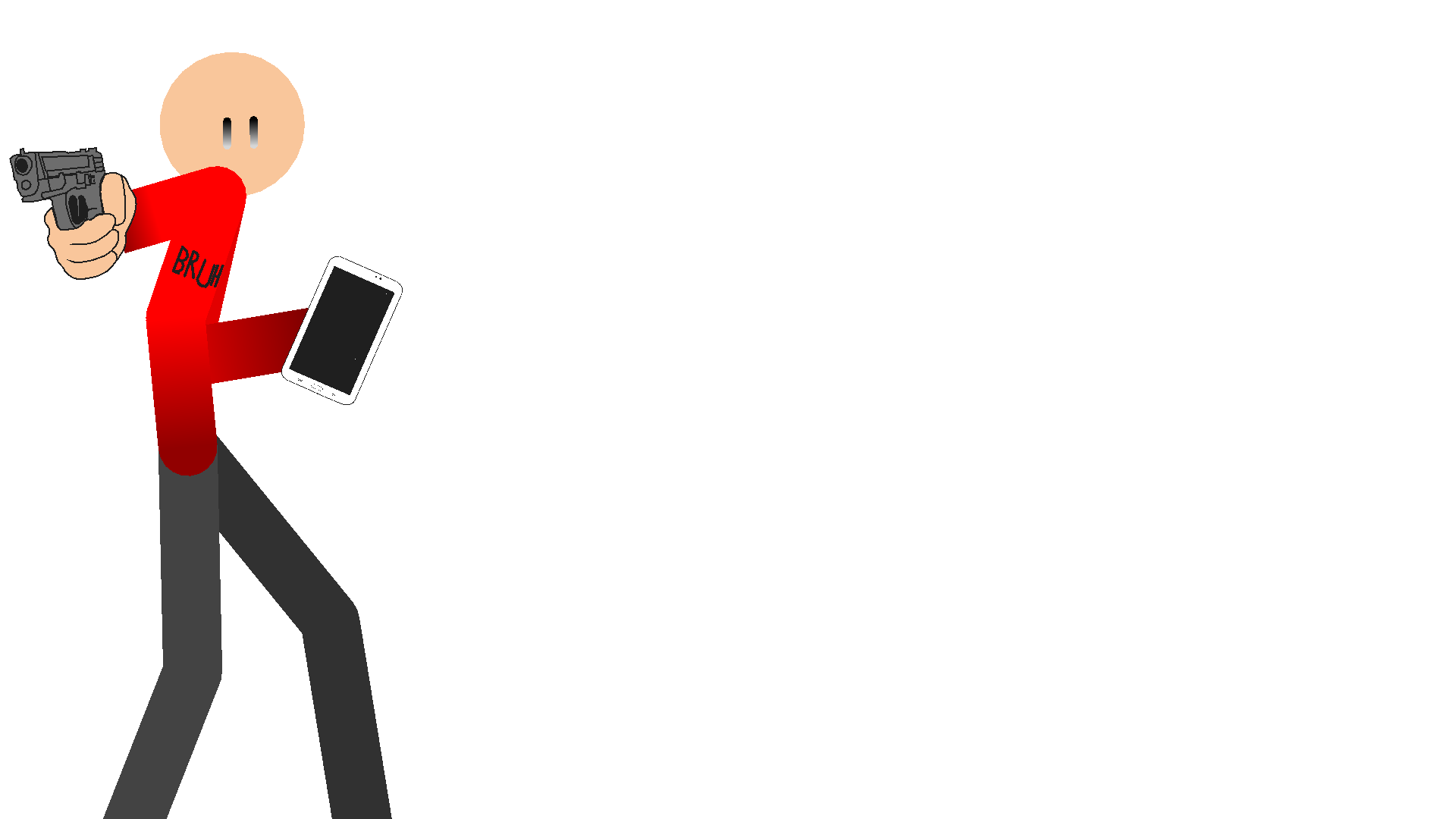
(ReUp)
-
Replying to comment by:
Oh ok mr retard and submit the 2 packs I tried to upload beacuse I worked hard for some of the sticks :D<
-
Thank you
-
Excuse me?
-
@ralph hey retard im about to submit a stick figure pack pls accept it (enter gay emoji here)
-
Excuse me?
-
Thank you
-
 Replying to:
Fuck you
-
 Replying to:
Fuck us*
-
Replying to:
Yes daddy
-
Replying to:
Communism
-
-
-
-

excuse me that’s mr retard
-
Replying to:
Oh ok mr retard and submit the 2 packs I tried to upload beacuse I worked hard for some of the sticks :D<
-
-
Replying to comment by:
Ralph u sexy bastard did you just insult me.
-
-
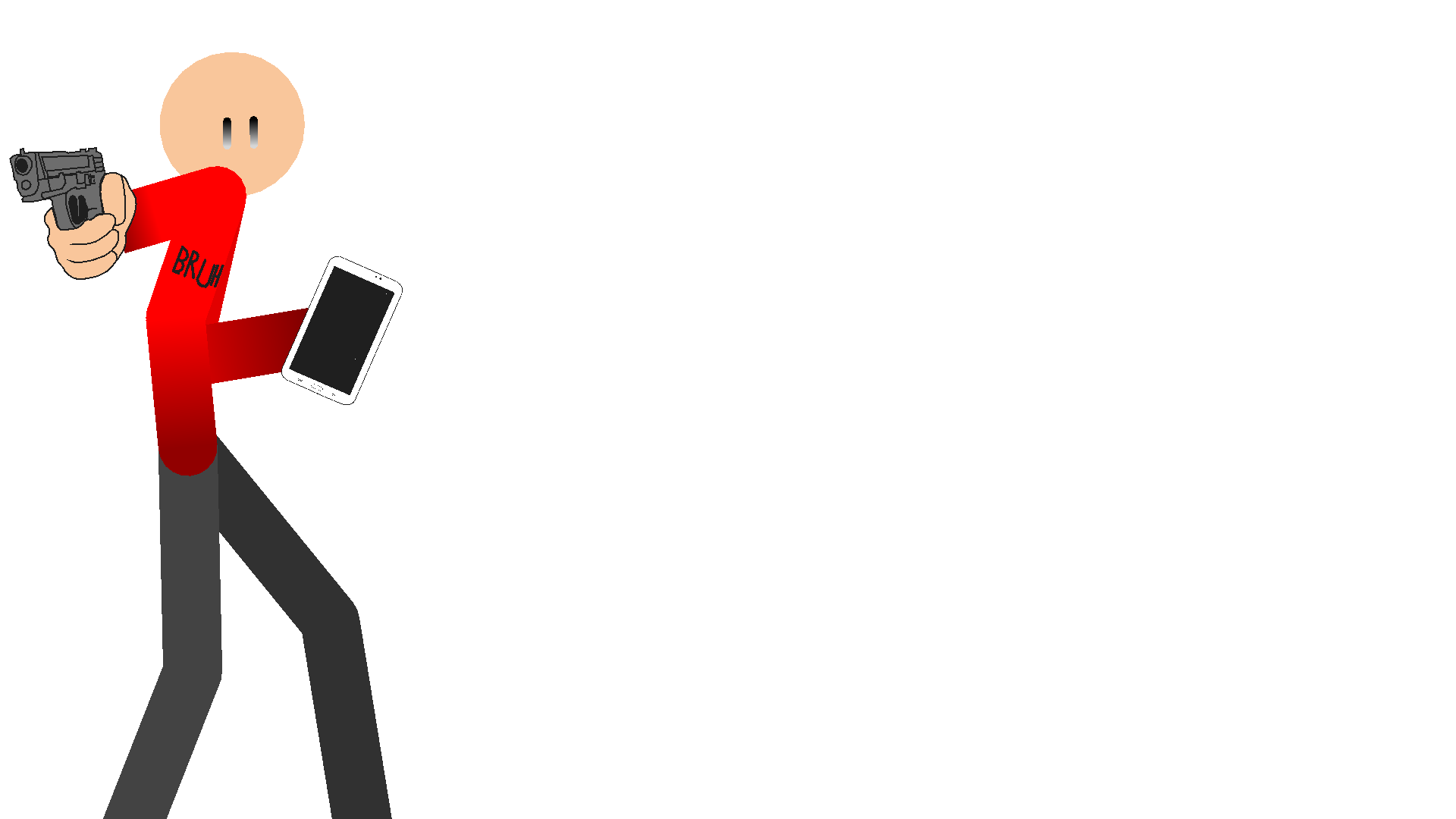
Better? Also today is the first day I logged on in 177 days 🙁
-

“Bruh” I like it
-
this one is one of those simple-ass ones but its got jokes
2020-05-11 23:09:15 UTC-
Replying to:
Ralph u sexy bastard did you just insult me.
-

Ooh someone plays mc lol
2020-05-12 15:50:14 UTC -
Fully stacked diamonds bic
2020-05-12 15:54:35 UTC -
U wont see me cryin
-
Replying to comment by:
Ok imma make it not simple then put not “too” random
-
Here u go!

-
It’s a bit simple try adding pockets and a design on the shirt
-
Replying to:
Ok imma make it not simple then put not “too” random
2020-05-11 22:20:46 UTC-
Replying to:
Just gonna give some word advice: hair better eyes and I caint think of Any more and good luck!
-
-
-
Hullo


User Banned
Ralph: no
tbh it’s actually something i’ve consider and still may
but more like, you enable it, and then as you drag stickfigures/limbs, the entire stickfigure “drags” with it at some rate of friction the user inputs
would help position for certain types of movements, like tossing/throwing a body (lol) type of stuff
I’ve kinda already tried animating bodies like if they are ragdolls but to mixed results. This would be interesting to see tho
I would’ve think if this physics update was real. Here is the list of options I can think of:
Physics mode [For the stickfigures]
[When this option is on, you cannot animate the stickfigure. But will be applied with the physics. If the nodes are non-static, it will not apply with the physics],
Gravity adjustments [For the frame]
[You can change the force of its gravity],
Collision layers [For the stickfigures]
[There are layers for the collisions of the figure: A to F, default set would be A. For more explanation, let’s say you use a background. And somehow, the stickfigures collide with the background, so you have to change its collision layers]
Wind [For the frame]
[When enabled, you can change its force and direction],
Stiffness adjustment [For the stickfigures]
[You can change its stiffness 1 to (whatever maximum limit you like Ralph) of stiffness],
Friction [For the stickfigures]
[You can change its friction from 1 to (whatever maximum limit you like Ralph)]
Self collision [For the stickfigures]
[If enabled, the stickfigure will be able to collide to itself, otherwise it will not]
Throw [For the stickfigures]
[it will show an arrow if you want to throw, also shows a slider of how much force you want to throw]
Drag [For the stickfigures]
[When enabled, you can drag one (or more) of it’s nodes of the stickfigure]
It that’s it. That’s what I’ve got. Tbh, messing around with physics is fun! (Alsohilarious depending on the scenario on the animation.) Just like algodoo for example! And as a reference, the movie called: Killer Bean Forever also has includes physics. Specifically, Ragdoll physics.
@ralph do what Damboy said above of sacrafice