To polyfill, just go into edit, select polyfill (should be near the very right of of the tool bar) and just select nodes like the borders of the polyfill. It should give you a rundown and it’ll be pretty easy when you use it for a second.
To upgrade the design, I’m not sure, mostly because I do not know what this is. Maybe an energy sword? If anything, ditch the building-with-line-segments-then-filling-with-polyfill method, instead, just use a combination of larger segments that you can use gradient and design on. Another tip, if this IS a weapon, it would be wise to have it at a 90 degree angle to make sure all features are symmetrical and/or accurate to what you’re going for.


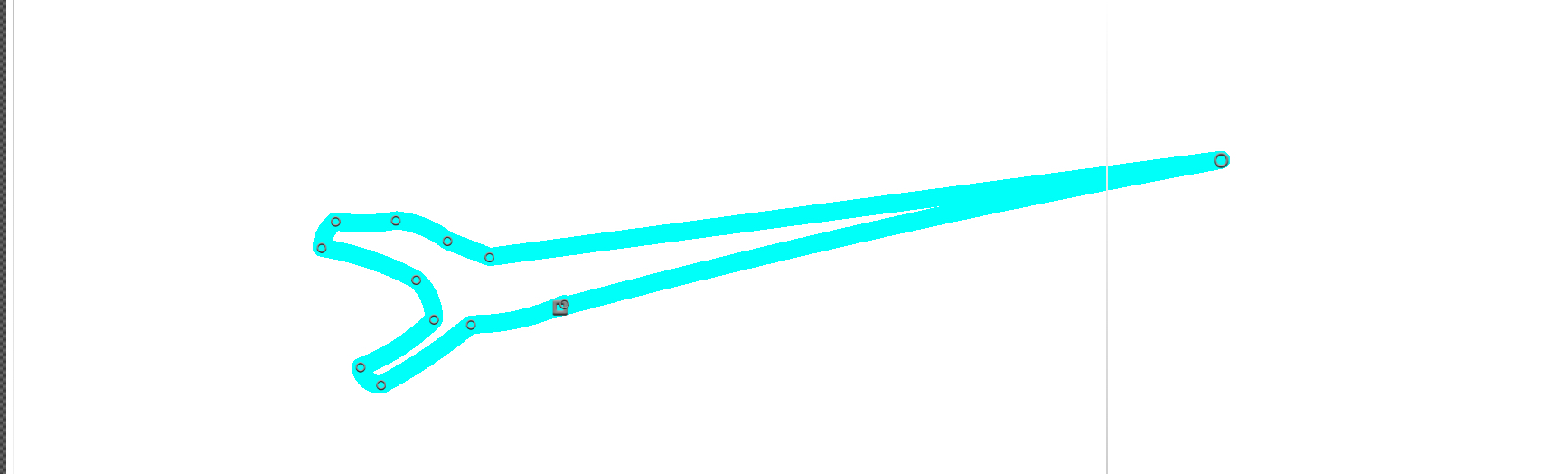


To polyfill, just go into edit, select polyfill (should be near the very right of of the tool bar) and just select nodes like the borders of the polyfill. It should give you a rundown and it’ll be pretty easy when you use it for a second.
To upgrade the design, I’m not sure, mostly because I do not know what this is. Maybe an energy sword? If anything, ditch the building-with-line-segments-then-filling-with-polyfill method, instead, just use a combination of larger segments that you can use gradient and design on. Another tip, if this IS a weapon, it would be wise to have it at a 90 degree angle to make sure all features are symmetrical and/or accurate to what you’re going for.
I mean, I know how to but how do I polyfill the figure because I hace tried like 5 times and what I’m doing is the Minos prime blue snake thing
I don’t know what that is but nevertheless you’d still want to build with chucks instead of outlines & polyfill.
Is that
No
most people dont know what that is anymore