
-
teo diggity dan


 2021-04-28 13:37:23 UTC
 CALLING ALL PRO USERS:
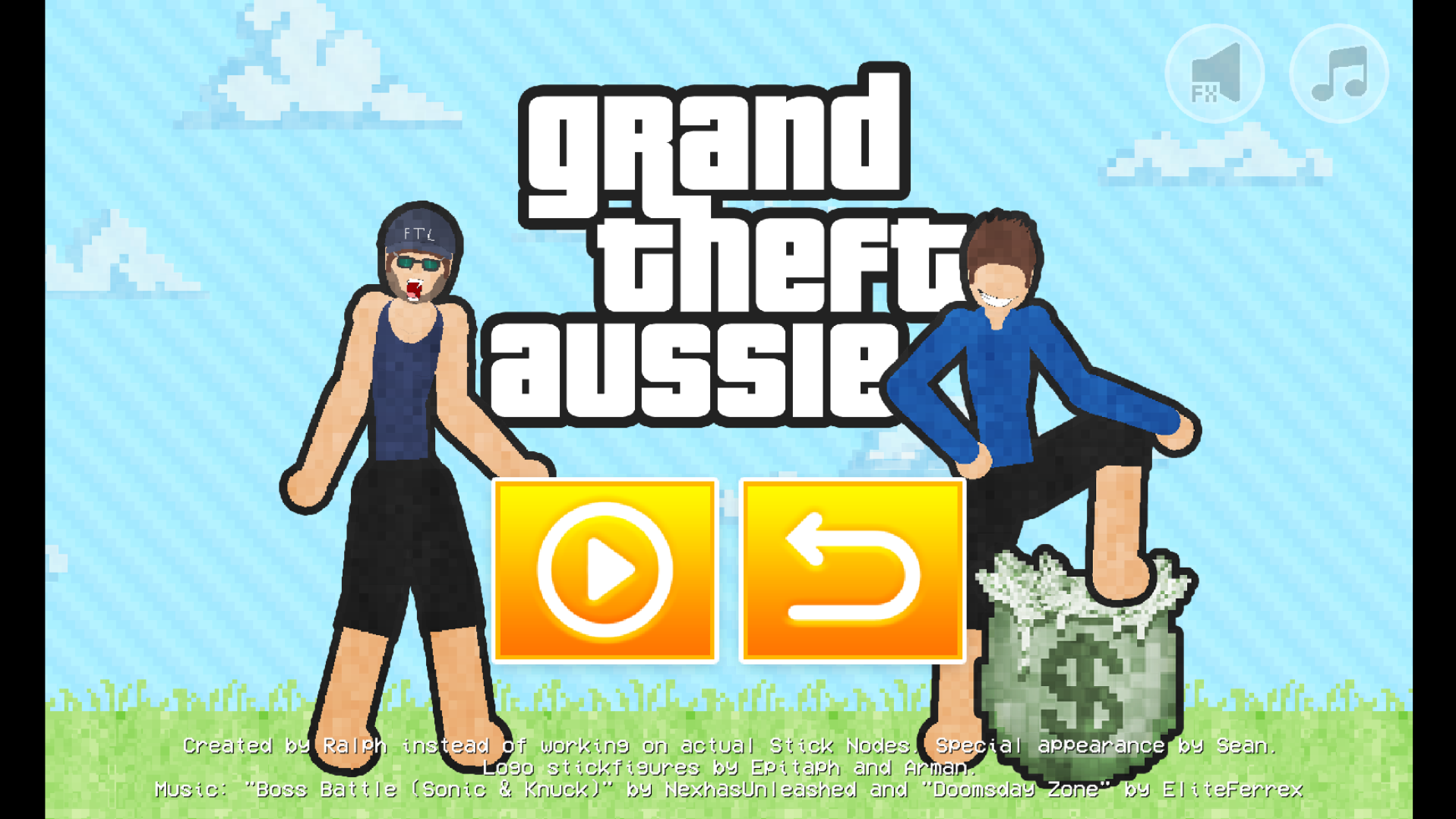
There’s a little easter egg @ralph put in for giggles.
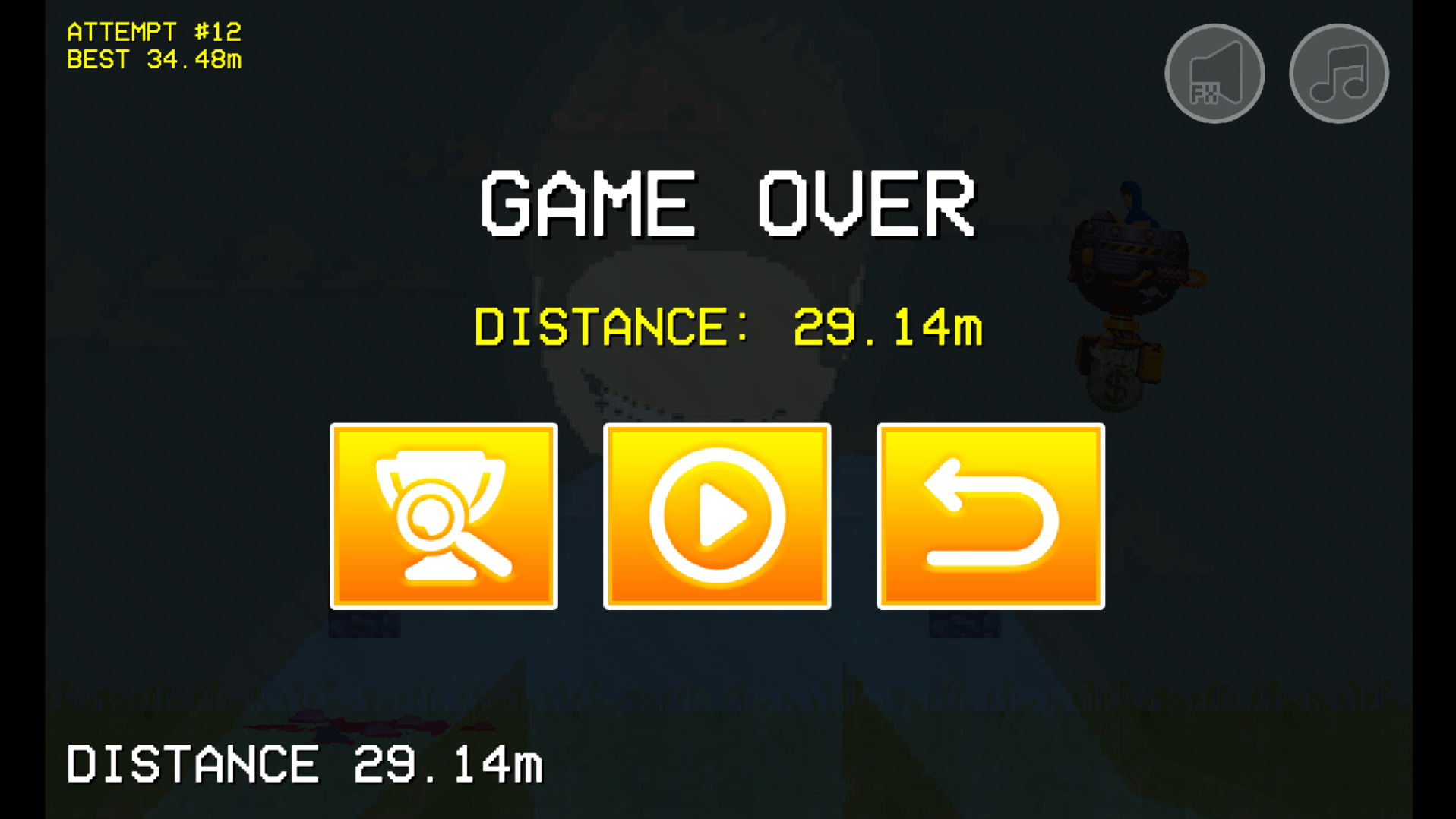
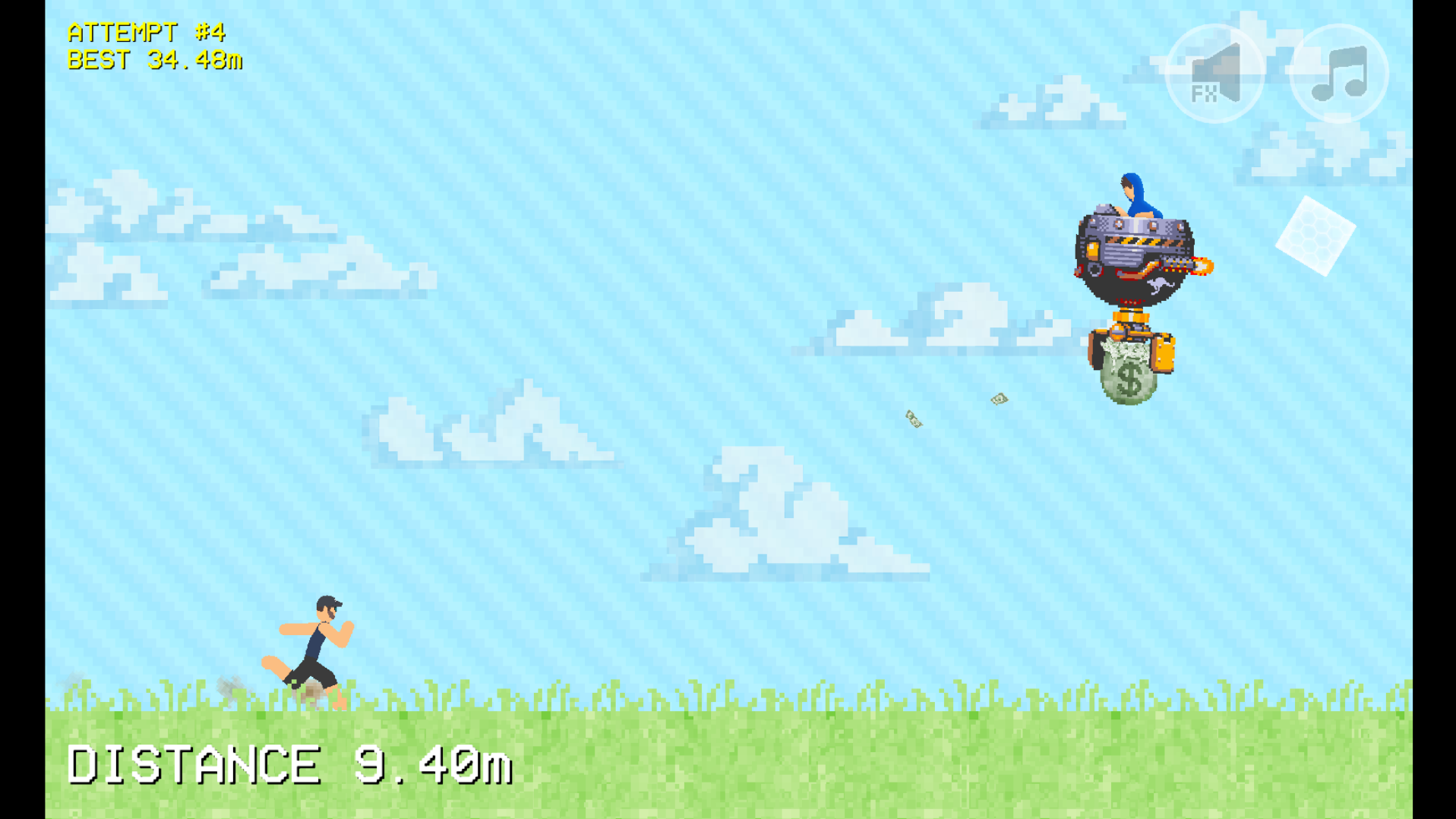
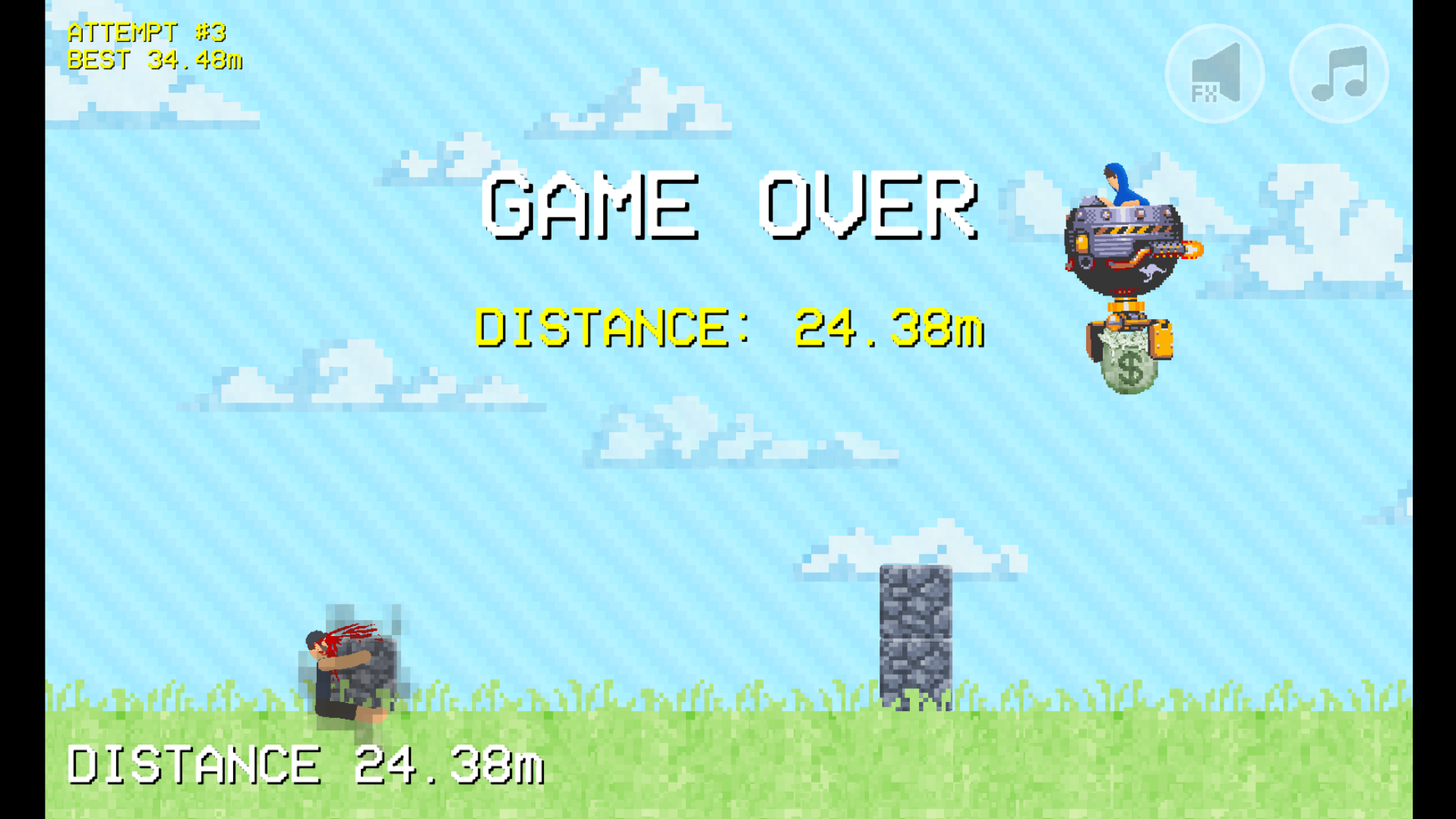
Grand Theft Aussie, how to get there:
1. Create new project
2. Select a node on the default
3. Lock it
4. Go into view options and press “Show Arrows”
5. Do the Mario thing: up, up, down, down, left, right, left, right. Then B and A will appear, click those.
If you don’t do it in time, you’ll have to make a new project and repeat these instructions.If you get it, enjoy the minigame “Grand Theft Aussie”!
Remember, this is only on pro.
Stick Nodes®
A stickfigure animation app created for mobile devices!
Create your own stickman animations on your Android or iOS device!


User Banned
Woah. So thats actually easter egg
@ralph if you don’t put it on free ill steal your hats
i have pro 😀
Sooooooooo you just figuring that out or just telling people
It’s been here for quite some times already
i legit forget about it for months at a time lmao
This has been a thing for a long time
You’re kinda late by like 3 years or something
Also that’s konami code not mario lol