You need bolt there as well so you can download any songs off of youtube.
Heres how:
1. Go to your app store
2. Download Bolt (blue app with lightning bolt in the middle)
3. Open bolt
4. Click on youtube
5. Search up a song you want to use for your videos
6. Click on the video
7. You should than get a pop-up to download video, press download
8. Go into folders
9. Swipe the song video left
10. Press action
11. Press convert to audio
12. Swipe the audio left
13. Press action
14. Press Open With
15. Select save files
16. Choose a file from your device storage and save it there.




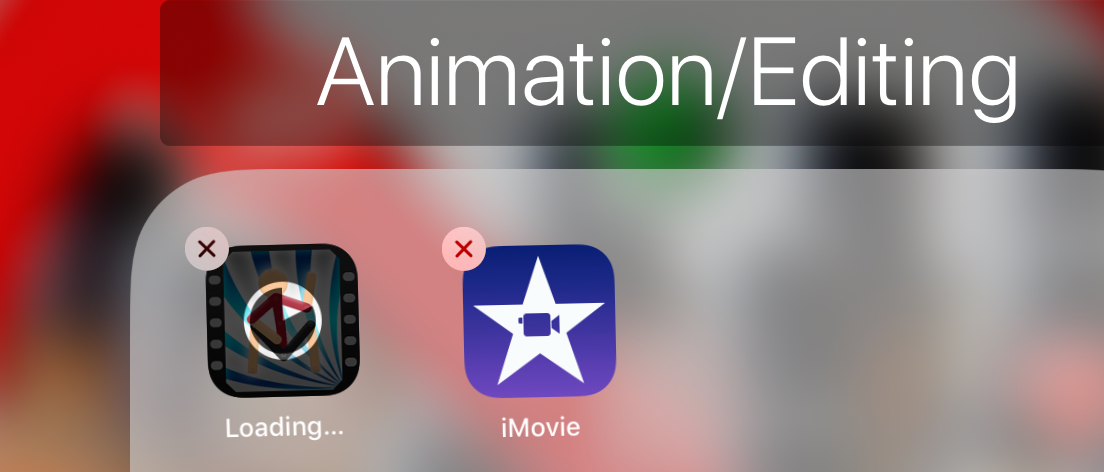


(Sticknodes is updating, not downloading btw)
lol
You need bolt there as well so you can download any songs off of youtube.
Heres how:
1. Go to your app store
2. Download Bolt (blue app with lightning bolt in the middle)
3. Open bolt
4. Click on youtube
5. Search up a song you want to use for your videos
6. Click on the video
7. You should than get a pop-up to download video, press download
8. Go into folders
9. Swipe the song video left
10. Press action
11. Press convert to audio
12. Swipe the audio left
13. Press action
14. Press Open With
15. Select save files
16. Choose a file from your device storage and save it there.
…wh-
What?
For adding music to your videos you should use Bolt.
th…thanks.? I guess..
Your welcome