-Click off of any selected stickfigure in your project
-Scroll down until you see “stickfigure library tools”
-Click “submit a stickfigure…”
-Read through the disclaimers and select the figures you want to upload, rename the files to be consistent if need be
If you want to download a stickfigure, find the stickfigure you want to download and press the download button.
Here’s when iOS and Android split apart.
iOS:
Go to the files app on your device, search for the name of the stickfigure.
Once you find it, hold down on the file, and press “quick look.” Then “Open in Stick Nodes (Pro)”
Android:
Click “open” on the bottom of your screen once you download the file.


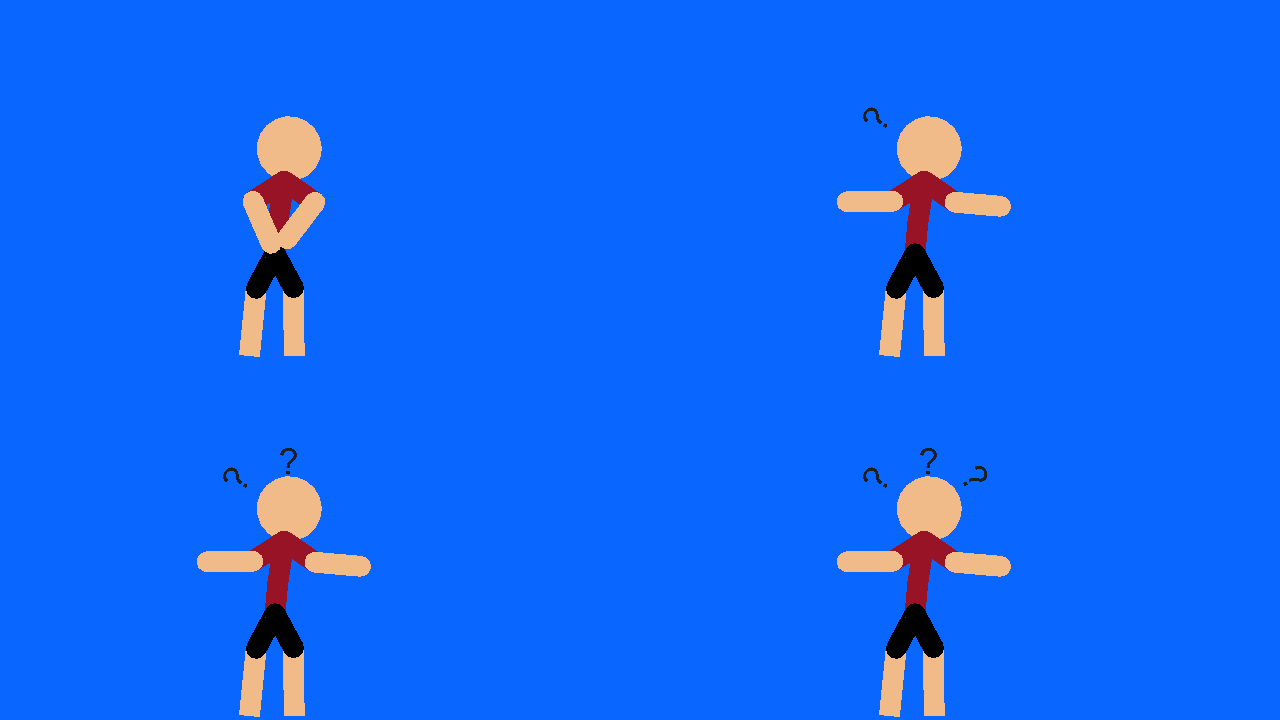


Guys please I’ve been trying but nothing worked
You press the import stickfigure button
Where is it?
Show me a picture
heh heh. funny joke.
your joking right?
NO I’M NOT
Hello??
uhhmhmhmhmmm
so when you first open the app you’ll see stuff like “send files” “rate the app” etc.
scroll down and you’ll see “import stickfigures”
I ment on the website
Hello? Hello?
i-
i cant anymore
If you mean upload a stickfigure to the website:
-Click off of any selected stickfigure in your project
-Scroll down until you see “stickfigure library tools”
-Click “submit a stickfigure…”
-Read through the disclaimers and select the figures you want to upload, rename the files to be consistent if need be
If you want to download a stickfigure, find the stickfigure you want to download and press the download button.
Here’s when iOS and Android split apart.
iOS:
Go to the files app on your device, search for the name of the stickfigure.
Once you find it, hold down on the file, and press “quick look.” Then “Open in Stick Nodes (Pro)”
Android:
Click “open” on the bottom of your screen once you download the file.