
Edit September 28 – Version 3.1.13 was released for Android over the weekend. I didn’t really announce it as it wasn’t too major, below is the changelog for it.
Changelog 3.1.13
- (Android) Updated FFMpeg library to fix certain Samsung (and other devices) failure to export videos near 100%.
- (Android) Fixed a very rare and odd glitch where some devices (for me, an old Kindle) would have stickfigures with filters disappear or look wrong during export.
Planned for this week is to release 3.1.14 to both IOS and Android.
On Android, this will change nothing except the build target of Android when compiling (Google is soon enacting a policy where app updates need to be built with Android API level 28 (and next year, level 29 which will change the way SN can store files unfortunately, we’ll deal with that in 2021)). While I do not believe this will break anything, I want to change nothing but this and release an update, to limit the number of possibilities if things go wrong.
On IOS, I will be updating the RoboVM framework used to compile for IOS, which supposedly fixes a rare app-freezing glitch.
Both will not be noticeable changes, but are necessary. Once 3.1.14 is released, that should be it until 3.2.0, where more exciting things are planned.
Edit September 18 – Version 3.1.12 is out for IOS users! Yes, IOS users get an update first! I mean, it’s because they’re the only platform with the bug but that’s besides the point.
Changelog 3.1.12
- (IOS) Fixes frame thumbnail scrollbar issue.
To keep versions the same, Android will be receiving an update soon.
Edit September 7 – Another quick patch! Look, just…programming is hard.
Changelog 3.1.11
- (Android) Fixes faster playback affecting some users.
- (September 12) This update is now released for IOS users!
Edit September 6 – A quick patch was just uploaded for Android users (still 3.1.9). (May take a few minutes to appear.)
Changelog 3.1.10
- (Android) Fixes the blank Open/Import windows that was affecting Android 10+ users.
It was a storage permission issue with new Android versions, I’ve reverted the build targets so essentially the app should no longer NEED to abide by the new storage restrictions.
What?
That means, if you were affected by this issue, if you update the app it should be fixed. If it’s not, try a combination of uninstalling Stick Nodes (Free/Pro), restarting your device, and reinstalling the app. This may be necessary to get the system to recognize the new permissions.
Time for new updates again! Fun fact, this update was supposed to come out relatively quickly after the last release of 3.1.8 (mainly to fix the wonky text issues on some buttons).
I ended up having a good idea (I hate that) and, well, over a month later – here we are.
Changelog 3.1.9
- Lag improvements, especially during playback with tweening. Improved some math calculations.
- Added an option to cache single-frame Movieclips as an image. This will make rendering these Movieclips very quick and reduce lag. It is best to use this for backgrounds or high-node objects, placed inside of a Movieclip.
- Added an option to have the “Trace Frame” background in Movieclip Editing mode increment as you add frames to your Movieclip, allowing you to easily animate something while using your project frames as a reference.
- Added visual indicators to the timeline to show where the currently-selected frame is (to the left or to the right). Related, when deleting a frame, the timeline no longer snaps to that frame. These two changes should make visually manipulating frames in the timeline easier.
- Can now paste text copied from outside the app into textfields (using the “Paste” button, under the textarea in the menu).
- Max camera wobble increased (shouts out to vamrack).
- Fixed visual text layout issues.
And guess what, this new version comes with a brand new Ain’t Don’t Nobody Read™ video update by yours truly. ASMR edition!
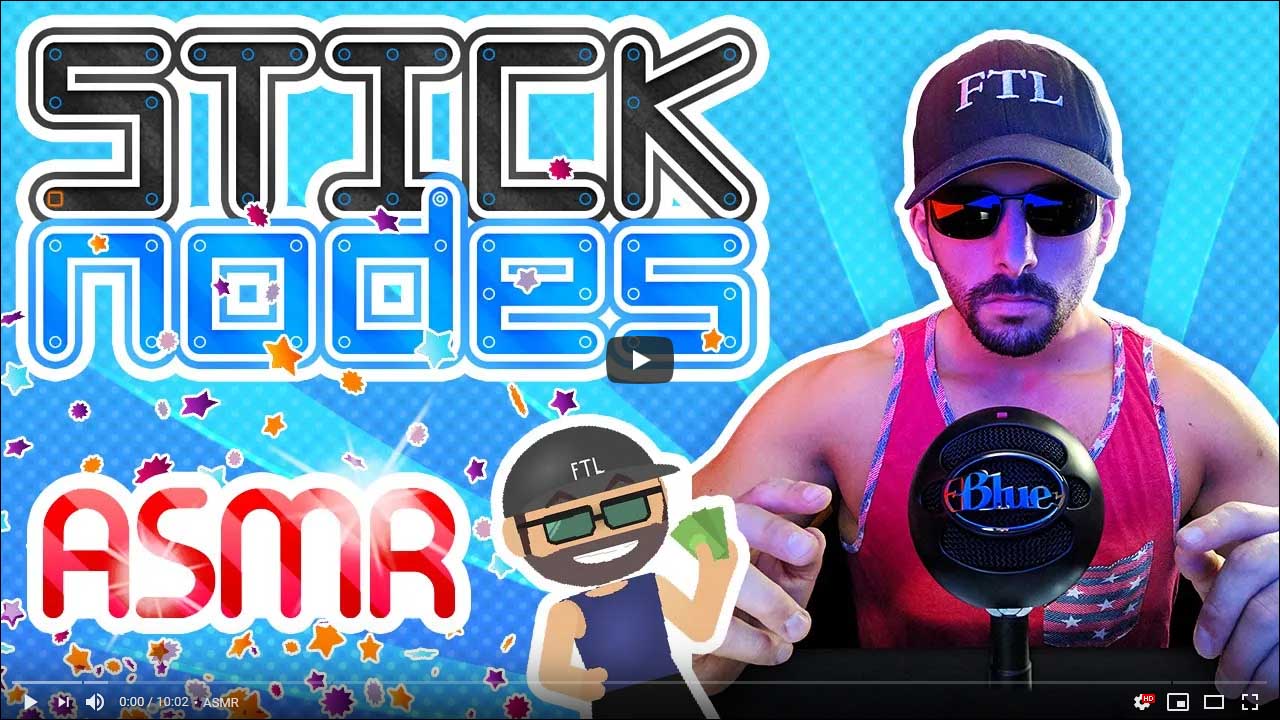
This video covers Movieclips in general, as they are very powerful objects that help with memory usage and, as of this update, lag – when used properly. So check that out. Smash like. Subscribe. Buy Stick Nodes Pro.
What is caching?
The video covers this, but here’s a quick tl;dw summary.
This update has a new checkbox for non-animated Movieclips, “Cache”. Checking this box will essentially turn the movieclip into an image. It will lose quality, look blurry, and basically no longer be vector-based art (sharp, crisp) but rather a rasterized bitmap.
Well cool, but…what does this mean?
It means it will render quicker. A lot quicker.
As the video shows, caching a very complex background (5,000+ nodes) increased playback speed 300% and completely eliminated lag.
Here’s what you need to do to take full advantage of Movieclips:
- 1) Place any high-node object into a Movieclip. This includes backgrounds, weapons, cars, etc…
- 2) Add this Movieclip to your project’s frames as a single-frame (non-animated) Movieclip object. (This alone reduces memory consumption throughout your project.)
- 3) Check the “Cache” checkbox on these Movieclips – this will make them render much, much faster.
- (Note: Movieclips will not export at this lower quality, it is just a temporary visual side effect that will only be seen in-app.)
And there you have it. Hopefully the final update in this 3.1.0 – 3.1.9 saga…mainly because I’m out of subversion numbers until we break into 3.2.0…which I have saved for, something special – just wait.

I’m still stuck on version 2.3.6 why don’t I get the updates?
who knows, maybe you need to check google play or the app store for the updates? or maybe your device cant handle the updates anymore
Maybe you should check to see if you haven’t updated Stick Nodes yet
oi
oi der
im new
\
how do ya animate
can somebody please tell meh
the create frame button is at the top right
Yo, @Ralph can I ask where’s the 3.1.14 changelog? Or are you just going to include it with the next update changelog 3.1.15?
@Ralph did you notice the problem with the file sorting in Stick Figure library when you use The Newest to Oldest sort option and maybe the Oldest to Newest Sort setting too of file sorting setting there is broken as well? Like it’s not really arrange like it should be my Stick Nodes pro version 3.1.14.
Bruh i really can’t choose my stick nodes characters cut it wants me to update it first
Then update it!
I can’t change my stick nodes characters vuz it wants me to update it first
No spamming
Строительная компания «Рост» предоставляет перечень услуг по проектированию и строительству квартир и домов любого уровня сложности. Более 10 лет компания занимается проектированием и строительными работами в Ростове-на-Дону, применяя современные технологии и качественные материалы. Работы выполняют опытные сотрудники, каждый из которых имеет определенную специализацию – дизайнеры, проектировщики, инженеры, строители. На сайте https://rost-sk.com/ (фибропенобетонные блоки ) можно ознакомиться с работами компании – здесь представлены дизайн-проекты, а также готовые строения. Какие услуги можно заказать в компании «Рост»:
– проектирование – дизайн-проекты разрабатываются индивидуально в определенном стиле, цветах, с учетом предпочтений клиента;
– строительство – для возведения домов используются современные материалы – кирпич, газобетон, керамические блоки;
– внутренняя отделка – выполняем быстро и качественно внутренние работы с использованием лучших отделочных материалов.
Обратившись в компанию «Рост», можно заказать полный комплекс строительных услуг, начиная от проектирования и заканчивая сдачей готового объекта. Для сотрудничества достаточно оставить заявку на сайте или позвонить по указанному номеру. При обращении клиенты бесплатно получают консультацию, что позволяет больше узнать об услугах. Следующий этап сотрудничества – разработка индивидуального дизайн-проекта, после утверждения которого остается согласовать график работ, чтобы начать строительство.
Все работы проводятся на основании заранее составленной сметы, где детально рассчитывается количество стройматериалов и точная стоимость, что исключает дополнительные расходы. Компания предоставляет гарантию сроком на 50 лет на выполненные работы.