Doggu

(Guest)
File:Aperture-Science-Panel.nodes (672 B)
Date:March 30, 2018
Category:Objects
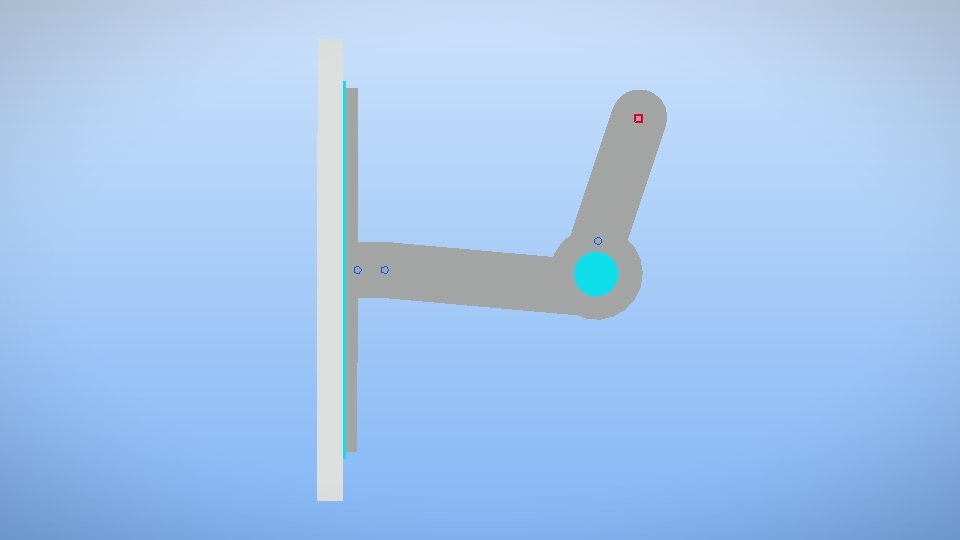
Fully configurable. Infinitely variable. And most importantly safe.
Aperture - brand panels will guide your test subjects every step of the test.
Android How to download stickfigures & sounds:
- As of 3.2.0, Stick Nodes will no longer automatically find downloaded files in your /downloads/ folder. You must open the file with Stick Nodes explicitly for it to be moved into the correct folder.
- Download a NODES (or STK) or ZIP file. When done, tap it and "Open With" > "Stick Nodes". See this image for an example.
- Sounds: Download an MP3 file < 256kb. When done, tap it and "Open With" > "Stick Nodes"..
IOS 13+ How to download stickfigures & sounds:
- If using Chrome or Firefox, download a NODES (or STK) or ZIP file, select the file and "Open in Stick Nodes" after finished downloading.
- If using Safari, download a NODES (or STK) or ZIP file, follow these directions.
- Also for ZIP files, check out this quick and informative tutorial by Auto-Angel.
- Sounds: With Safari, follow these directions.
Problem with this submission?
Please log in to report this file.

I thought hat the screeen was a part that attached to the wall
Also, this would work perfectly In a JP animation
Just imagine playing Portal then one of these pop out of nowhere and pushes you off a ledge into a pit of fire
I’m Immune to fire due to men dancin
HOLY feces MY GOD *Kneels*
I hate when that happens irl
Also used as a PC monitor or TV.
I’ll take 40. I need to take revenge on gladOS for banning ne from aperature.
Front and back views next, please