


Joined:Dec 14, 2022
Uploads:36
Features:0
UC Wins:2


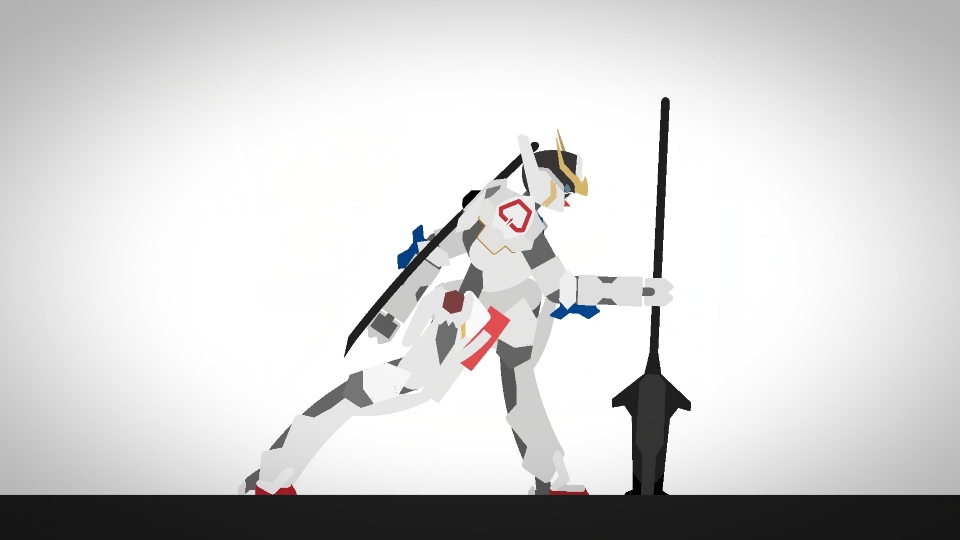
The GN-007/AL Arios Gundam Ascalon was one of the "GNHW" (GN Heavy Weapons) plans developed for the GN-007 Arios Gundam in preparation for Celestial Being's final battle against the Innovators.It featured three new weapons, a GN Sword, a pair of GN Missile Containers, and a GN Beam Cannon, which were developed with reference to the GN-001 Gundam Exia's GN Sword, GN-002 Gundam Dynames's GN Missiles, and GN-005 Gundam Virtue's GN Bazooka respectively.With these added weapons, the Arios Ascalon not only gained significantly higher attack power than the Arios, but also became a multi-functional mobile suit.The basic strategy of the Arios Ascalon is to charge into the center of the enemy forces at high-speed and attack with its weapons.This heavy weapons plan was named "Ascalon" as the machine's appearance when the GN Sword is deployed resembled the long, lance-like dragon slaying sword used by Saint George.
#gundam #mech #mecha
#gundam #mech #mecha
How to use: This download is a Movieclip file. If it contains a joined figure, you can access it by going into the Movieclip object (edit it) and then copying the entire assembled figure inside.Filters: Remember, Movieclip objects may use filters, and if you don't have Stick Nodes Pro these filters will not work and the Movieclip may look very different.
Download File
Downloaded 1,003 times
(Downloaded 7 times this week)
Problem with this submission?
Please log in to report this file.




Other submissions by Daiki_Builder


