


Joined:Dec 14, 2022
Uploads:36
Features:0
UC Wins:2


Need 3 thumbs for Users Choice badge!
 1st
1st
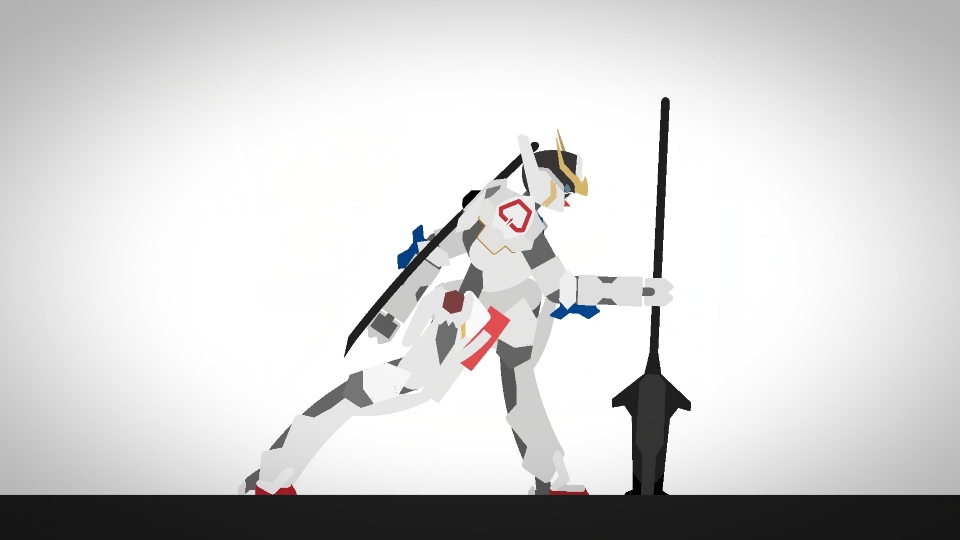
After its completion alongside the Unicorn Gundam, the Banshee was eventually stationed on Earth with the Augusta Research Lab and tested for atmospheric combat. Rather than that of a Unicorn, the Banshee's motif is that of a lion, illustrated with gold accents on the forehead, a golden collar to signify a lion's mane (the Banshee originally had the same collar as the Unicorn but this was changed after it suffered damages while battling in space), and a much more elaborate horn/V-fin.
#gundam #mech #mecha
#gundam #mech #mecha
Need 3 thumbs for Users Choice badge!
1stHow to use: This download is a Movieclip file. If it contains a joined figure, you can access it by going into the Movieclip object (edit it) and then copying the entire assembled figure inside.Filters: Remember, Movieclip objects may use filters, and if you don't have Stick Nodes Pro these filters will not work and the Movieclip may look very different.
Download File
Downloaded 1,558 times
(Downloaded 11 times this week)
Problem with this submission?
Please log in to report this file.




Other submissions by Daiki_Builder


