File:at_ralph.nodes (14.5 KB)
Date:May 22, 2020
Category:Miscellaneous
Android How to download stickfigures & sounds:
- As of 3.2.0, Stick Nodes will no longer automatically find downloaded files in your /downloads/ folder. You must open the file with Stick Nodes explicitly for it to be moved into the correct folder.
- Download a NODES (or STK) or ZIP file. When done, tap it and "Open With" > "Stick Nodes". See this image for an example.
- Sounds: Download an MP3 file < 256kb. When done, tap it and "Open With" > "Stick Nodes"..
IOS 13+ How to download stickfigures & sounds:
- If using Chrome or Firefox, download a NODES (or STK) or ZIP file, select the file and "Open in Stick Nodes" after finished downloading.
- If using Safari, download a NODES (or STK) or ZIP file, follow these directions.
- Also for ZIP files, check out this quick and informative tutorial by Auto-Angel.
- Sounds: With Safari, follow these directions.
Problem with this submission?
Please log in to report this file.
- Verity Movieclip 2
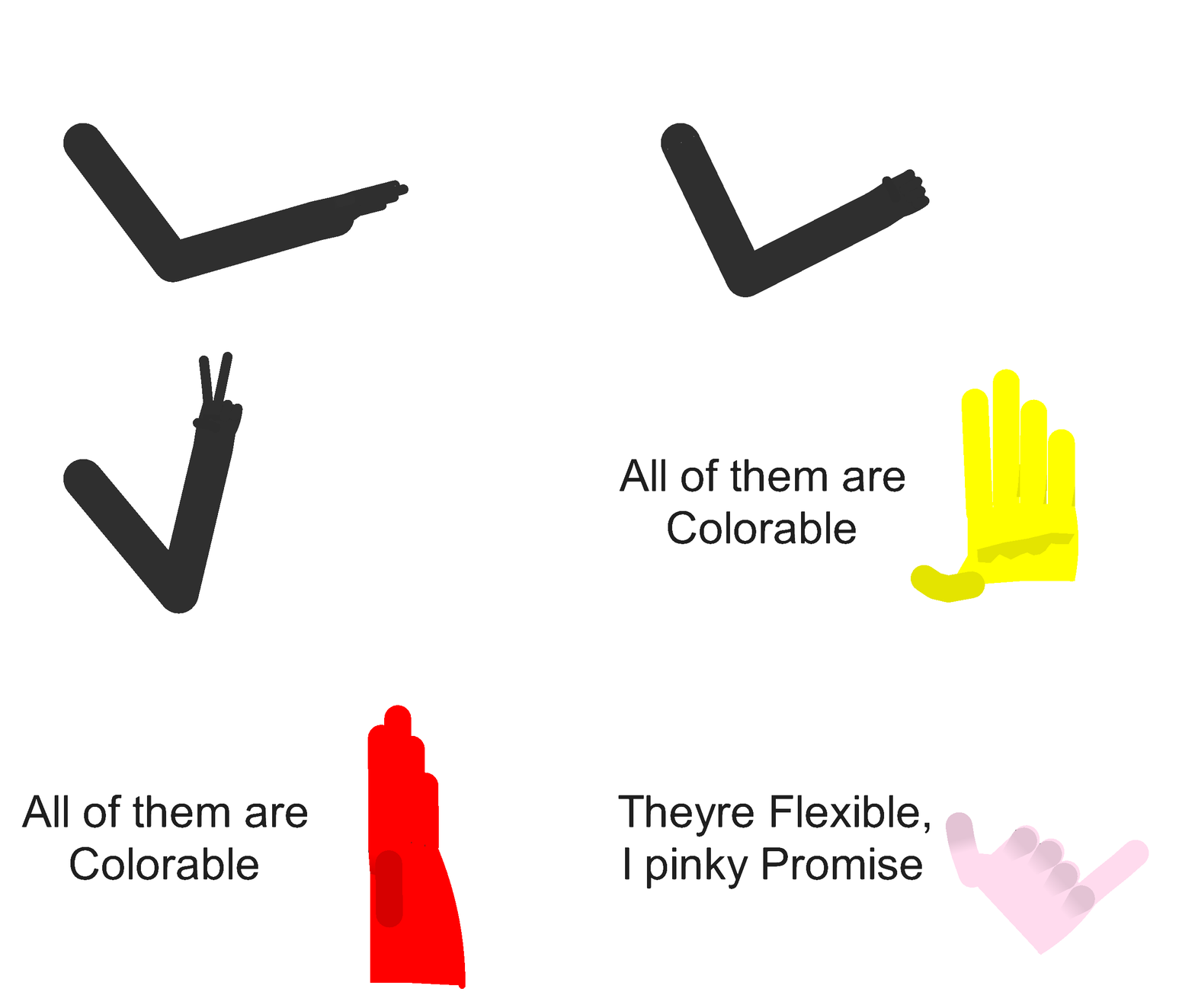
- Flexy Hands Pack
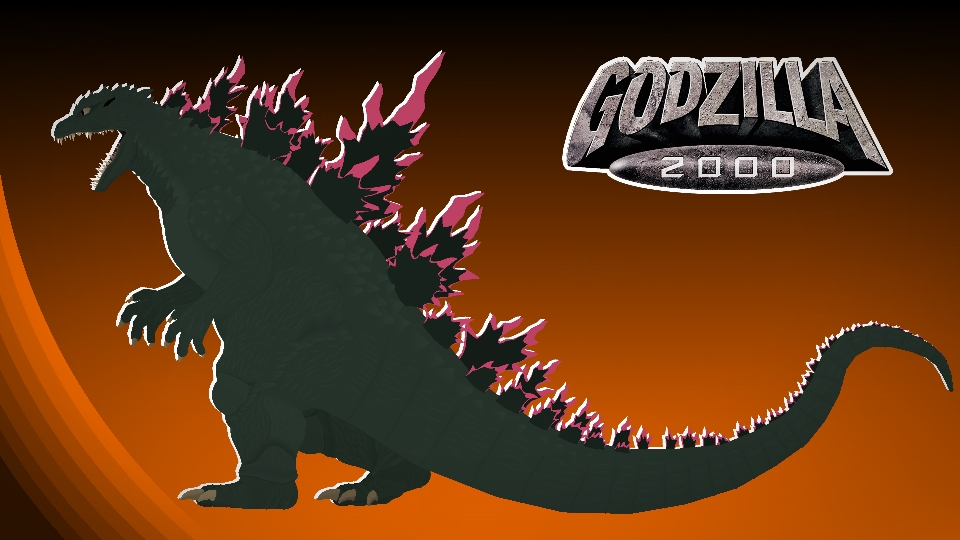
- Godzilla 2000 Movieclip
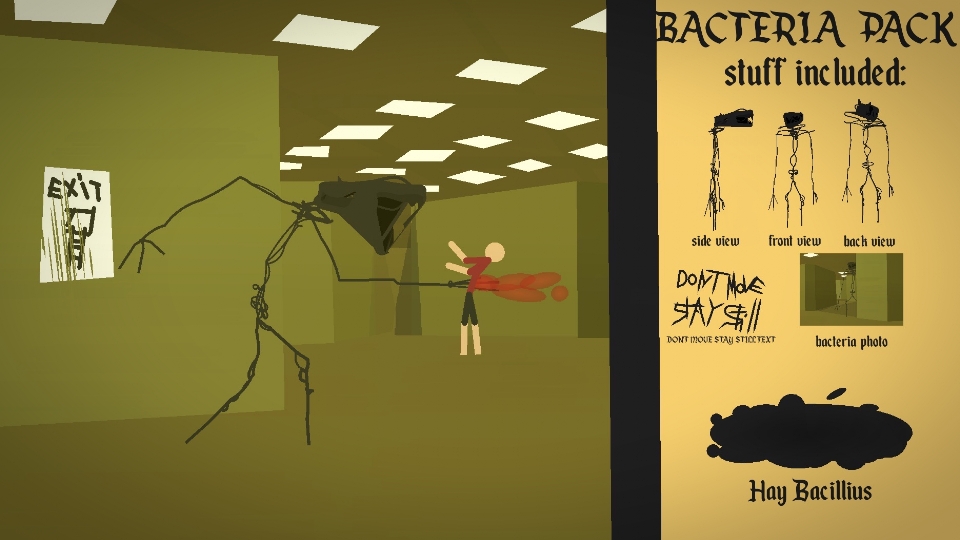
- The Bacteria (Backrooms) Movieclip
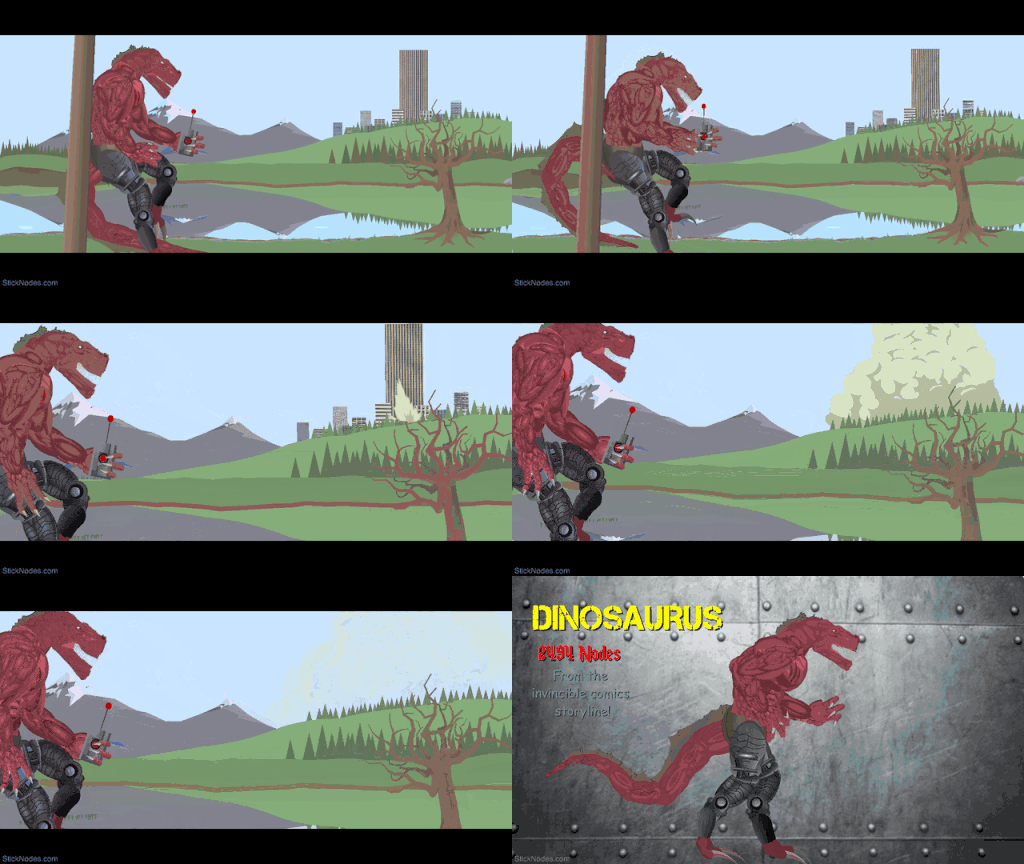
- Dinosaurus (Invincible) Movieclip
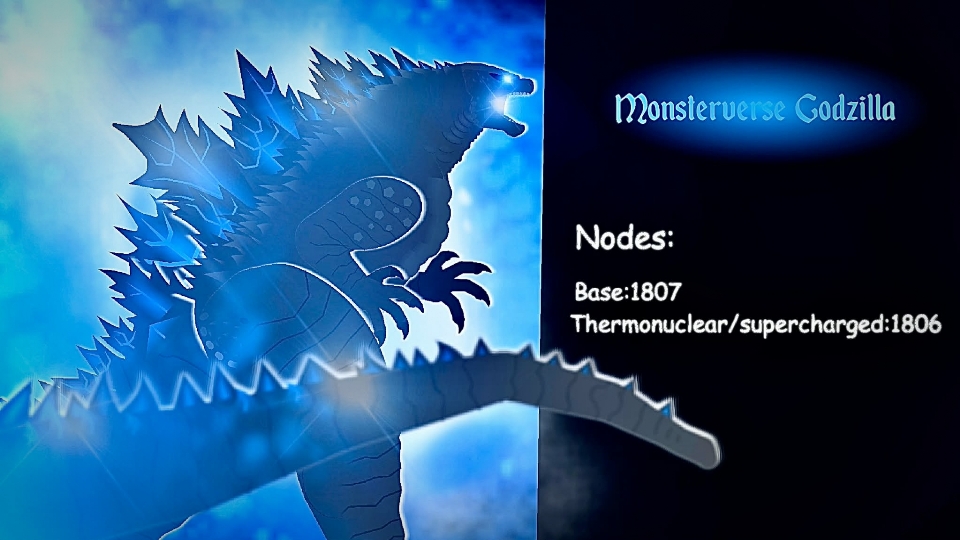
- Monsterverse Godzilla Movieclip 2
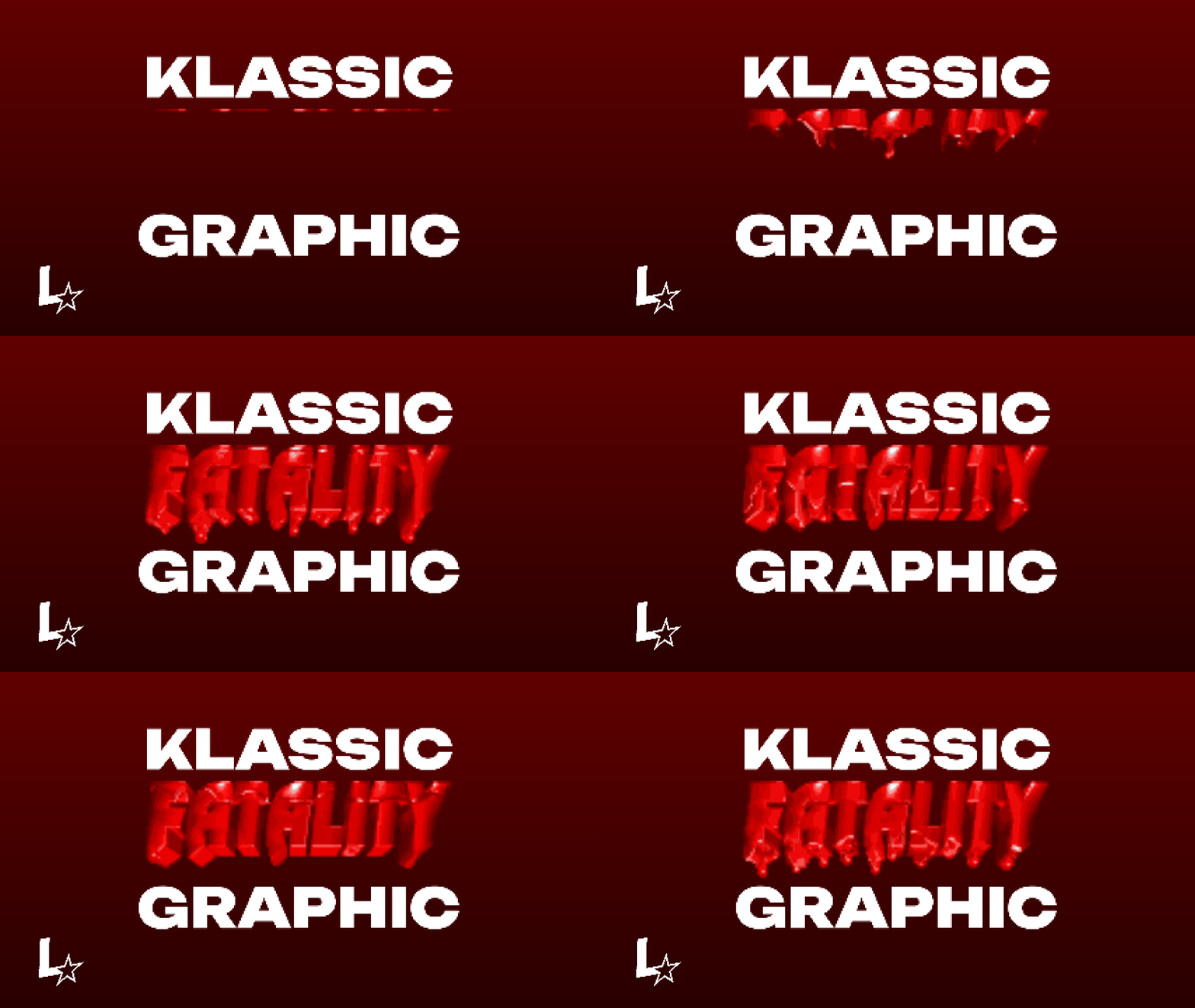
- Fatality Graphic Movieclip
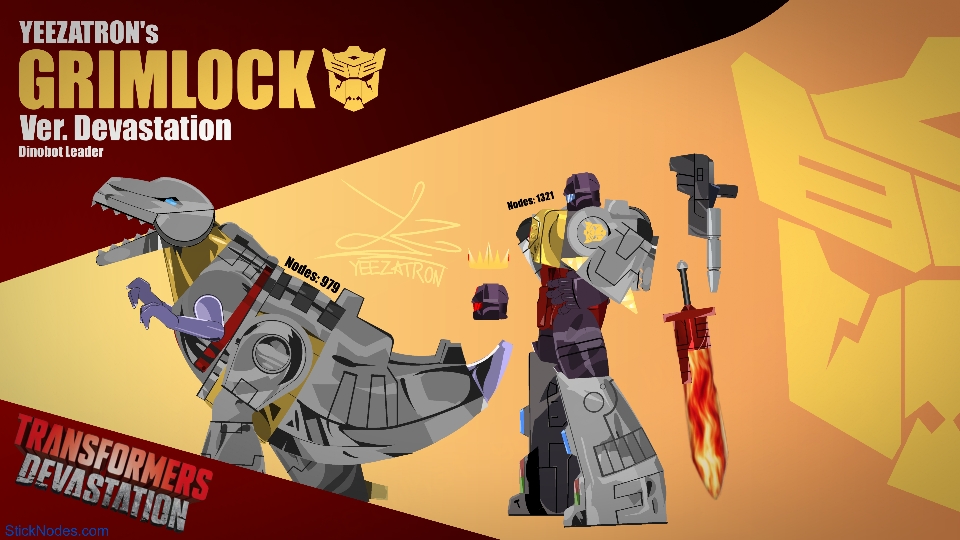
- Transformers Devastation Grimlock Movieclip
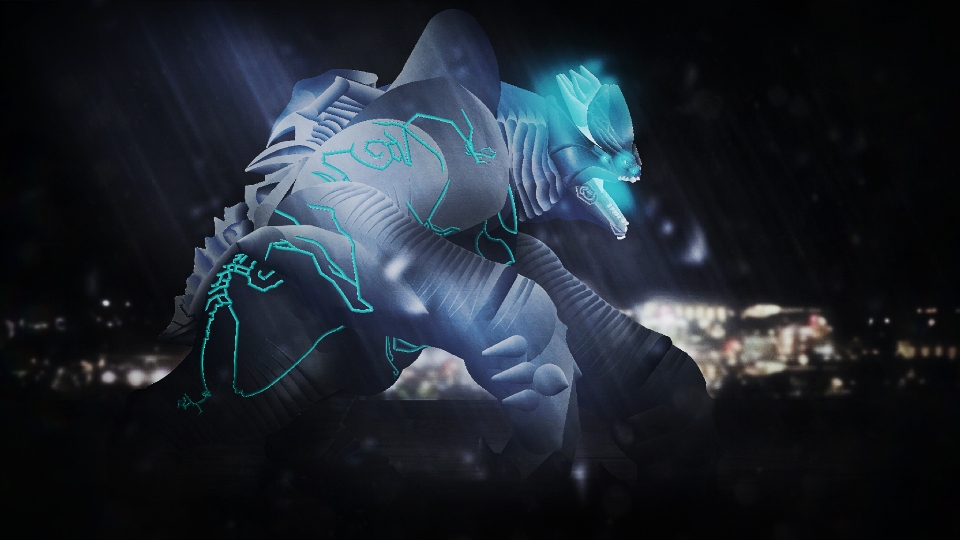
- Pacific Rim Leatherback Movieclip 2
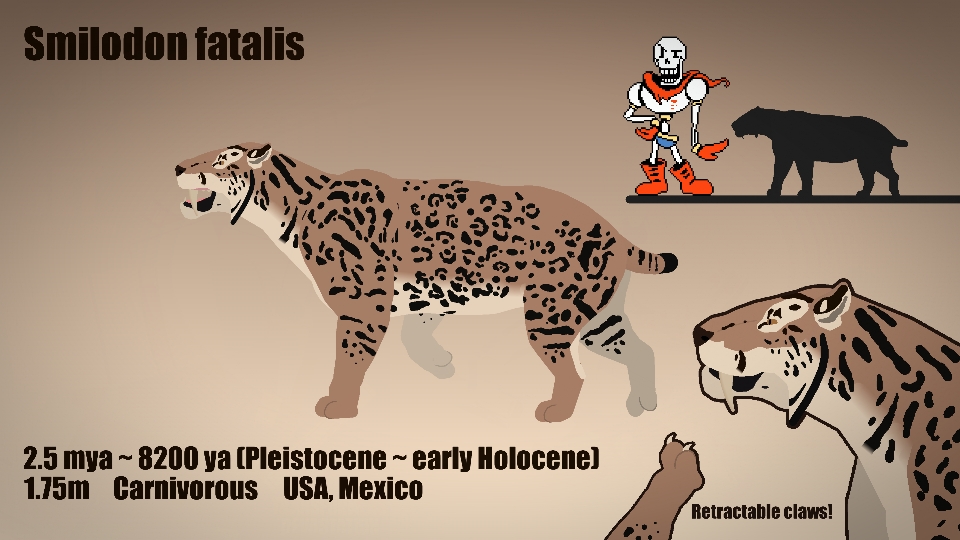
- Smilodon Fatalis Movieclip
- Verity Movieclip 2
Other popular submissions in miscellaneous category


@ralph is Gay
@ralph
my face when @ notifications thankfully don’t work in page comments
: )
Oh Come On!
@sbyrnes
How can i do @Ralph
Oh wait i did it
@Sean
@LackoJantern
Mine did’nt work
I know this comment is very old, but it didn’t work because you’re a guest, you don’t have an account.
Also you can just reply to your original comment, you don’t have to make a whole new one.