


(Guest)
Someone accidentally spilled some blood. Whoops.
Problem with this submission?
Please log in to report this file.





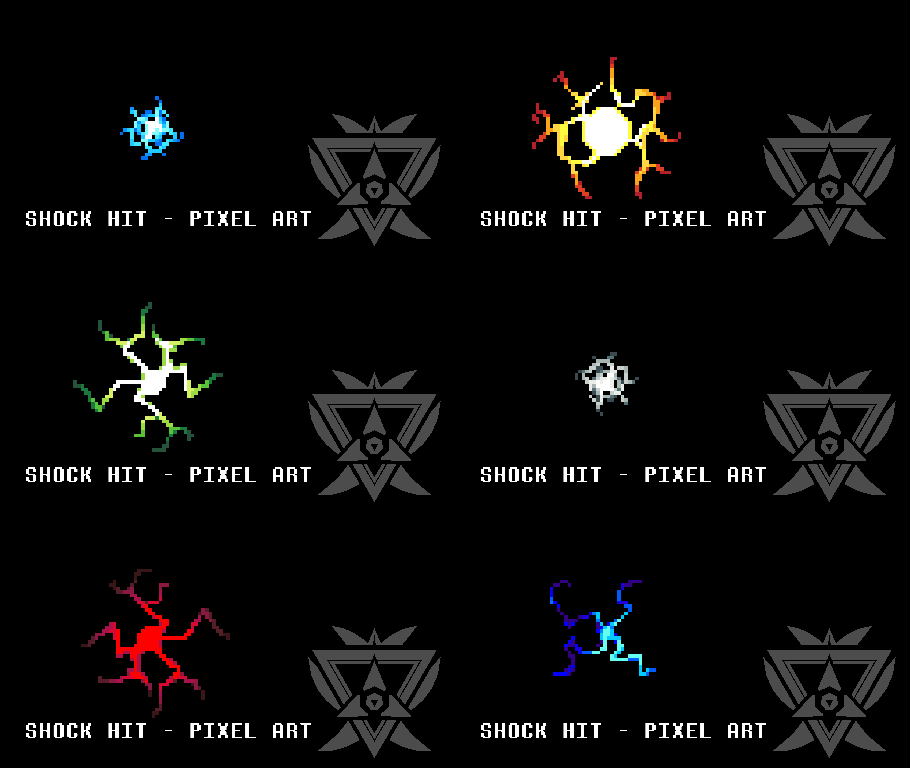
Other popular submissions in effects category


It won’t let me download
Hey, what problem are you having exactly?
Can i just say yhis guy made the best app ever
Aw, that’s sweet.
I Don’t know how to download this. It won’t open in VShare. Can u plz send me a tutorial on YouTube on how to download the easy way on ios?
Did you read the “note to iOS users” box at the top of this page? Those are the instructions for iOS users.
This is a pivot stick from droidz I think
Wow… you’re absolutely right – http://droidz.org/resources/12131180589.gif
Number 9 on the effects page.
Nice catch. Changed the author’s name instead of just removing it.
Oh mama its admin
?:O I LIKE YOU
I love it even though I have the free android version.but I can’t submit my stickman,any kind of tutorial?thanks for putting me one step closer to animation!!.
From within the app, simply click the “Submit stickfigure” button under “Library Tools”. Then just fill out the fields and click the submit button.
How dare you! How to import the download STUPID!!!???
Check the “Important” notice at the top of the page.
This isn’t his stickfigure D:
He just stolen it from droidz website!
Are there gonna be sounds for iOS soon?