

Joined:Nov 28, 2017
Uploads:100
Features:53
UC Wins:58


Dec 14th, 2019
( 3 thumbs )
( 3 thumbs )
 1st
1st 2nd
2nd 3rd
3rd


Other popular submissions in backgrounds category

Stick Nodes®
A stickfigure animation app created for mobile devices!
Create your own stickman animations on your Android or iOS device!
Joined:Nov 28, 2017
Uploads:100
Features:53
UC Wins:58
1st2nd3rd

Ah yes
It is in fact real ‘tiny edit’ hours
bruh this was not even close to a tiny edit
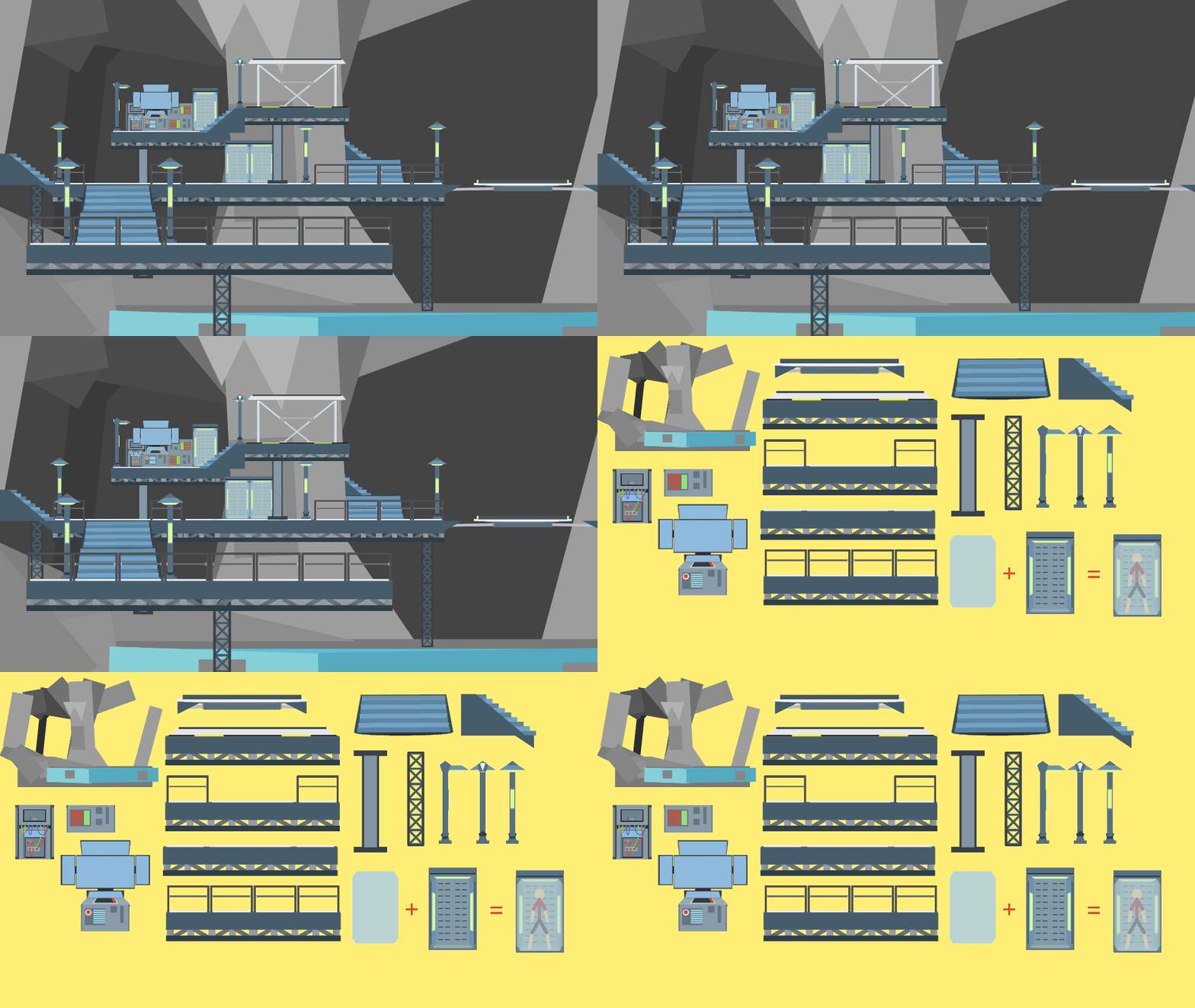
the other one hit maximum node limit, so in order to add snow i had to use maximum node conservation tactics and re-edit the whole thing
…which actually wasn’t that hard so it’s more like “medium-edit” hour
i wish i could delete old comments i’m so dumb
add you a snow movieclip or two over this and you got yourself a wintery-ass scene
C o o l
See what I did there…
…

This does put a smile on my face
To cold
no
Boys on December 1st