
Joined:Oct 28, 2019
Uploads:37
Features:1
UC Wins:17


Jan 25th, 2021
( 3 thumbs )
( 3 thumbs )
 1st
1st 2nd
2nd 3rd
3rd


Other popular submissions in objects category

Stick Nodes®
A stickfigure animation app created for mobile devices!
Create your own stickman animations on your Android or iOS device!
Joined:Oct 28, 2019
Uploads:37
Features:1
UC Wins:17
1st2nd3rd










i’m not…
entirely against this being a thing
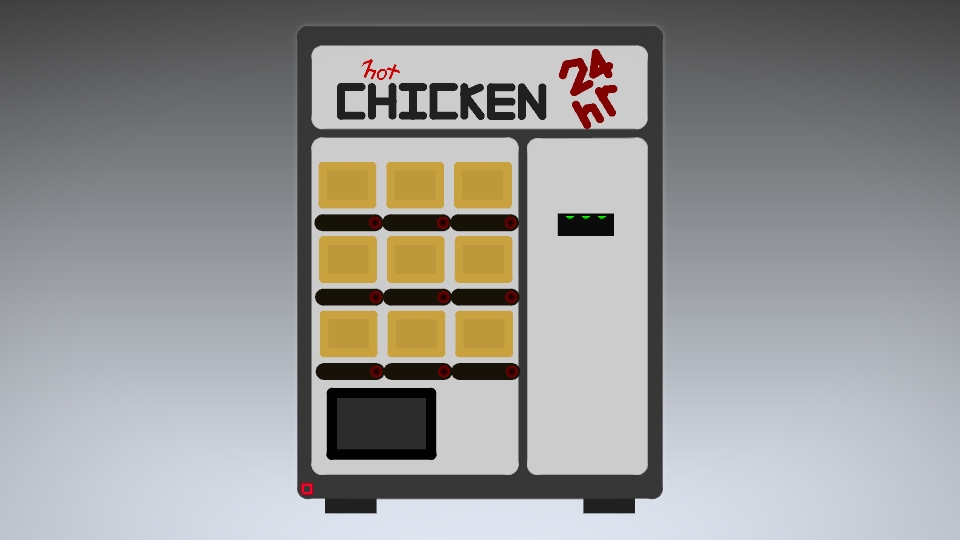
spicy chicken wings and dip at any moment?
y e s
How do I get this under my account? My stick node account uses my personal email, but I submit things with my school email
Why do you submit with your school account?
Yeah, I make them on my school iPad, I’ll just send them to my phone to upload next time I submit something
I got one of these in my shower
Nothing like wet chicken in the shower
Strangely useful
He who dispenses the proto-turkey
This should be featured for the next 5 days
Someone gets it
This is now officially my OC
Come again?
It must now burn
Y E S