

Joined:Mar 27, 2020
Uploads:20
Features:0
UC Wins:9


Sep 9th, 2020
( 3 thumbs )
( 3 thumbs )
 1st
1st 2nd
2nd 3rd
3rd
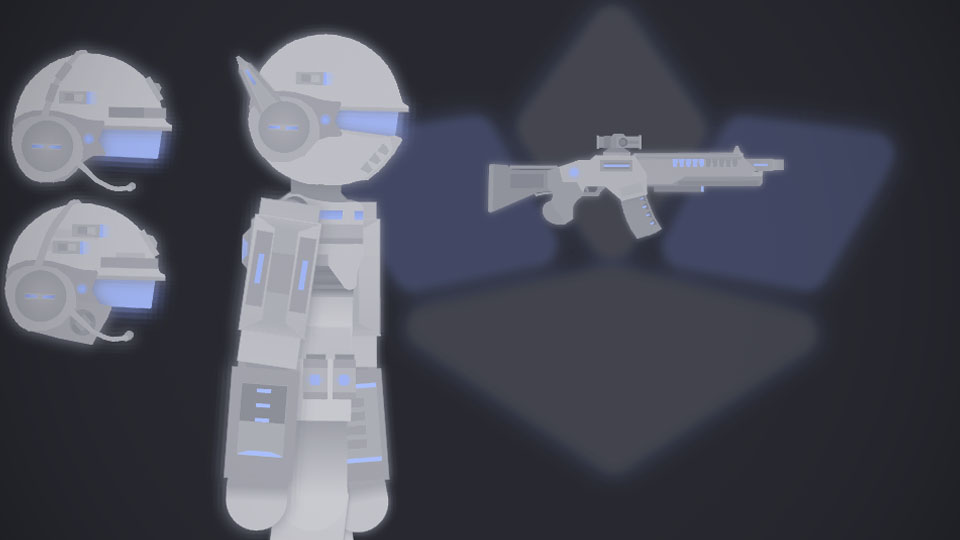
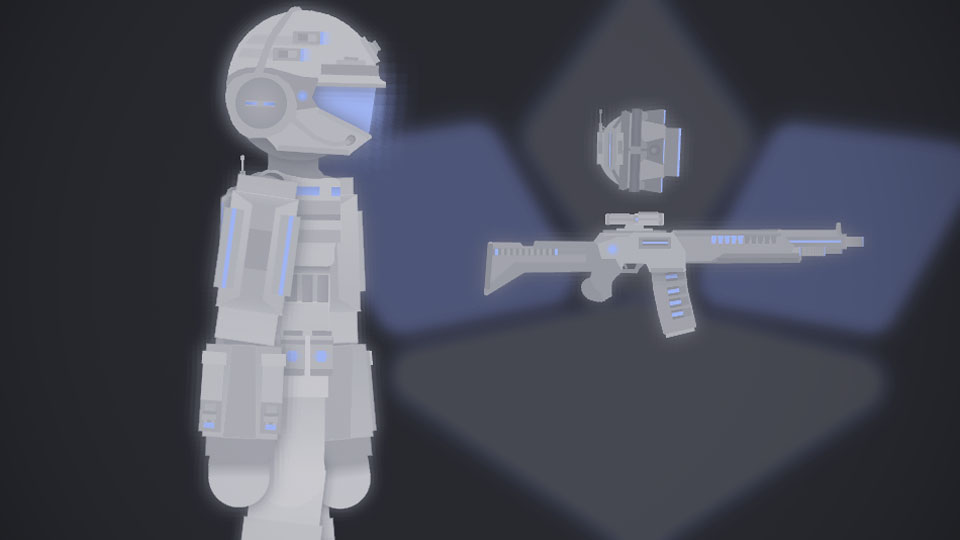
A remake of the CMT TrooperX complete with a new design and a new helmet design and in additional helmet variants
Especially a new main gun
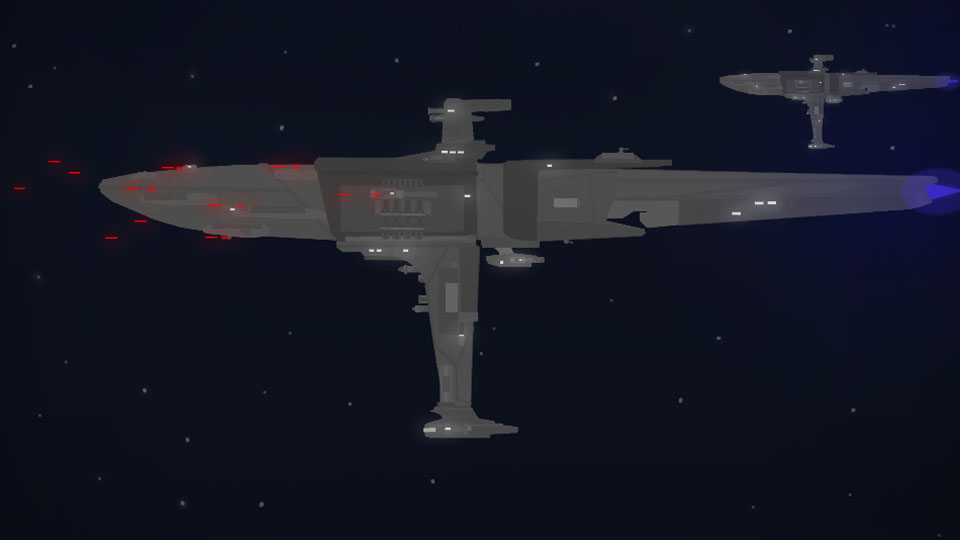
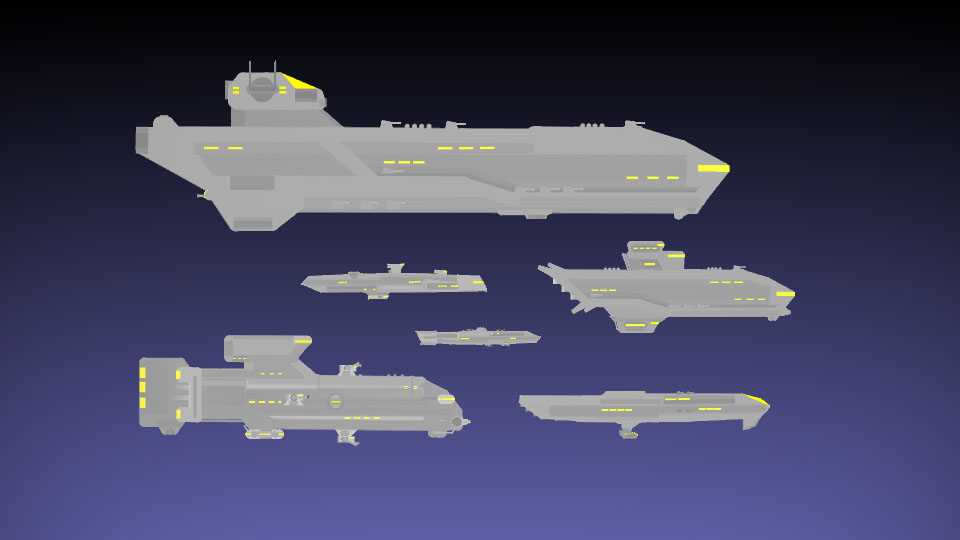
These troopers are the backbone of the CMT army they are notably used during a war together with its other trooper variants, they can also be hired by other sn users
#oc #soldier #mercenary
Especially a new main gun
These troopers are the backbone of the CMT army they are notably used during a war together with its other trooper variants, they can also be hired by other sn users
#oc #soldier #mercenary
Sep 9th, 2020
( 3 thumbs )
( 3 thumbs )
1st2nd3rdThis download is a ZIP of 15 files
CMT TrooperX torso (9.00kb)
CMT TrooperX left arm (3.45kb)
CMT TrooperX right arm (2.75kb)
CMT TrooperX left leg (2.59kb)
CMT TrooperX right leg (2.59kb)
Head (0.33kb)
CMT Helmet X1 (19.00kb)
CMT Helmet X2 (17.67kb)
CMT Helmet X3 (20.48kb)
Helmet visor (4.70kb)
R10 assault carbine (18.84kb)
R10 energy cell mag (4.39kb)
R10 scope (1.11kb)
CMT logo (4.23kb)
CMT logo (greyish version) (4.23kb)
Problem with this submission?
Please log in to report this file.



Other submissions by Zyston


you’re good at these mech-solider designs
really good
do moar
More you say eh…
Yo this is good but I need the tutorial on how to connect the helmet on the body and bring down the glass
there’s a “join to” button
I keep trying to connect it but the torso always gets connected instead :c
“joint to” while on the head , than click the node you want it to be connected on , not the anchor node
Not working, tried everything, is there a YouTube video that helps with this?
Also I still don’t know the answer to bring down the glass
Idk if this solves your problem with the visor there is a “push backwards” (is this right ?) button that will push the fig (visor) backwards in any ways it will be inside the helmet
Did you join the head before joining the helmet to the head ?
I did not understand a word here but I joined the helmet to the head then tried connecting it
Well i too did not even understand what i said up top but i think you got it right you already joined the helmet to the head
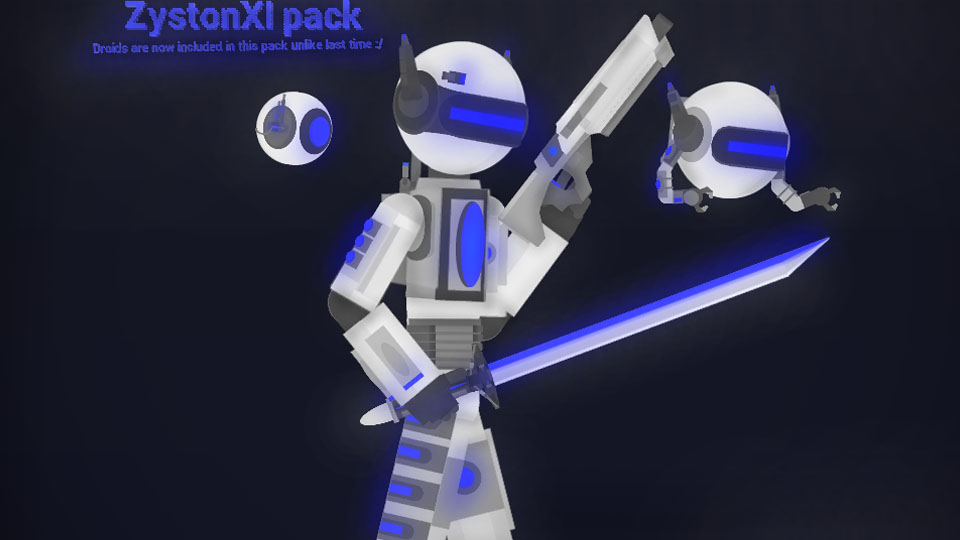
I’m still waiting on that ZystonXZ droid