
Joined:Apr 4, 2018
Uploads:10
Features:1
UC Wins:0


Feb 26th, 2018


Other popular submissions in people category

Stick Nodes®
A stickfigure animation app created for mobile devices!
Create your own stickman animations on your Android or iOS device!
Joined:Apr 4, 2018
Uploads:10
Features:1
UC Wins:0











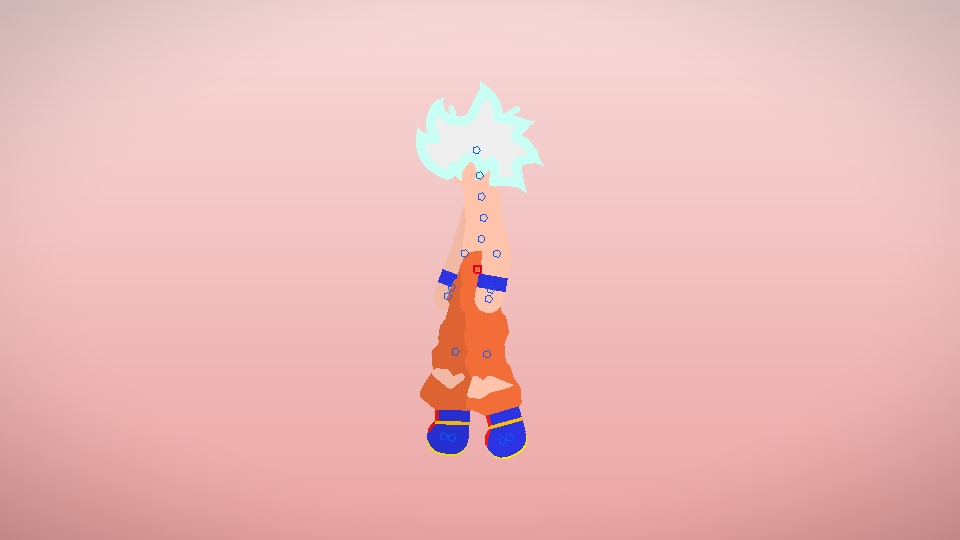
I suppose this is meant to be “mastered UI”?
Yeah it was supposed to be named ssgss silver or mastered UI but Ralph just edited it so ie wouldn’t be to long
Who cares
Message Below Says Ît All
The process of featured stick figures still confuse me.
This was uploaded 3 days ago, and it was ‘Daily Featured’ now.
Huh
… its called.. *creepy voice* “DARK MAGIC”…. *Vanishes to the shadow*…
Hey I’m the creator thanks for all the support!
Thanks Ralph!
Hay can you make mob pyscho 100
Can you make mob psycho 100 pls
This is funny figurines
Can we talk about how this guy predicted mastered UI?