

Joined:Jun 23, 2018
Uploads:234
Features:19
UC Wins:122


( 6 thumbs )
 1st
1st 2nd
2nd 3rd
3rdAll the weapons in this pack are named in a particular way for making finding a specific weapon for a class easy
example :
(Soldier)(Primary) Rocket jumper – left
(Soldier) = The class
(Primary) = The Slot
Rocket jumper = The weapon
left = The side
Some weapons are usable by multiple classes , there , the name of the STK is a little bit more complicated
example :
(Engineer_Soldier-Pyro-Heavy)(Primary_Secondary) The Panic Attack – right
Now , it’s more complicated and it’s the same as that:
(Class1_Class2-Class3)(Primary[Class1]_Secondary[Class2 and 3]) Weapon – side
Here , the Class1 has the Weapon in his Primary slot , and the Class 2 and 3 have the Weapons on their Secondary slot
If you didn’t understood this part , @ me in an update or in the comments
CREDITS
Team Fortress™, created by Valve ™ – 2007
Team Fortress™ Community
#TF2 #TEAMFORTRESS
( 6 thumbs )
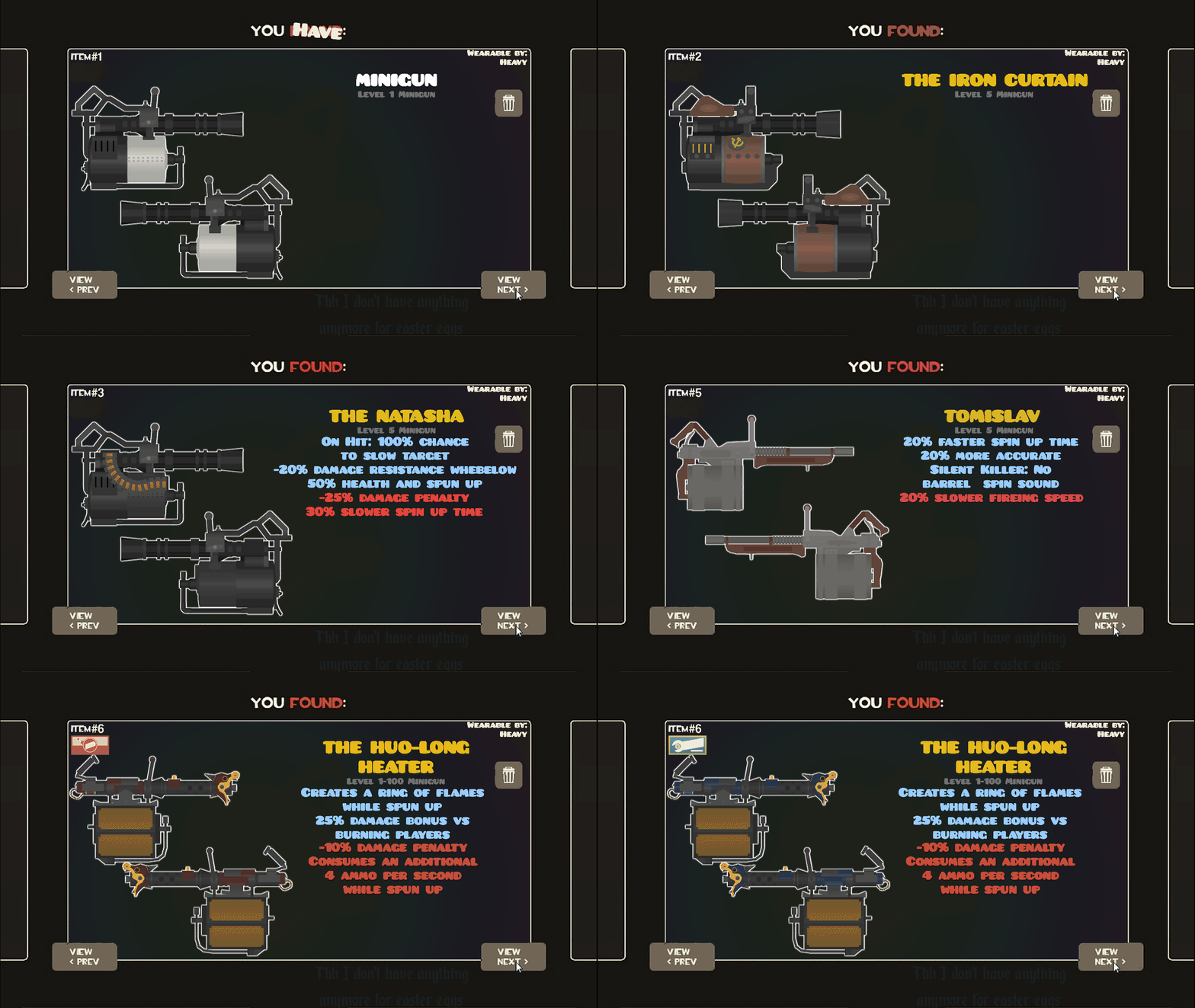
1st2nd3rdThis download is a ZIP of 14 files
(Heavy)(Primary) natasha - right (24.63kb)
(Heavy)(Primary) natasha - left (13.38kb)
(Heavy)(Primary) iron curtain - left (11.27kb)
(Heavy)(Primary) iron curtain - right (16.42kb)
(Heavy)(Primary) minigun - left (12.91kb)
(Heavy)(Primary) minigun - right (17.83kb)
(Heavy)(Primary) brass beast - left (7.05kb)
(Heavy)(Primary) brass beast - right (7.28kb)
(Heavy)(Primary) tomislav - left (12.13kb)
(Heavy)(Primary) tomislav - right (11.82kb)
(Heavy)(Primary) RED huo-long heater - right (19.31kb)
(Heavy)(Primary) BLU huo-long heater - right (19.31kb)
(Heavy)(Primary) RED huo-long heater - left (17.90kb)
(Heavy)(Primary) BLU huo-long heater - left (17.90kb)
Problem with this submission?
Please log in to report this file.






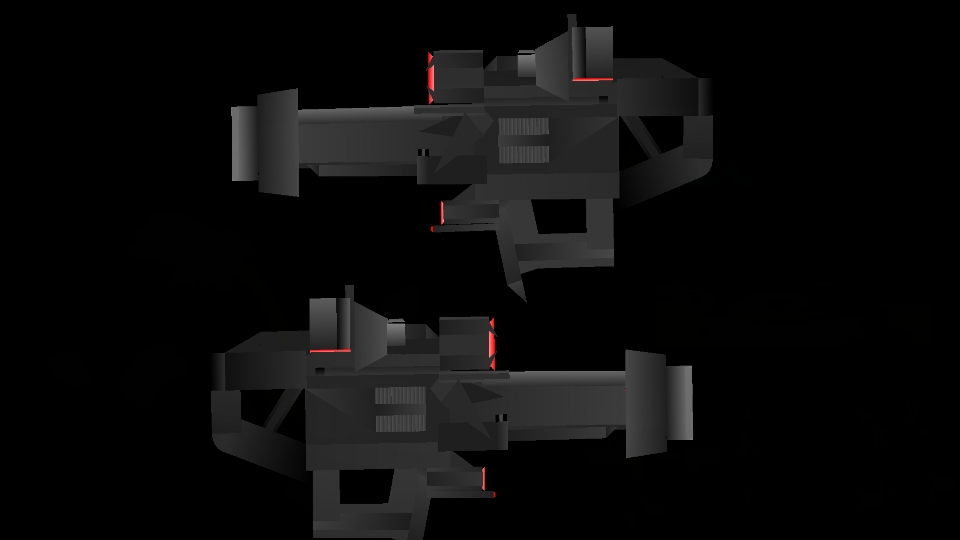





i can’t even imagine how many tf2 weapons you’ve made at this point, at this level of detail
probably like, at least seven
Team funtrees too
Minigun go brrr
sandvich
Finally he stoped hybrnating
I’m committing this for me to log in
This deserves more downloads.
Yo this guy have a scp number of stks