
Joined:Jan 20, 2019
Uploads:10
Features:0
UC Wins:0


Problem with this submission?
Please log in to report this file.
Other popular submissions in people category

Stick Nodes®
A stickfigure animation app created for mobile devices!
Create your own stickman animations on your Android or iOS device!
Joined:Jan 20, 2019
Uploads:10
Features:0
UC Wins:0
Problem with this submission?
Please log in to report this file.









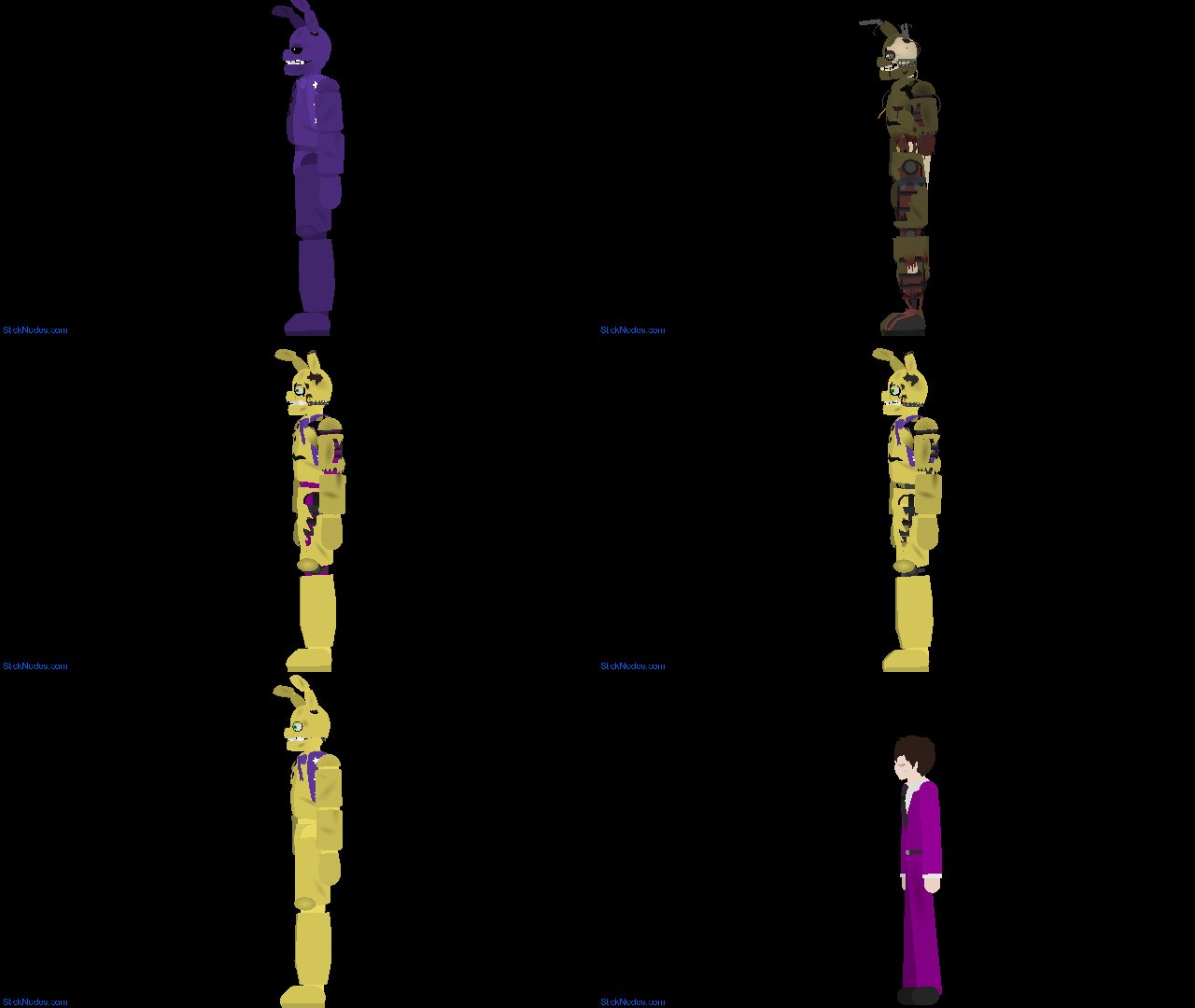

To clarify, this is Jotaro from JoJo OP 4 special effects edition, I’m gonna focus more on JoJo than DBZ for awhile, cause Ralph doesn’t like DBZ sticks that much anymore, but maybe once a month.
Just invert the colors then boom you can create time stop characters