

(Guest)
Mar 9th, 2021
( 5 thumbs )
( 5 thumbs )
 1st
1st 2nd
2nd 3rd
3rd
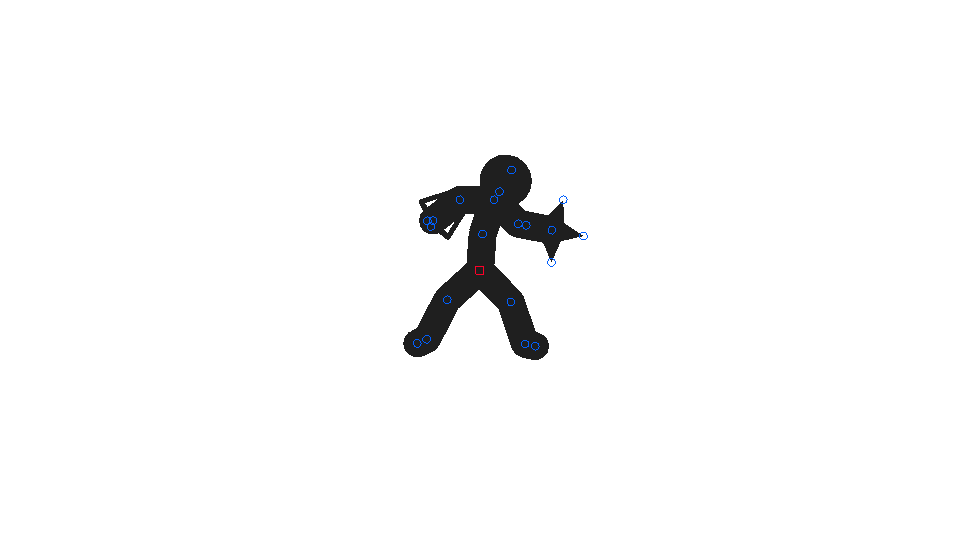
A very well designed cyborg.
Mar 9th, 2021
( 5 thumbs )
( 5 thumbs )
1st2nd3rdProblem with this submission?
Please log in to report this file.










Other popular submissions in people category


Why can’t I download this?!?!
Hey Eric, I can download it, just tried. Let me know what problem you are having exactly so I can help.
It’s just that I’m on mobile but I don’t have a computer
Well, what type of device are you using? You only need a computer if you’re using an iOS device, since you need iTunes to place the file in the correct folder.
With Android, you can very easily just download the stickfigure files and use a third-party app to move it into the /Stick Nodes/stickfigures/ folder.
It’s a ipad mini
Oh, wait! I forgot to say that my dad won’t let me use his PC because he thinks these files are trying to add viruses to my ipad
Well I am going to be ok when I get a computer
Oh and btw I think StickNodes is way better than pivot or anything like pivot because it’s easier to make stick figures and the redo and undo feature, as well as the lock stick figure movement feature
Hey Eric. Thanks for the kind words, glad you like Stick Nodes so much.
And yeah, with an iPad mini, the only way to get the files is to download them with a desktop computer and use iTunes to place them into the correct place. It’s just how it has to be due to the way Apple has iOS set up.
If it’s any consolation to your dad, anything downloaded from this website is virus-free! But I know your struggle, back when I was younger my parents were always worried thinking everything was malware or slowing down the computer 😉
Ok thanks for letting me know!
i can download these but i cant open them in stick nodes, instead it goes to my dropbox
Hey, did you move the downloaded stickfigure files from the Dropbox folder to the /Stick Nodes/stickfigures/ folder? (This is assuming you’re on Android, for iOS you’ll need to use iTunes.)
Either way, check out the instructions at the top of the https://sticknodes.com/stickfigures/ page.
How do I delete my animations? It’s hogging all the memory in my iPad!
Hey Eric.
You need to do it through iTunes, since Apple doesn’t let you mess with files on the device itself.
Hook up your iPad to a computer, open iTunes, go to “Apps” tab, scroll down to “File Sharing”, find “Stick Nodes” or “Stick Nodes Pro” on the left, click it, and on the right you’ll see all of your project files, stickfigure files, and exports.
Delete them as you wish from there.
Sorry there’s so much to it. With Android, you can just download another file-manager-type app and simple navigate to the /Stick Nodes/ folder while on your actual device and delete from there.
Thx for the advice! It works!
And that’s why Android is better than Apple. :3
i had an iPhone and I accidently broke the screen + the battery who.. i dont really know. And now i have a Galaxy s5. And i dont need to get the files on my computer to put them into my phone. :3
*An Apple fan throw my phone on the ground hardly*
But hey, the screen is not broken :DDD
*He kills me*.
Oh but you can break me. Oh well *dies*