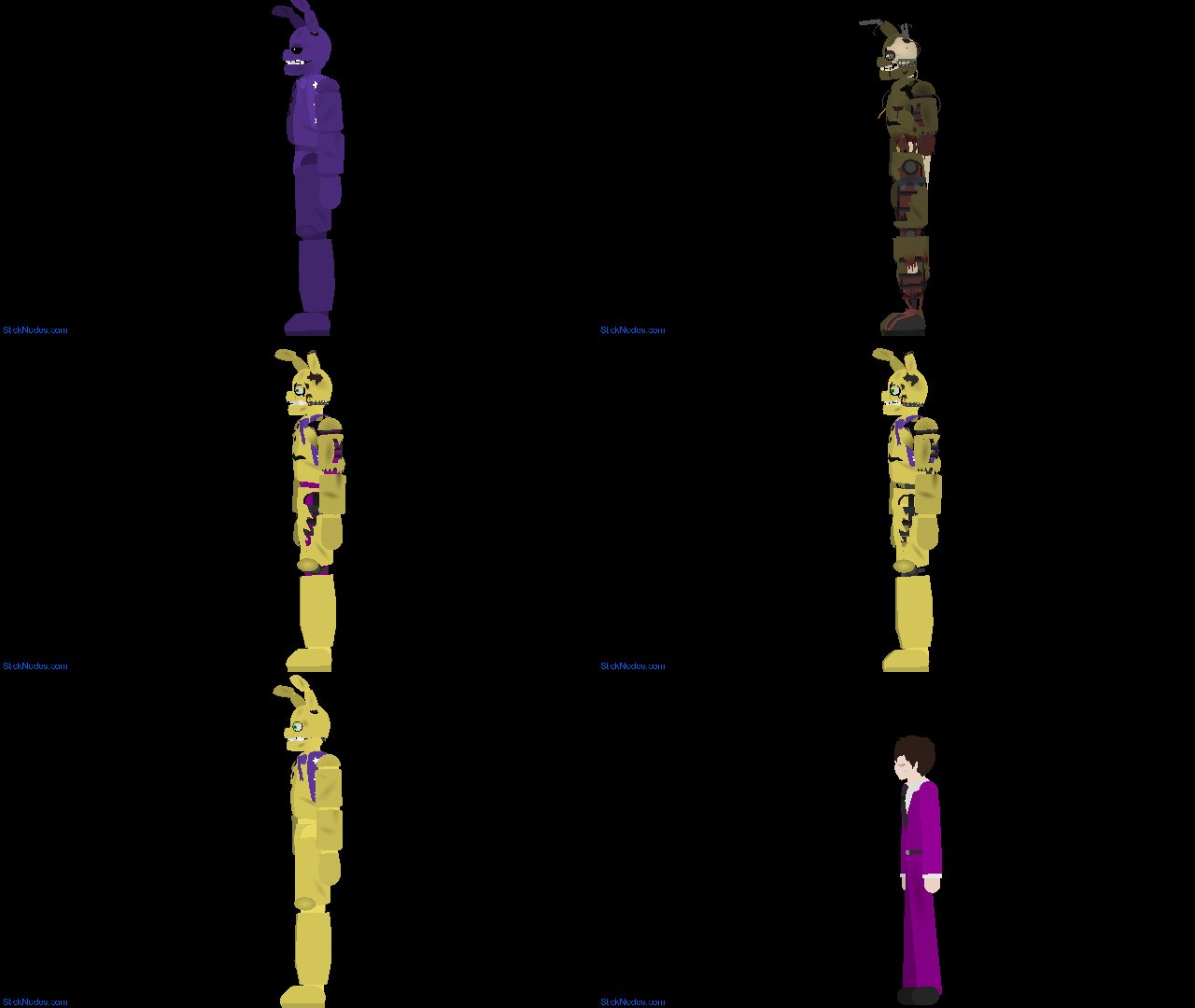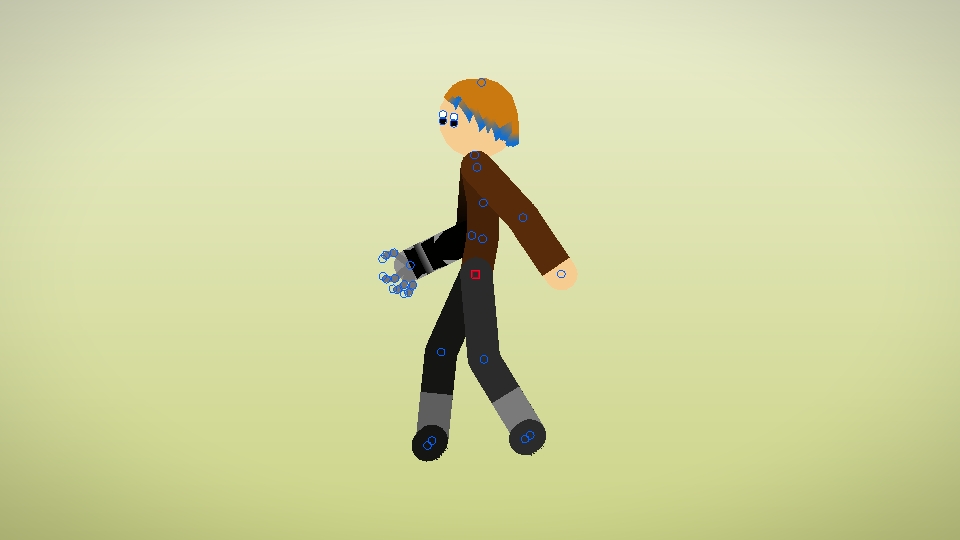

File:My-RHG-Left-Side.nodes (6.0 KB)
Date:December 29, 2017
Category:People
My RHG from the left
Android How to download stickfigures & sounds:
- As of 3.2.0, Stick Nodes will no longer automatically find downloaded files in your /downloads/ folder. You must open the file with Stick Nodes explicitly for it to be moved into the correct folder.
- Download a NODES (or STK) or ZIP file. When done, tap it and "Open With" > "Stick Nodes". See this image for an example.
- Sounds: Download an MP3 file < 256kb. When done, tap it and "Open With" > "Stick Nodes"..
IOS 13+ How to download stickfigures & sounds:
- If using Chrome or Firefox, download a NODES (or STK) or ZIP file, select the file and "Open in Stick Nodes" after finished downloading.
- If using Safari, download a NODES (or STK) or ZIP file, follow these directions.
- Also for ZIP files, check out this quick and informative tutorial by Auto-Angel.
- Sounds: With Safari, follow these directions.
Problem with this submission?
Please log in to report this file.
- Mahoraga Remaker Movieclip
- Thragg (Better) Movieclip
- Tech Jacket Movieclip 4
- Omni-Man Movieclip 3
- Transformers Crackback Movieclip
- Kit Bodega Movieclip
- The Watcher V4 Movieclip
- Thragg Super Pack Movieclip
- Android 18 Movieclip
- Fancypants Man Movieclip
- Mahoraga Remaker Movieclip
Other popular submissions in people category


I don’t understand the whole thing about right sides and left sides. If someone wants the figure to turn around they can just use the flip x button.
it’s because the arm will be flipped, for example. my RHG has their right arm as a robot.(oh yeah, this is JesseBS2 btw, but I’m not signed in) but if you just hit “x” it’ll become his left arm… you’d have to look at it compared to a 3d model to understand it better.
Too young and too dumb
me or him?