File:Newspaper-2.nodes (3.6 KB)
Date:April 10, 2019
Category:Objects
Android How to download stickfigures & sounds:
- As of 3.2.0, Stick Nodes will no longer automatically find downloaded files in your /downloads/ folder. You must open the file with Stick Nodes explicitly for it to be moved into the correct folder.
- Download a NODES (or STK) or ZIP file. When done, tap it and "Open With" > "Stick Nodes". See this image for an example.
- Sounds: Download an MP3 file < 256kb. When done, tap it and "Open With" > "Stick Nodes"..
IOS 13+ How to download stickfigures & sounds:
- If using Chrome or Firefox, download a NODES (or STK) or ZIP file, select the file and "Open in Stick Nodes" after finished downloading.
- If using Safari, download a NODES (or STK) or ZIP file, follow these directions.
- Also for ZIP files, check out this quick and informative tutorial by Auto-Angel.
- Sounds: With Safari, follow these directions.
Problem with this submission?
Please log in to report this file.
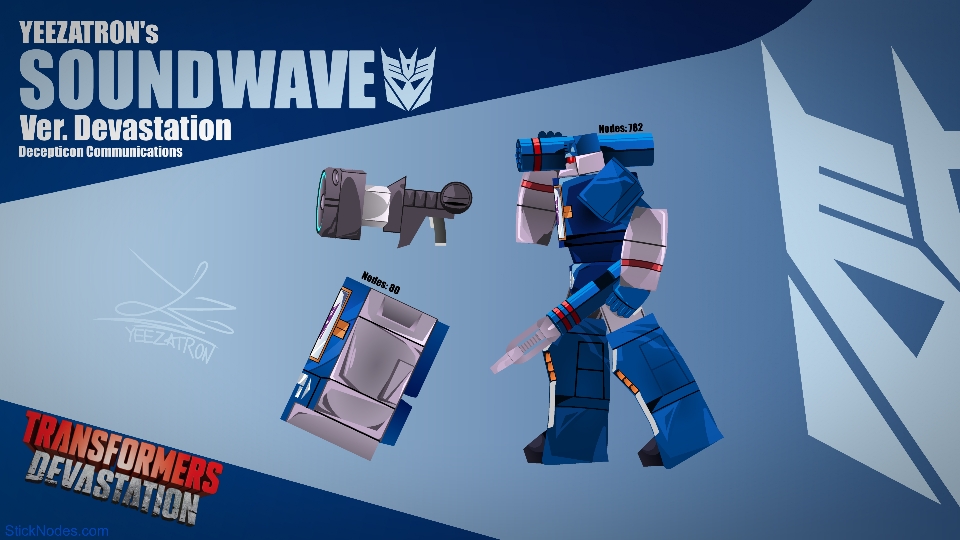
- Transformers Devastation Soundwave Movieclip
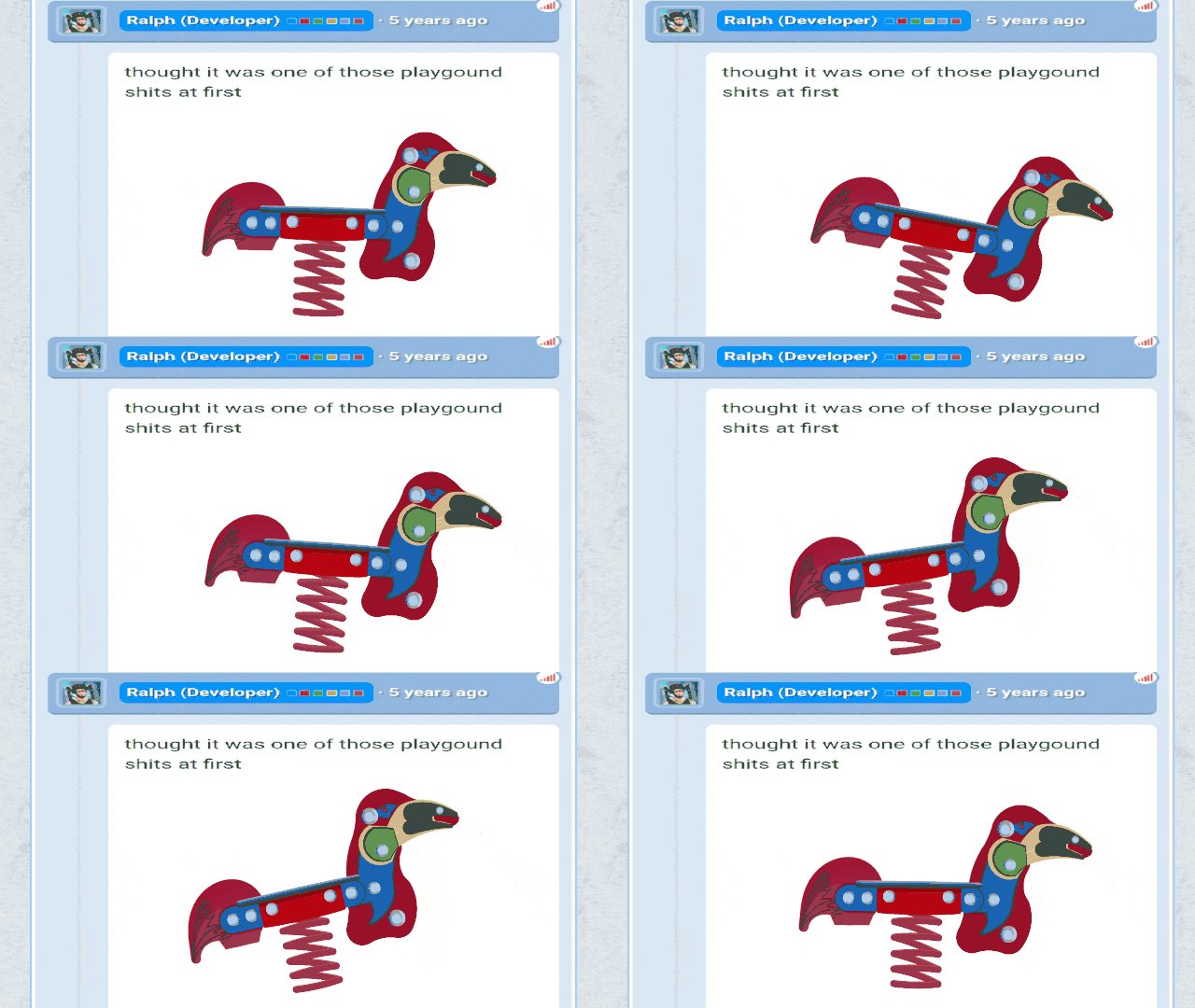
- Spring Rider
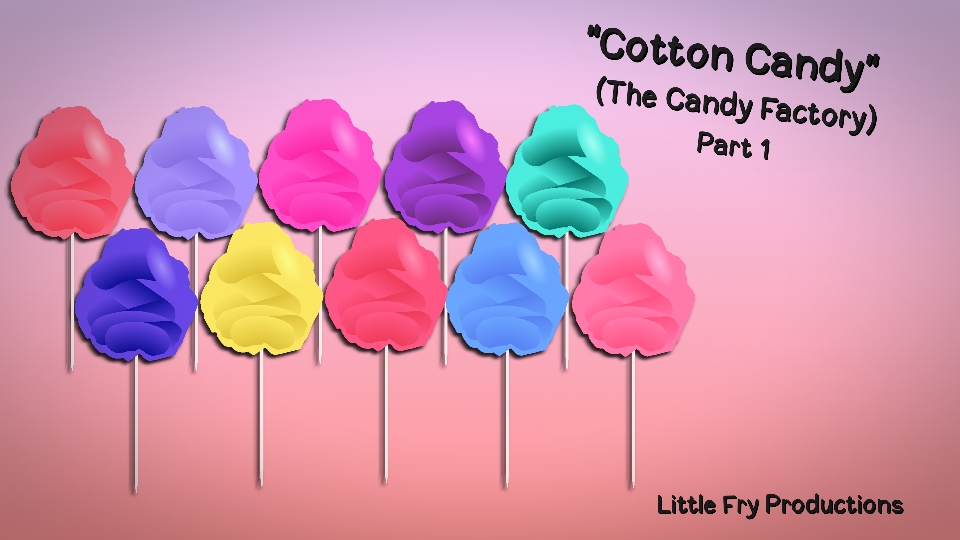
- The Candy Factory Cotton Candy Part 1 Pack
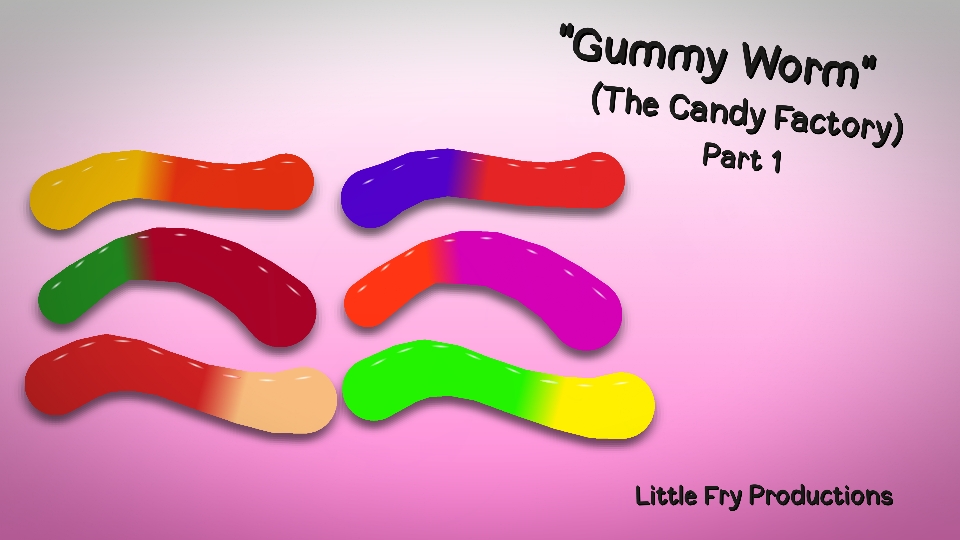
- The Candy Factory Gummy Worm Part 1 Pack
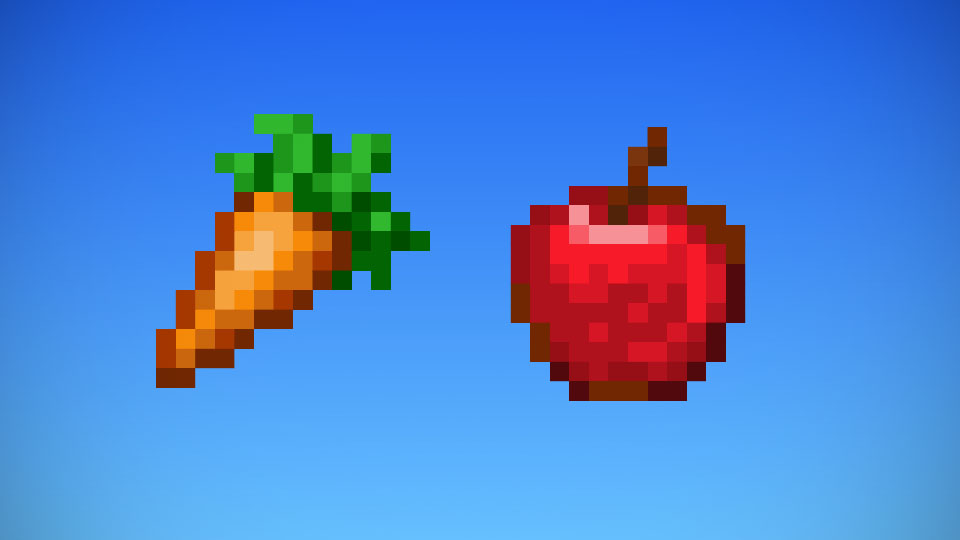
- Minecraft Food Pack
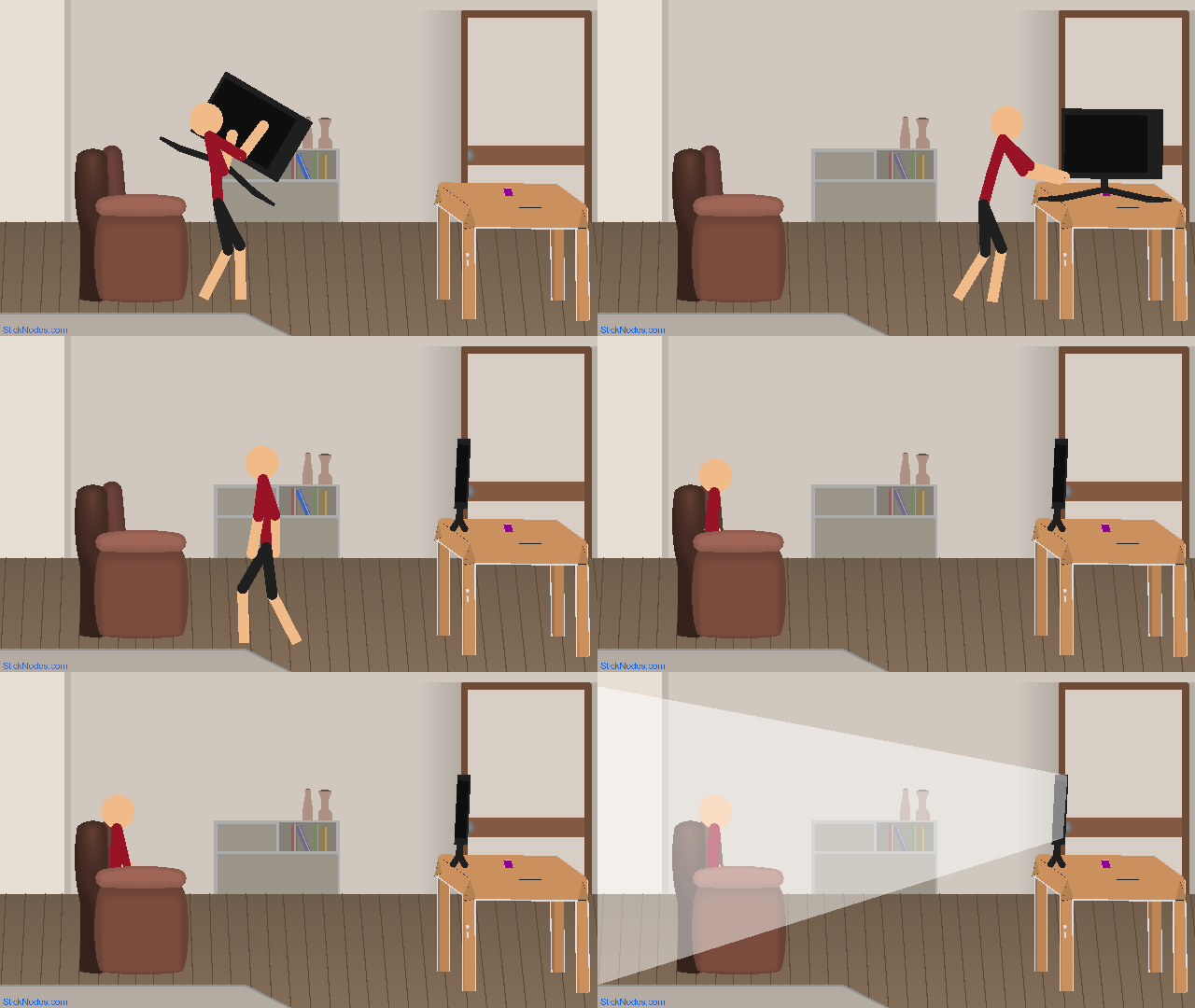
- Smart Stretch 3D TV
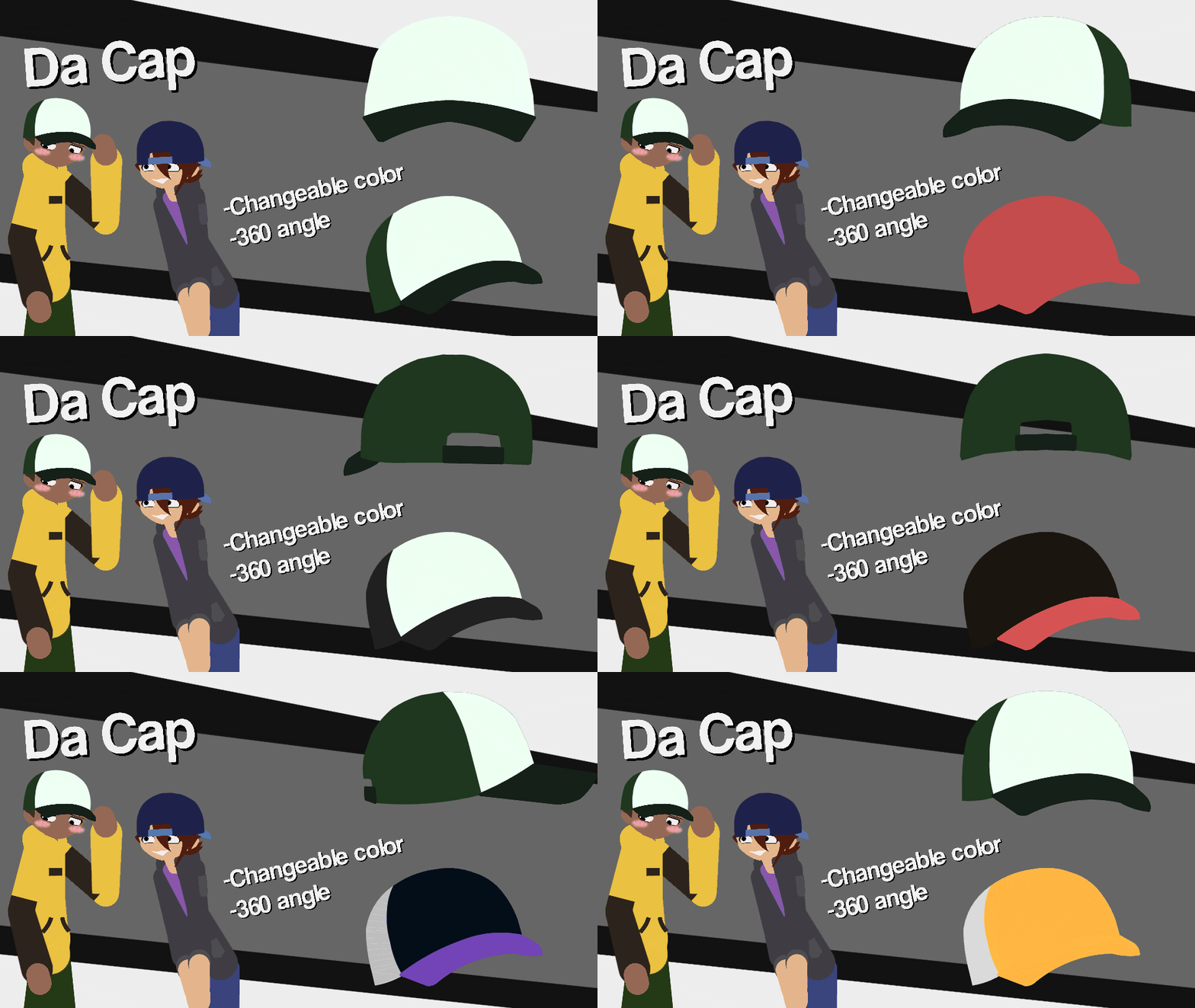
- OwN Cap Movieclip
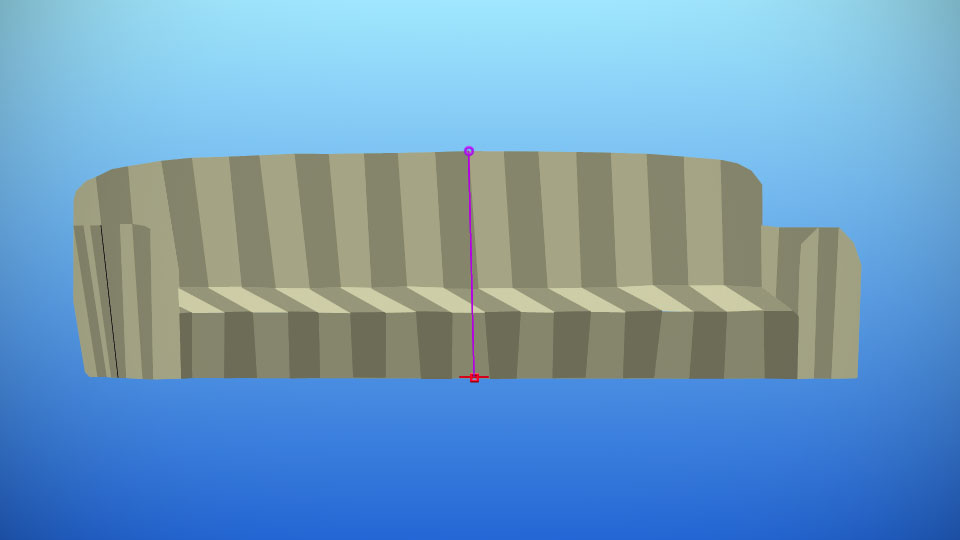
- Alan Becker Couch
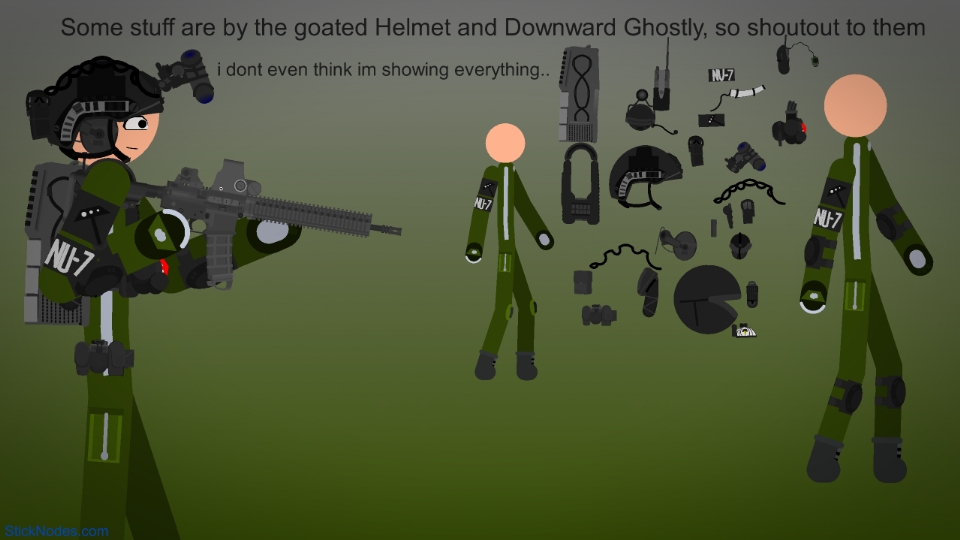
- NU-7 or Tactical Gear Movieclip
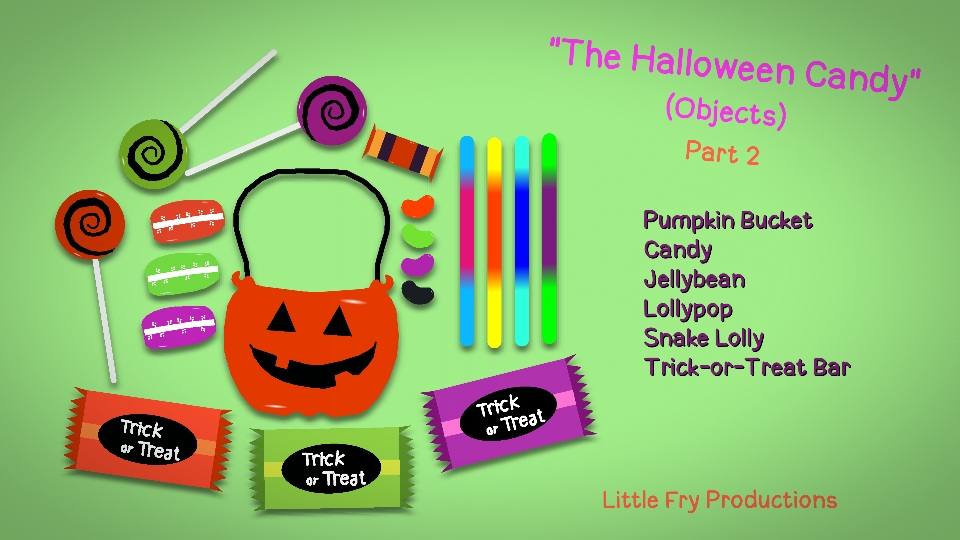
- The Halloween Candy Objects Part 2 Pack
- Transformers Devastation Soundwave Movieclip
Other popular submissions in objects category


Guy 1: Hmm, I wonder what’s happening in the news.
Guy 1: *looks at paper*
Guy 1: OH GOD OH NO OH JEEZ
Guy 2: it’s just lines though
Lol
Very simple, but just about passes my expectations because of the Smart Stretch and the overall simplicity. Well Done! Nice work! 8/10
the noder
6/10
wait, why the hell i name it newspaper 2
Wait…. AHA!! I can decipher it! It says…. Breaking news… Ralph becomes richest man alive…. Hmm… I wonder what that means… Ralph? Can you fill us in with the details?
“dab”
aaaa