
Joined:Apr 28, 2024
Uploads:35
Features:2
UC Wins:3


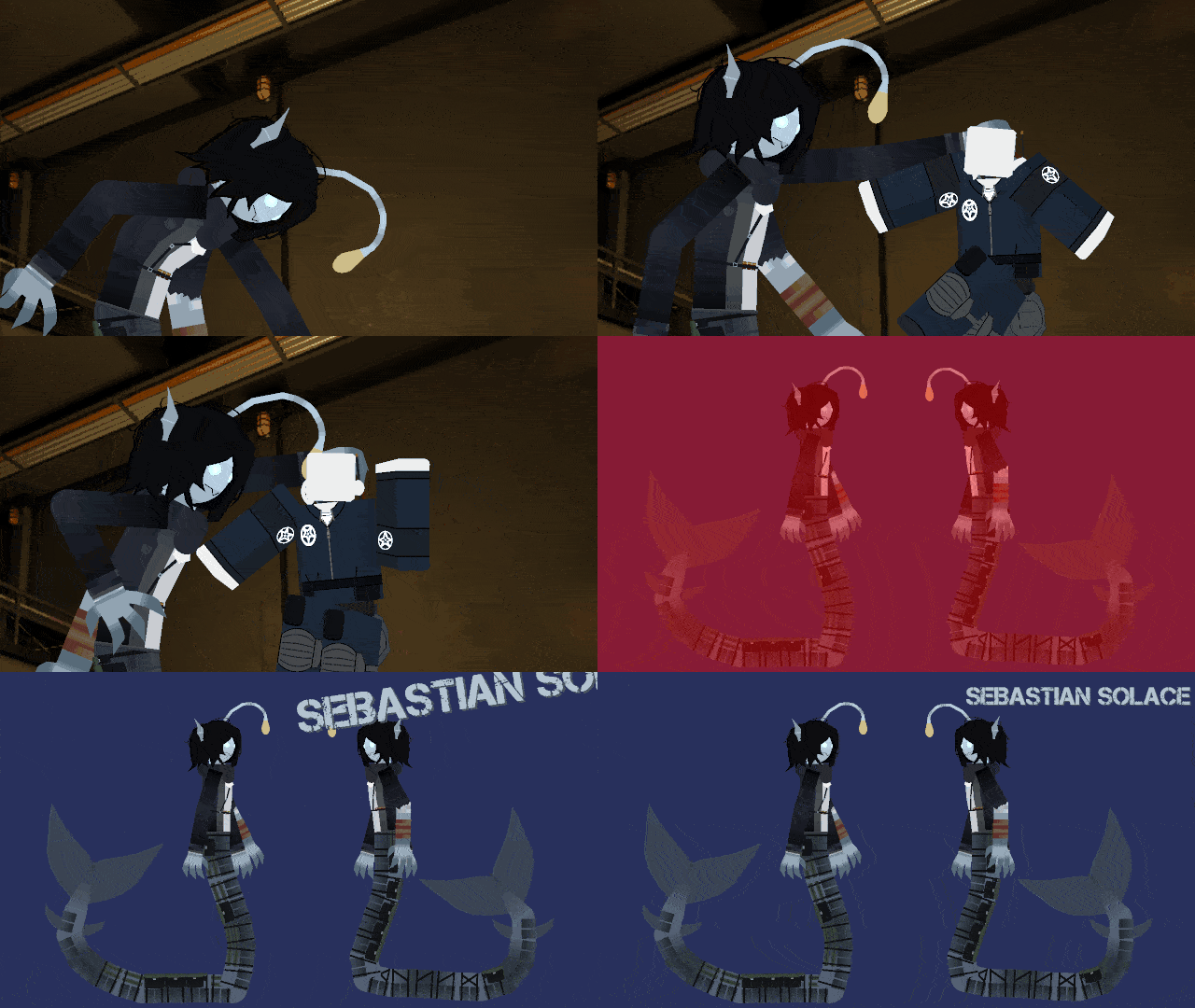
Sebastian Solace is a former prisoner mutated by Urbanshades underwater experiments. Once falsely accused of murder, he was taken before his execution and transformed into a sea-snake-like creature during tests meant to let humans breathe underwater. Though later proven innocent, he remained imprisoned as Subject Z-13.
Now living in the Hadal Blacksite, Sebastian runs shops selling supplies to prisoners in exchange for research or kroner. Hes sarcastic, unpredictable, and deeply resentful toward Urbanshade but generally neutral unless provoked. Before the games events, he caused a site-wide lockdown, freed monsters, and sold Urbanshades data to rival companies hoping to reverse his mutation.
#Pressure #Doors #Roblox #SebastianSolace
Now living in the Hadal Blacksite, Sebastian runs shops selling supplies to prisoners in exchange for research or kroner. Hes sarcastic, unpredictable, and deeply resentful toward Urbanshade but generally neutral unless provoked. Before the games events, he caused a site-wide lockdown, freed monsters, and sold Urbanshades data to rival companies hoping to reverse his mutation.
#Pressure #Doors #Roblox #SebastianSolace
How to use: This download is a Movieclip file. If it contains a joined figure, you can access it by going into the Movieclip object (edit it) and then copying the entire assembled figure inside.Filters: Remember, Movieclip objects may use filters, and if you don't have Stick Nodes Pro these filters will not work and the Movieclip may look very different.
Download File
Downloaded 4,639 times
(Downloaded 1 times this week)
Problem with this submission?
Please log in to report this file.




Other submissions by Ravage


 wpDiscuz


