
-

Infiniteguess


 2023-02-12 16:30:59 UTC
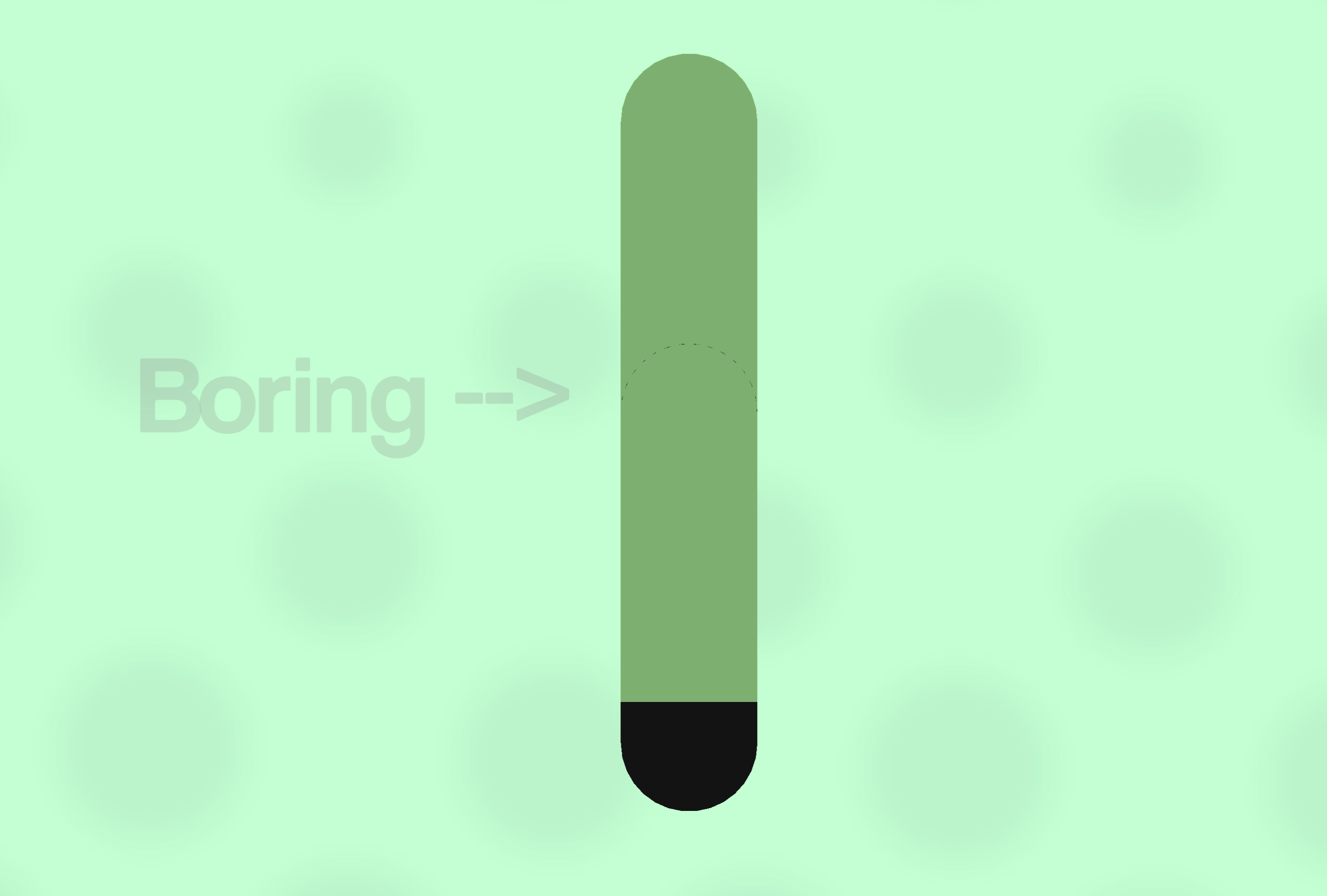
 Guess Guide: Clothing DetailsI found another topic to write about, so here’s something I’d like to share about my process when making clothes look less bring or whatever.
ㅤ
Do your sleeves, or any clothing in general, just look flat and mundane? Well, I have a quick and easy solution that I use to make clothes have some texture and shape.Step 1:
ㅤ
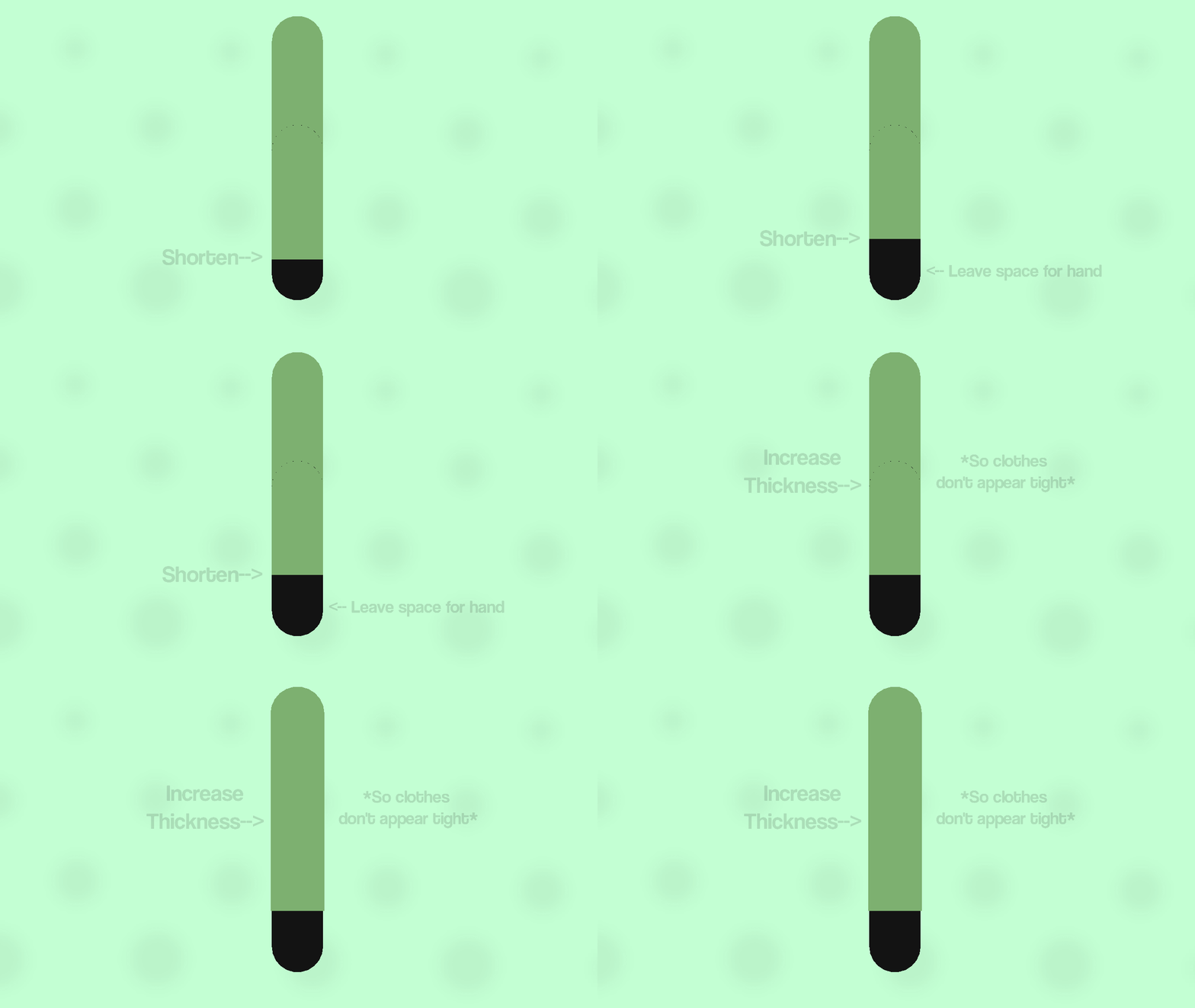
Firstly, start by shortening the forearm part of the sleeve, to leave some space for the hand. Next, increase the width of the whole sleeve, so it doesn’t look tight or part of the arm. Even with the first step, it already looks better than before.Step 2:
ㅤ
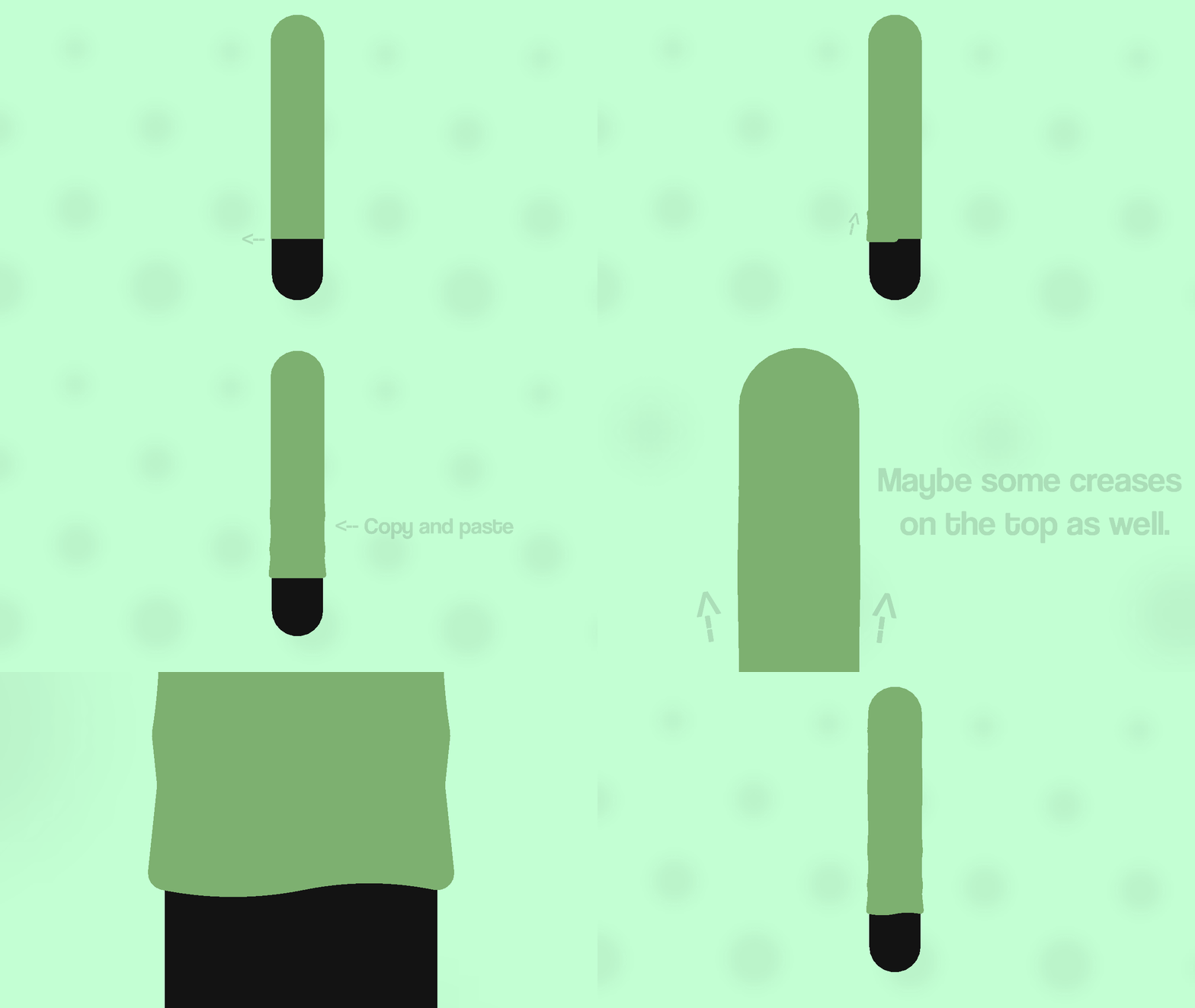
Secondly, add small segments poking out from the bottom sleeve node. Then have some the nodes zig-zag back into the top node of the arm segment, to simulate creases in the clothing. Once you’ve done that, copy and paste the segment and children to the opposite side, if it wasnt obvious from the GIF. If you want you can also add some segments coming out from the top part of the arm/sleeve.Also, it’s optional, but one thing I like to do is curve the two nodes sticking out by 1, to make it look less flat at the bottom.
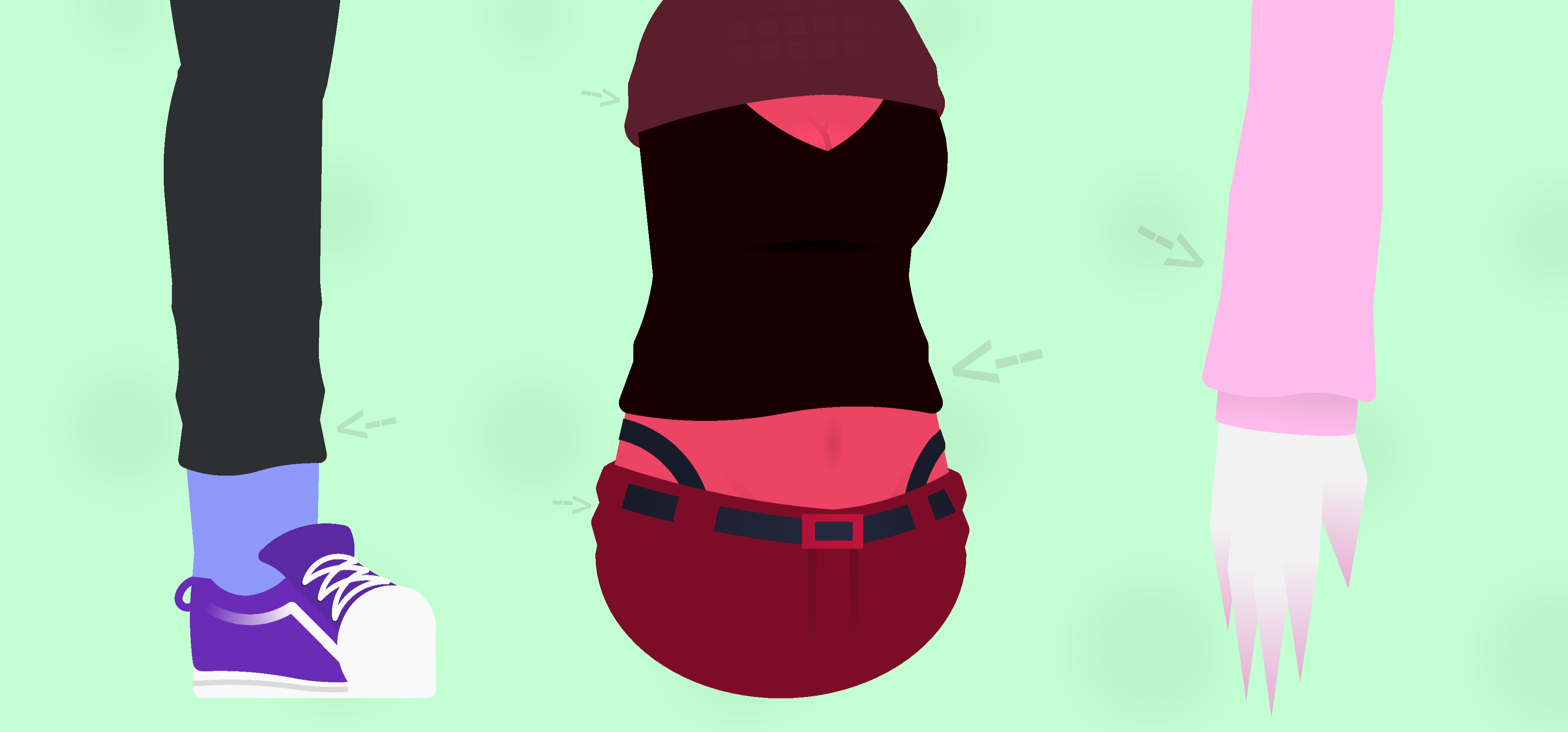
Examples:
ㅤ
That’s basically all you need to do in order to make your sleeve look less flat and more textured, doesn’t matter how you do it, just helps make the clothing look more like it’s being worn rather than being placed over. It works not just on sleeves, but on pants, shirts, any clothing really, unless of course it’s like, not made out of fabric or something.Anyways, that’s pretty much how I make the clothing details on my figures, not much but thought I’d share it anyways, maybe this helps somebody idk, that’s all for now, see ya.
Stick Nodes®
A stickfigure animation app created for mobile devices!
Create your own stickman animations on your Android or iOS device!


I just figured out a similar technique to this recently
yay, I can say i’m original
ill do this minus the wrinkles
i like my simple clothing :3
good tutorial though very useful
Other things to note is to just study clothing through reference images and looking around and at other people irl, see how or what realistic folds look like and looking for patterns from there to make it not just a jumbled mess of random patches of nodes sticking out.
A good example is the long sleeve you showed here, you can definitely make use of bigger shapes and whatnot to add small but noticeable improvements, id show examples but im rusty and like a boomer, dont know how the hell this site works…
Another is adding things like lighting and shadows to creases and such to make it less bland and flat, the colors you use is also integral to making it look as lively and neat as possible. Great beginner guide regardless id say
Now wait till people call me out for these blatant lies-
and looking around and at other people irl,
You might be the greatest being within all of existence, masterBut SN users are total loners
Cool.
This is helpful!