

Joined:Sep 20, 2021
Uploads:10
Features:1
UC Wins:3


( 4 thumbs )
 1st
1st 2nd
2nd 3rd
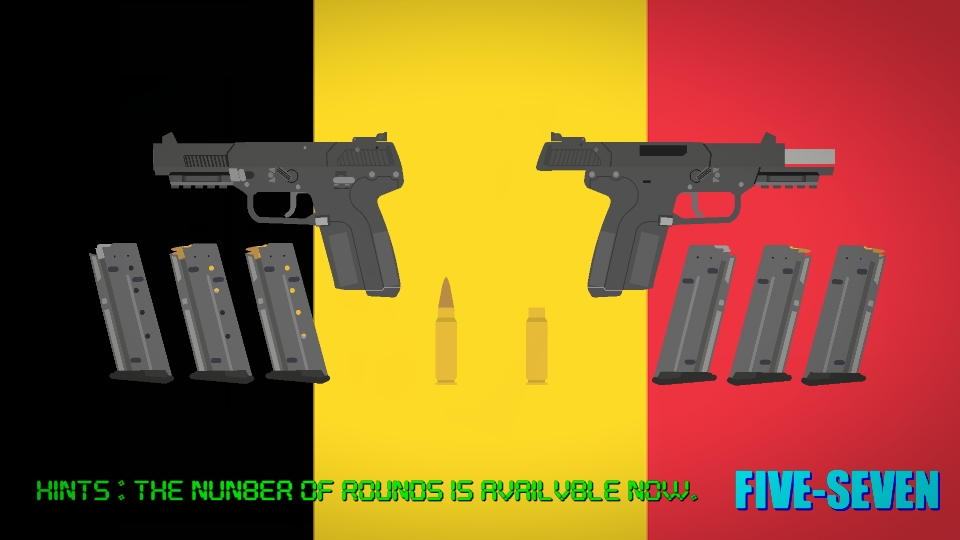
3rdWhen you joining the Left slide and Right slide just push backward and the Body forward
Slide (Left) & (Right) = Backward Body (Left) & (Right) = Forward
The Belgium Armed forces has used this gun (Replacing by Browning Hi-power) and the Special forces has using more than 20 countries.
I made a left side and right side for good use better. But the barrel all side for a have gunfire muzzle flash when running and shoot animation.
So... Just that enough?
#gun #handgun #Pistol (Armor Piercing)
( 4 thumbs )
1st2nd3rdThis download is a ZIP of 30 files
5 7x28mm Bullet (0.92kb)
5 7x28mm Bullet Casing (0.67kb)
FN Five-Seven Body (Left) (14.45kb)
FN Five-Seven Slide (Left) (9.78kb)
FN Five-Seven Body (Right) (11.83kb)
FN Five-Seven Magazine (Left) (7.64kb)
FN Five-Seven 1 Round In Magazine (Left) (8.46kb)
FN Five-Seven 5 Round In Magazine (Left) (11.75kb)
FN Five-Seven 2 Round In Magazine (Left) (9.29kb)
FN Five-Seven 3 Round In Magazine (Left) (10.11kb)
FN Five-Seven 4 Round In Magazine (Left) (10.93kb)
FN Five-Seven 6 Round In Magazine (Left) (12.57kb)
FN Five-Seven 8 Round In Magazine (Left) (14.21kb)
FN Five-Seven 9 Round In Magazine (Left) (15.03kb)
FN Five-Seven 7 Round In Magazine (Left) (13.39kb)
FN Five-Seven 10 Round In Magazine (Left) (15.85kb)
FN Five-Seven 11 Round In Magazine (Left) (16.67kb)
FN Five-Seven 12 Round In Magazine (Left) (17.49kb)
FN Five-Seven 13 Round In Magazine (Left) (18.31kb)
FN Five-Seven 14 Round In Magazine (Left) (19.13kb)
FN Five-Seven 15 Round In Magazine (Left) (19.95kb)
FN Five-Seven 16 Round In Magazine (Left) (20.77kb)
FN Five-Seven 17 Round In Magazine (Left) (21.59kb)
FN Five-Seven 18 Round In Magazine (Left) (22.41kb)
FN Five-Seven 19 Round In Magazine (Left) (23.23kb)
FN Five-Seven Full Magazine (Left) (24.05kb)
FN Five-Seven Magazine (Right) (7.81kb)
FN Five-Seven 1 Round In Magazine (Right) (8.63kb)
FN Five-Seven Full Magazine (Right) (9.61kb)
FN Five-Seven Slide (Right) (7.23kb)
Problem with this submission?
Please log in to report this file.







So many magazines I had a aneurysm.
oh hey i finally found your sn account
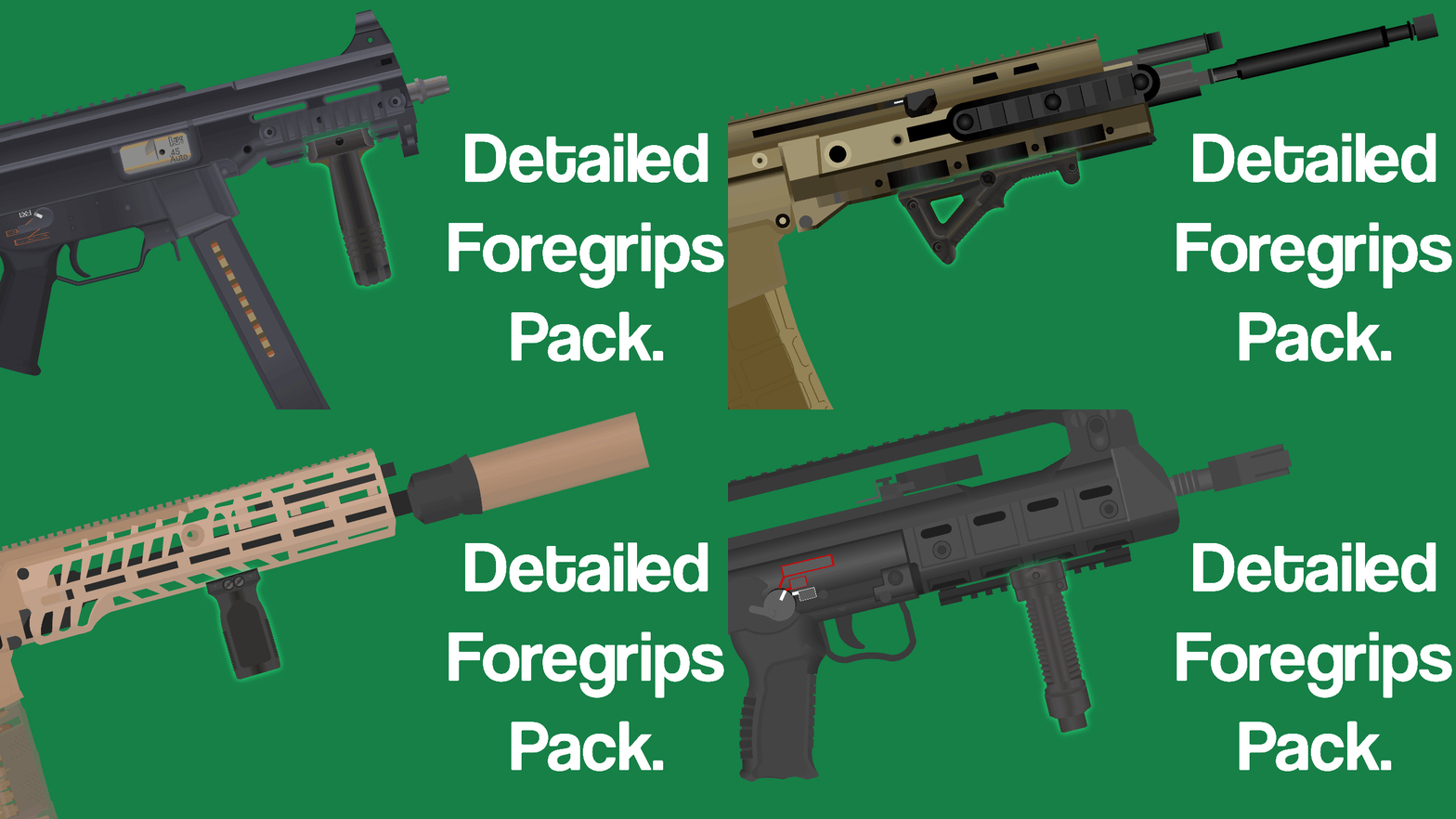
Tbh, you can simplify the mag fig by using my technique for my ump