-

Ralph (Developer)


 2018-02-09 21:50:26 UTC
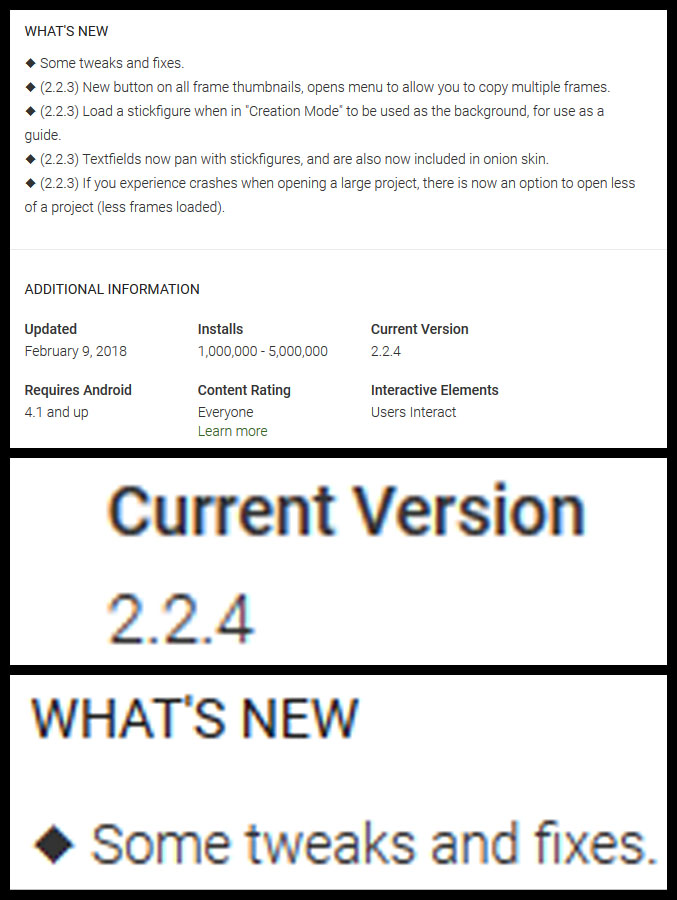
 Stick Nodes 2.2.4 is out for Android users. Massive update. It’s huge, unbelievable actually.

Stick Nodes®
A stickfigure animation app created for mobile devices!
Create your own stickman animations on your Android or iOS device!
Ralph (Developer) 2018-02-09 21:50:26 UTC
Stick Nodes 2.2.4 is out for Android users. Massive update. It’s huge, unbelievable actually.


I can’t believe it either
https://www.youtube.com/watch?v=Fvh-QFBCACA
this wins
this wins for the most confusing comment I’ve ever seen I have to go lie down
User Banned
What
thank you very much
…
This is better than 2.2.0
yep
don’t say I never did anything for you people
this monumentous update will be there soon!
neat™
@ralph This Better Fix the thing where you have a Background Image in Creation Mode, then Leaving the App(or something that blocks the screen), and then comming back to see the Image Gone.
Or Worst, Using Images that’s been taking by Screenshots and then Becoming A Cool SnapChat RednBlue Filter.
1) doesn’t fix that, lol, I know of it and its really not a bug, more of a memory-saving thing, those BGs are supposed to be temp anyway so if it clears away oh well, just put it back no?
2) what
@ralph 1) You tryna make my Fingers do work???? Lol it’s ok. Yeah I’ll just put the Image back.
2) aight listen: Find some random thing on anything and take a Screenshot-you know-Press the Home and On/Off Buttons At the Same Time
Save the Photo
Open StickNodes Lite or Pro
Create or Edit a Stickfigure
Find and Press, Load BG Image
Then Use the One you Just Took, The Screenshot One
And then your BG will be all Red and Blue and Distortted.
I’ll make a Video if you Still Don’t understand…
I’m not calling you a liar (>_>)
but I just don’t see why that would be
an image is an image, it doesn’t matter if it was a screenshot or an image downloaded from google
kinda weird if that does happen, unless your devices saves screenshots weird, I know people use screenshots of the app in their actual animations (animator vs animation things) and those are fine…
How to get the Glitchy BG Filter 😀 http://www.youtube.com/watch?v=sa6msZJu0tQ
@ralph Although to fix it, you just Edit it by Cropping, It Drawing on it, rotating it, any kind of edit to the Screenshot. But Honestly I like the Glitchiness look.
huh, that’s weird
I can take a screenshot and that won’t happen
your phone is weird and it should feel weird
Ok… now I’m kinda likin the Glitchy look to it… Yo I can make the Demon look even more messed up! 😀