
-
Your Local Toaster (Wingidon)


 2022-03-17 05:53:52 UTC
 Hasn’t quite been a quarter of a year yet, but @ralph I got a bug to report.
Basically, when you Break Apart a movieclip on a frame that contains figures with the Lock Node Position (or whatever it’s called) on any of its nodes, it’ll go back to the position it was at in the movieclip rather than where it should be on the workspace. I’ll attach some images to help you understand what’s going on.
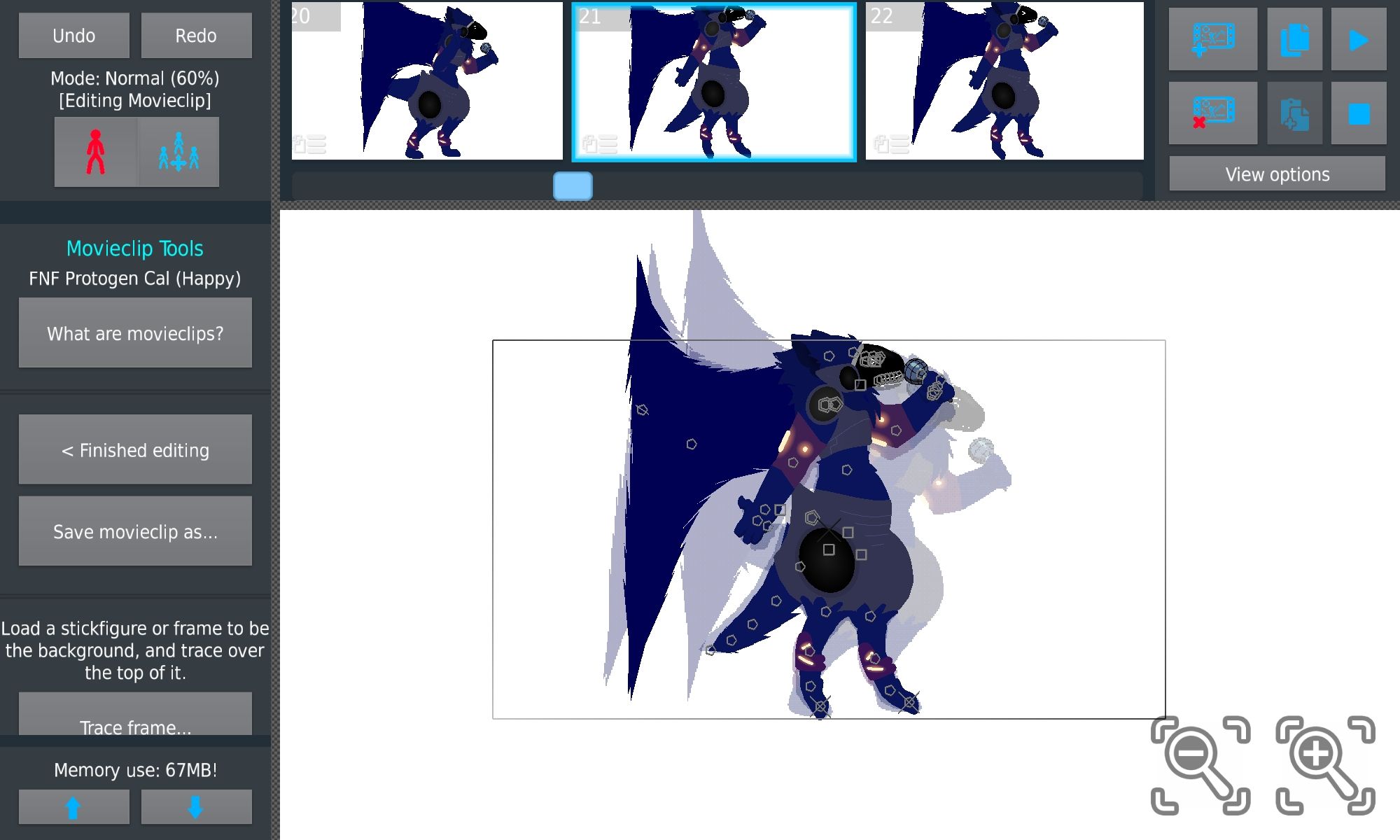
Original frame
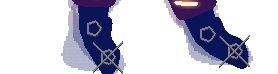
Note the locked nodes
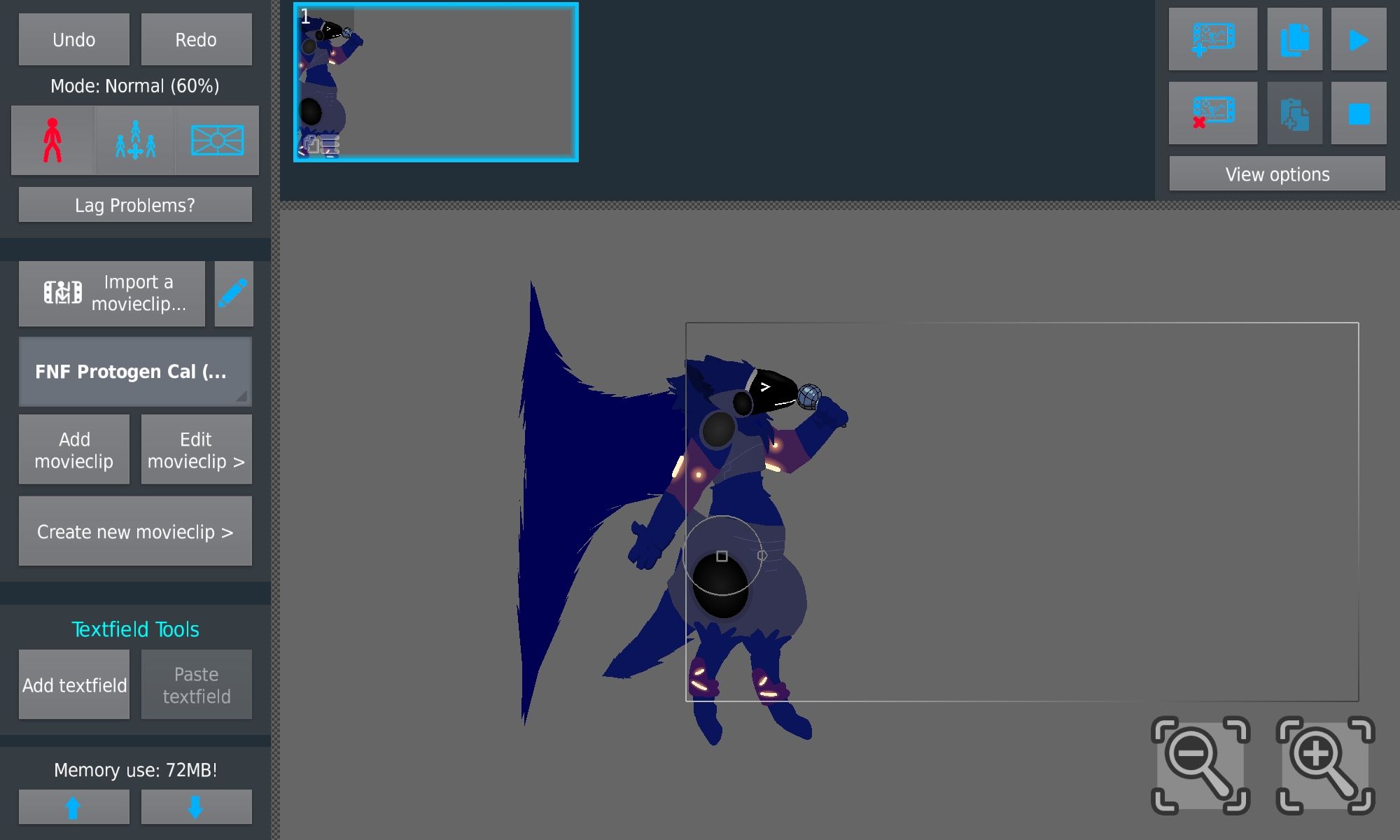
This is the frame in the Workspace
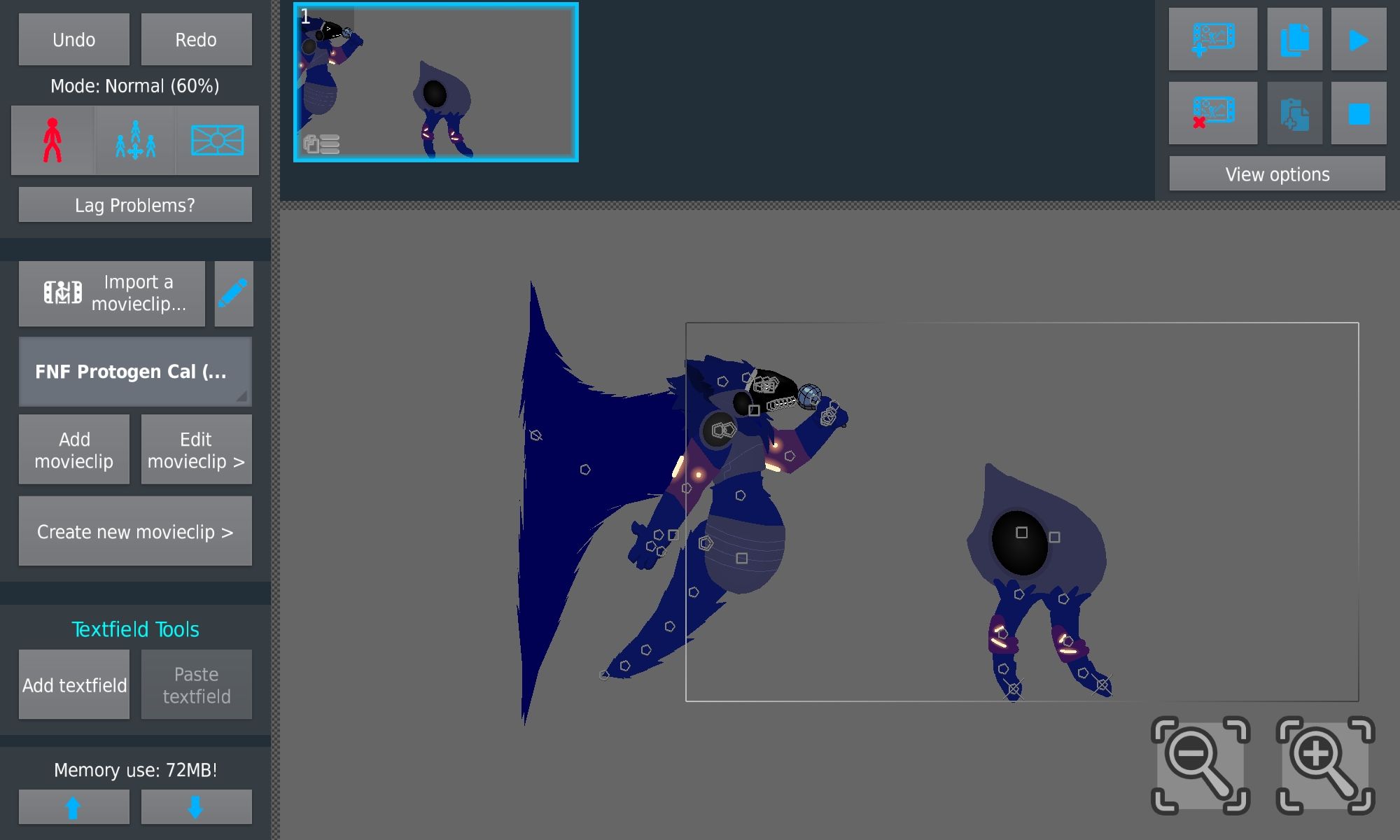
I hit break apart and this is what happened.
On another note, regarding the movieclip auto-deletion, if it is coming, would you say it’ll be coming in a minor update after this one, or will it be included in a later major update?
Stick Nodes®
A stickfigure animation app created for mobile devices!
Create your own stickman animations on your Android or iOS device!


What’s movie clip auto delete
first off thank you for this overly-detailed report lol, it is appreciated
will fix this in next update, interesting bug
auto-delete is unfortunately more involved than you would believe (user adding/deleting frames, the MC has to know and re-add itself to certain frames in proper layering – what about joining itself to other figures – how does this affect node counts or undo/redo actions, etc…) so, I can’t say yet
i wanna get minor updates out quickly for fixes so don’t wanna delay with new stuff that may take time
also cc @darkboyanimation i wonder if this is the bug you showed me a while ago, but it didn’t seem to have a locked node in the project you sent me
ps fixed in 3.3.1
Yes indeed it was the bug i showed you but without the lock or maybe i did actually added the lock and then removed it afterwards, I do feel like the bug is caused by the lock node feature but that might be just me.