-
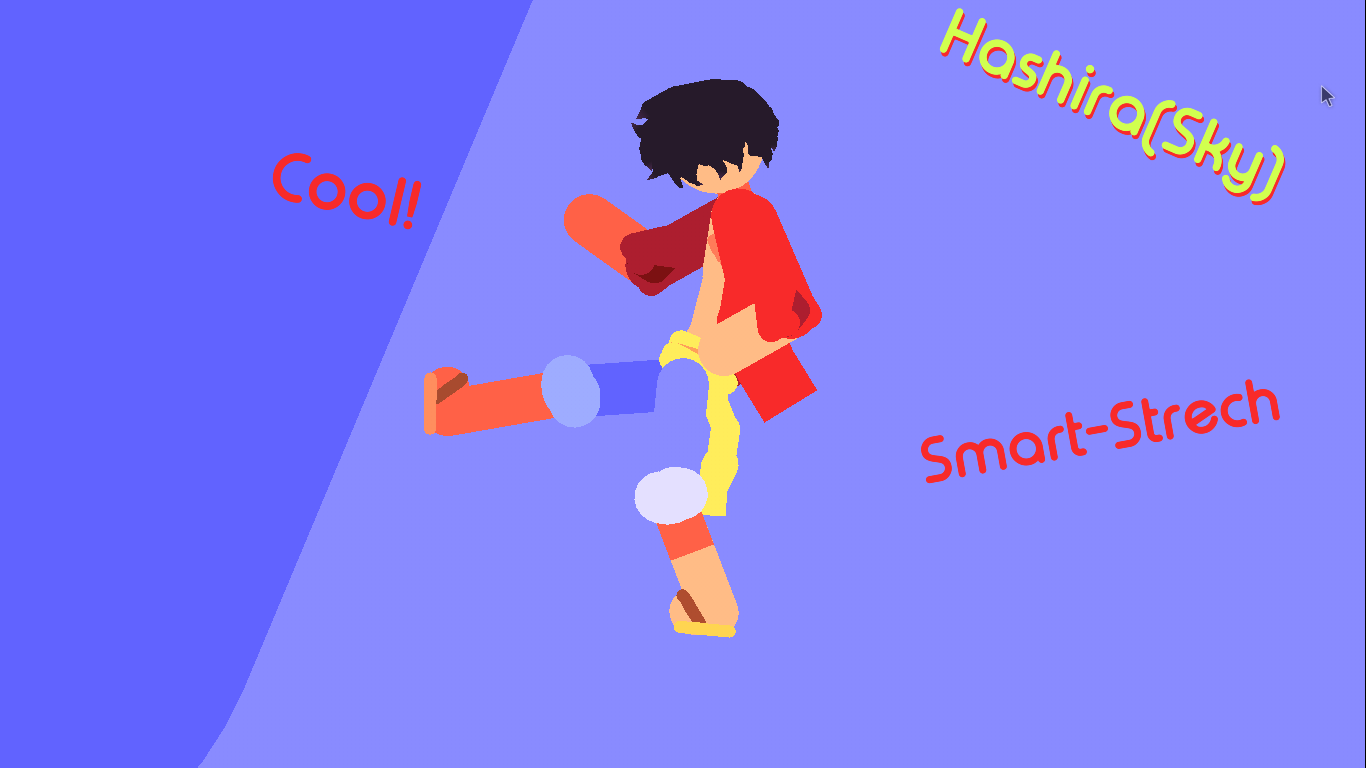
I made the best stickfigure today, but I have to improve. This was the stick figure, I hope you like it :>

Stick Nodes®
A stickfigure animation app created for mobile devices!
Create your own stickman animations on your Android or iOS device!
I made the best stickfigure today, but I have to improve. This was the stick figure, I hope you like it :>


Cool 👍
Feet could be a bit longer though. That’s just my opinion
Yeah,it’s been a while since i stickfigures imao.
Still very good!
I have two questions…how do you change the sticknodes profile picture, and how do you post a stick figure?
To change your profile, click “Howdy, Hashira”, click profile, click “change profile photo”, and pick a photo on your device.
To submit a figure, near the Stickfigure section in the app press “submit a figure”, follow the instructions, and when it ask who made it, put the email you used for your account.
Thanks, the second question I just figured out myself lol
Cool. Don’t forget to put the email, Not your username. Example, let’s say you use the email “[email protected]” for creating your account. When it asked who made it, it “[email protected]” NOT hashira
ok, I submitted Luffy’s stickfigure oh my god… will I be at least in third place>:>