
-

🪵 Revenant Log 🪵


 2023-10-25 15:58:29 UTC
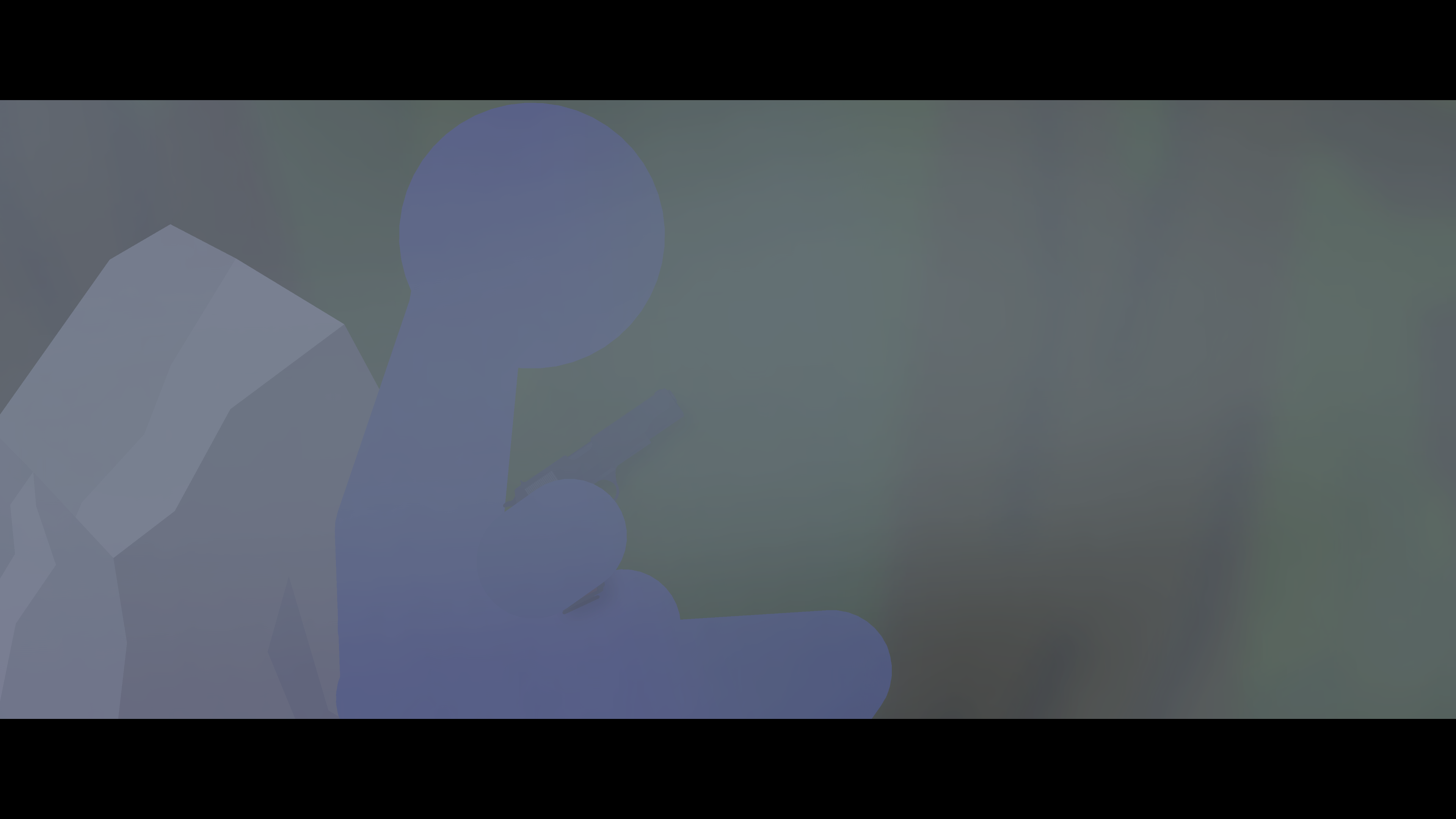
 Ive learned a new method for visuals
Blurred colored elipses, low opacity
I also found a sprite muzzle flash movieclip, so broke it apart and removed the orange fire thingy, snd then took the smoke sprite and scaled it up.
I also took a cube and added some tint to it and then scaled it to be as big as the creating space. It adds a color tint, or “filter” i guess
Looks awesome
Stick Nodes®
A stickfigure animation app created for mobile devices!
Create your own stickman animations on your Android or iOS device!


for performance, you can achieve this with just a sprite that has been pre-blurred and it’ll be a lot faster to render
Idk how to use sprites much, i took a 7 month break from sn and came back like 2 weeks ago.
How do i even get preblurred stuff if i took the sprite from a movieclip
put it in a project, blur it, then download as a png
Thanks
basically that
apply filters to everything you want as a sprite, on the stage
export as a PNG (transparent bg)
import the PNG as a sprite and boom, better performance
(this is a roundabout way of also just putting all the filtered objects into a Movieclip, then using the Movieclip in your project (as non-animated) and checking the “Cache” button so it becomes rasterized)