
-
StickHelmet


 2024-03-06 19:53:22 UTC
 @ralph
Possible bug?
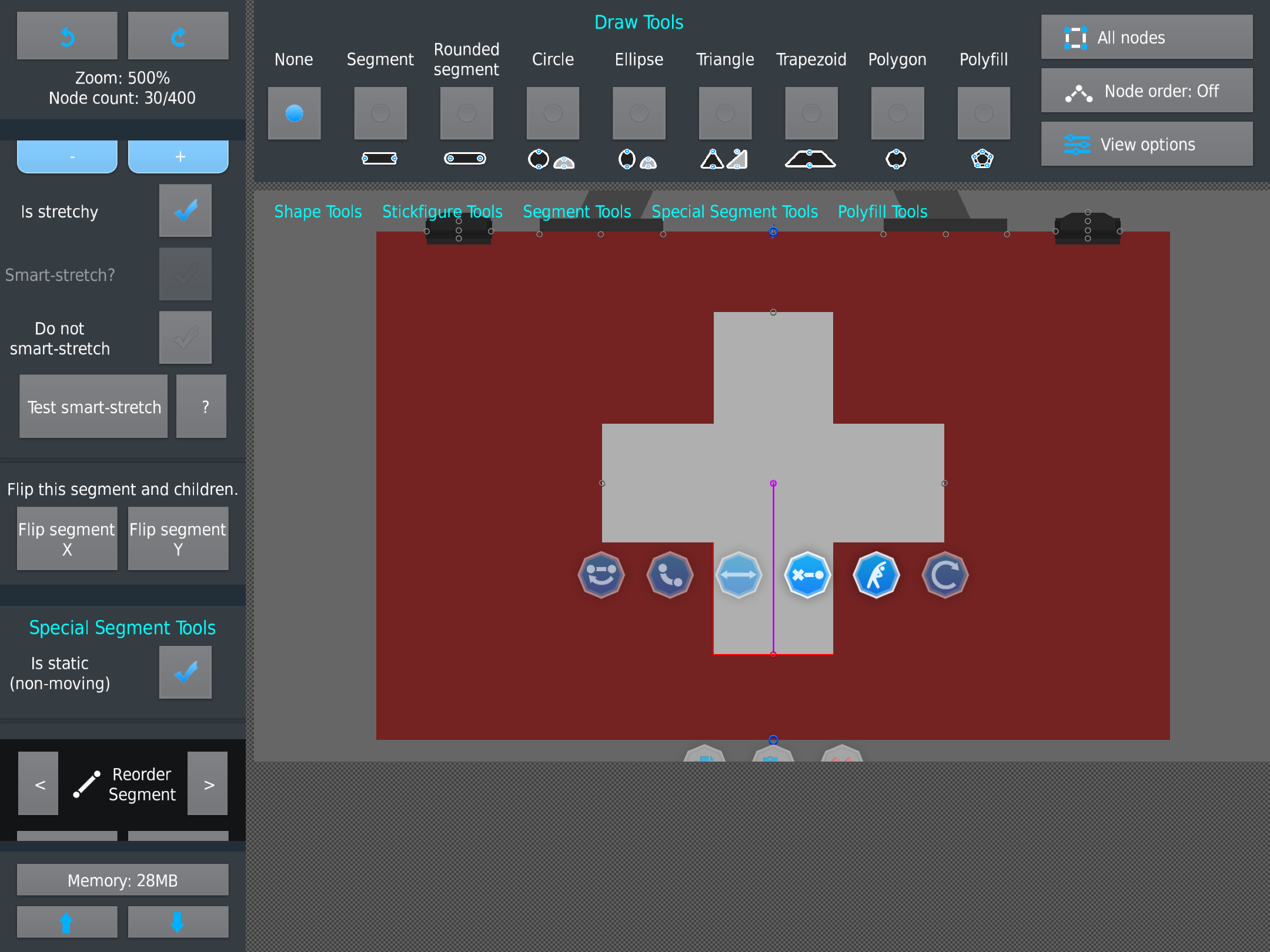
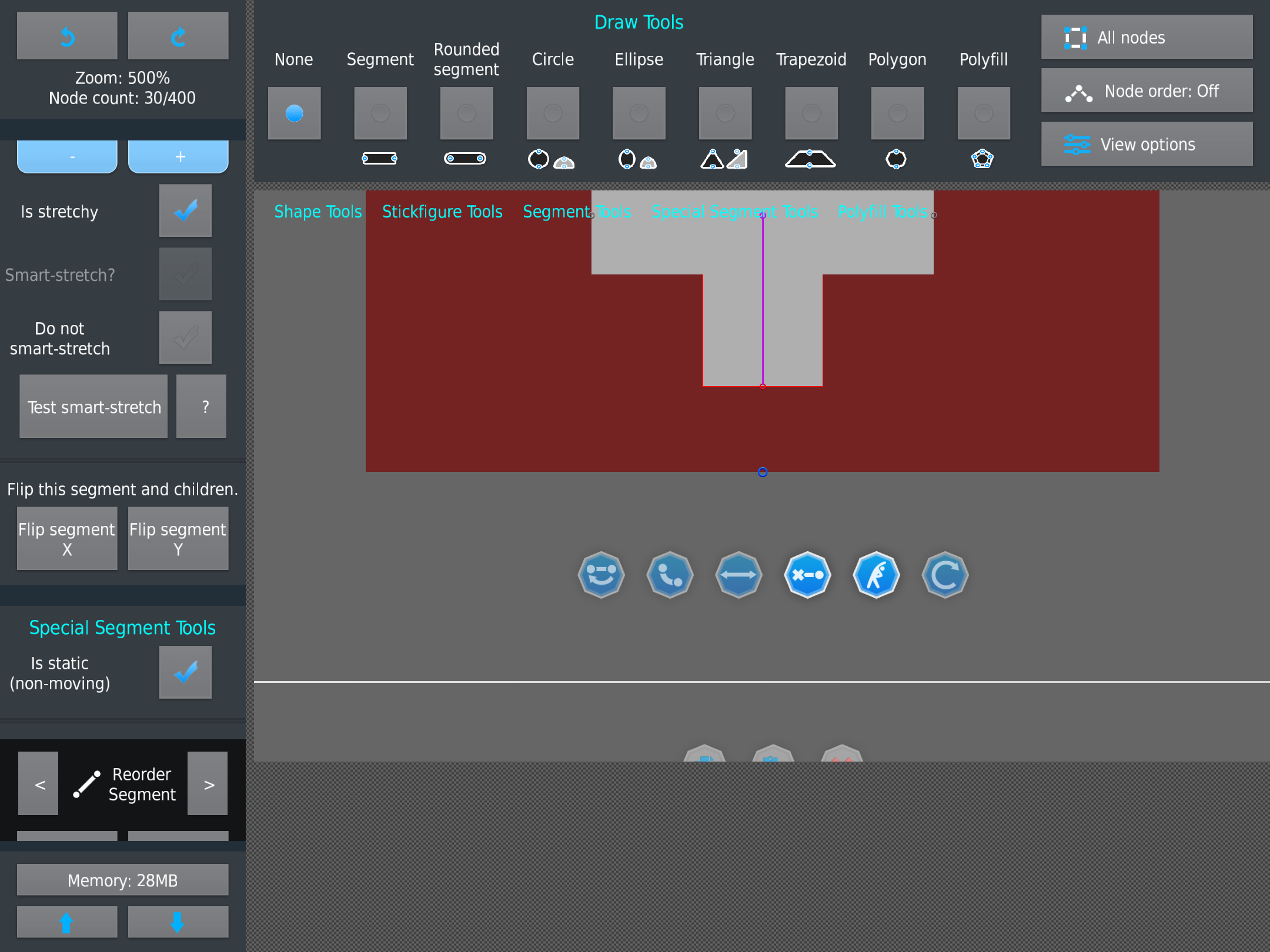
I dont know what they’re called lmao but they stay in place of your screen whenever you move, i definitely remember it being locked onto the node and not your screen.It can be a bit bothersome but it isn’t too bad.
Stick Nodes®
A stickfigure animation app created for mobile devices!
Create your own stickman animations on your Android or iOS device!


He said he “made them more responsive” so it might’ve been intentional, but it definitely bugs me
It is on purpose, they go away when the node is deselected, which seems more proper. Aka just tap the screen.
Sometimes I feel they would pop up and be in the way, so you’d have to readjust the screen and then get them to pop up again
Now you can just readjust the screen so they’re not in the way, but they stay there
I can see it going either way tbh, being helpful or a nuisance, or it could just take getting used to
Like I said before, it prob should only stay in place when using the tap angle thing. Otherwise I see more of a nuisance instead.
Change it back >:[
I’ll think about it