
-
Your Local Toaster (Wingidon)


 2019-12-10 21:49:08 UTC
 Ok, so @ralph hear me out, but defining nodes for movieclips. Basically, for 1-stickfigure movieclips, you could make run cycles or something. Then, you could take another movieclip, and then add a different figure, then there could be a “bind nodes from movieclip” option. From there, you could bind the non-static nodes of the fig you have to the non-static nodes of the other fig from the other movieclip, and then you would have identical run cycles for different figures. It would make animating cycles for things a lot easier. For example: There is 27 units in Stick Empires. Instead of having to make seperate walk/run cycles for all of them, you could bind segments for them. Sorry if this makes no sense, I’m tired as hecc and I am an…

“Insomniac, wake up” but I don’t want to. Anyway, after all that is done, the result will look something like this:
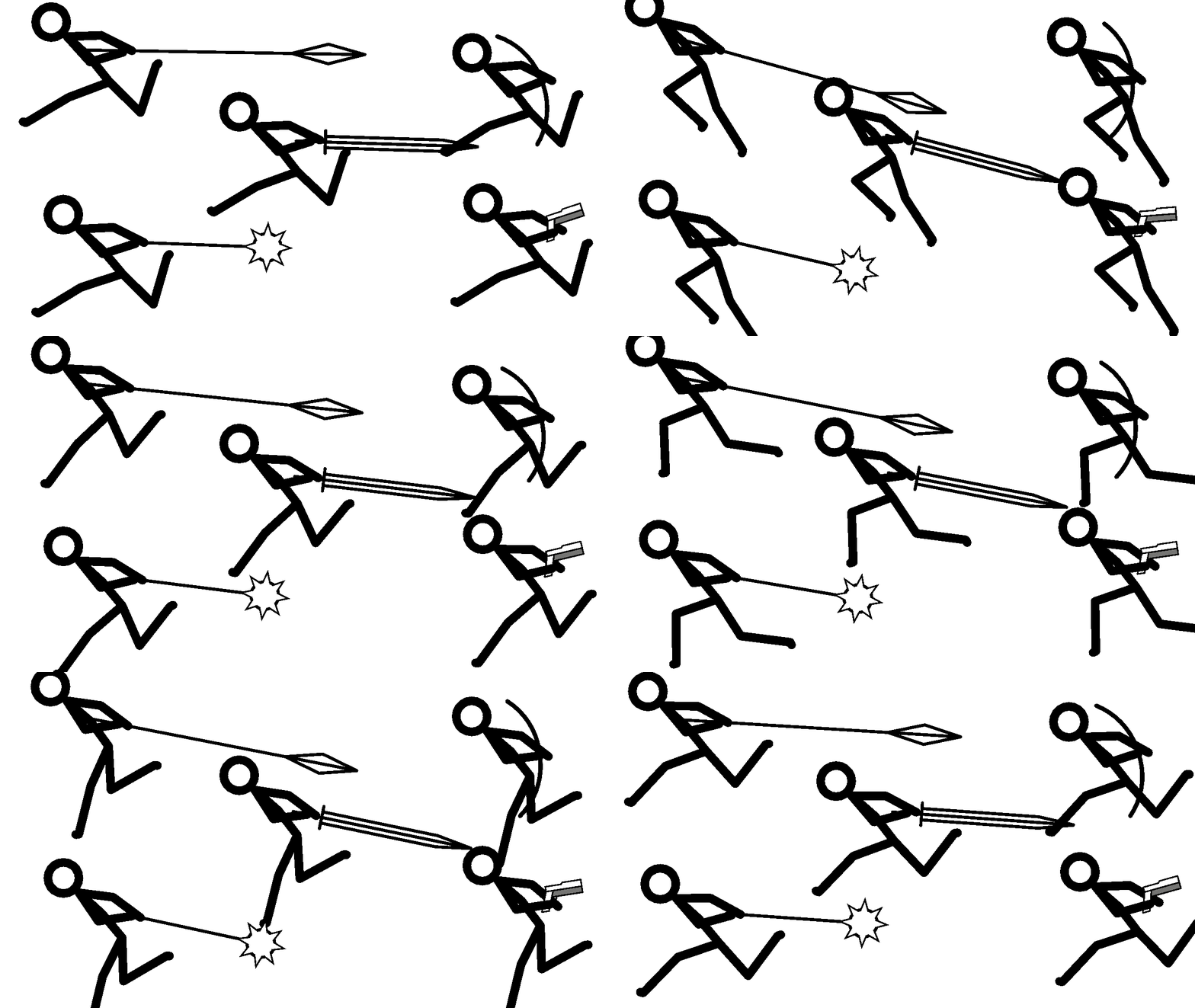
Also, I didn’t just copy-paste the weapons onto the run cycles, the figures include the weapons, so I had to trace every cycle :/
Stick Nodes®
A stickfigure animation app created for mobile devices!
Create your own stickman animations on your Android or iOS device!


Tl;Dr graphics choice swap between movie clips. Issue is that movieclips aren’t really coded to do smth like that. Another issue is idk how you want to put this in UI. And also insert Ralph talking about things that are just too specific and someone would use them once in lifetime
this is a very good idea
the problem is this is like, an entire app in and of itself
(basically it’s Spine, which is another LibGDX-made animation software, mainly to develop animation for games)
http://esotericsoftware.com/
it’s massively more difficult than you’d think and would require months upon months of work which tbh after this movieclip update process, I might actually just necc myself instead
good movieclips you made there tho lmao
Thanks. I’m actually making units from Cartoon Wars right now, and those were 5 of them.