-
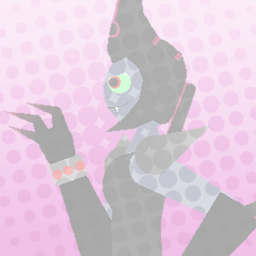
Does anyone know how to blend two images together, I found some eye online and a body but the skin tones don’t match and I can’t find any option to change them both

Stick Nodes®
A stickfigure animation app created for mobile devices!
Create your own stickman animations on your Android or iOS device!
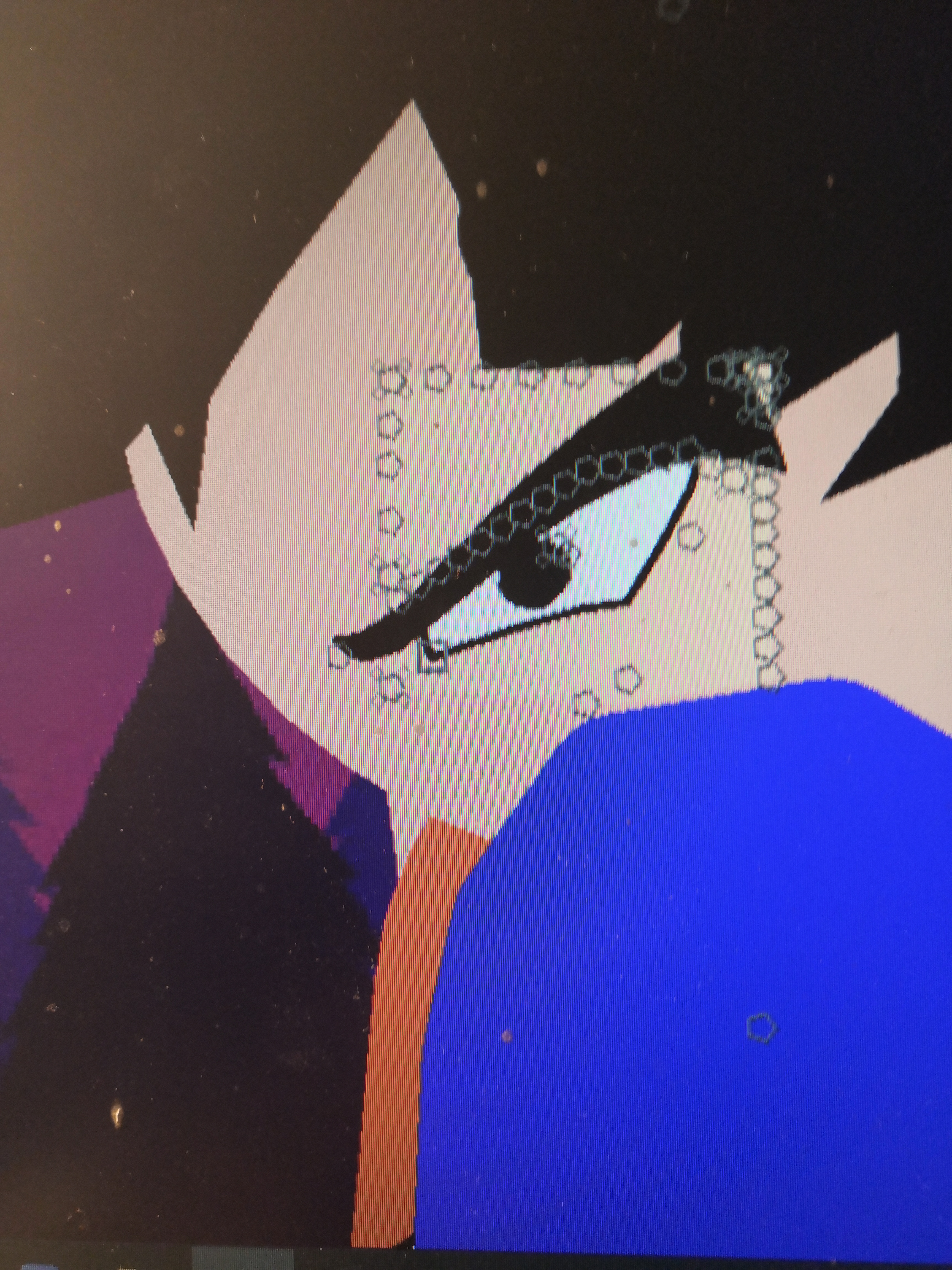
Does anyone know how to blend two images together, I found some eye online and a body but the skin tones don’t match and I can’t find any option to change them both


I’d be suprised if stickfigure colour isn’t working out. Does it change just the black border?
If so, go to edit stickfigure of that eye, select “Trace stickfigure”, select Goku and set the opacity to 100%. After that, select the square node of the eye and scroll all the way down to “Modify Branch”. Using colour picker, drag it onto the eye’s skin tone and replace it with Goku’s skin tone by doing the same thing then hit Apply.
After that just save the stickfigure and you’re done.
i was gonna say “use stickfigure color does that change it lole” but yeah, this is better…