
-

SquiSN


 2020-04-06 02:33:06 UTC
 @ralph a suggestion
a slider to select what percentage the app adds an add tweened framebecause the current options right now can fuck up easing pretty badly, only good one is 50% tbh
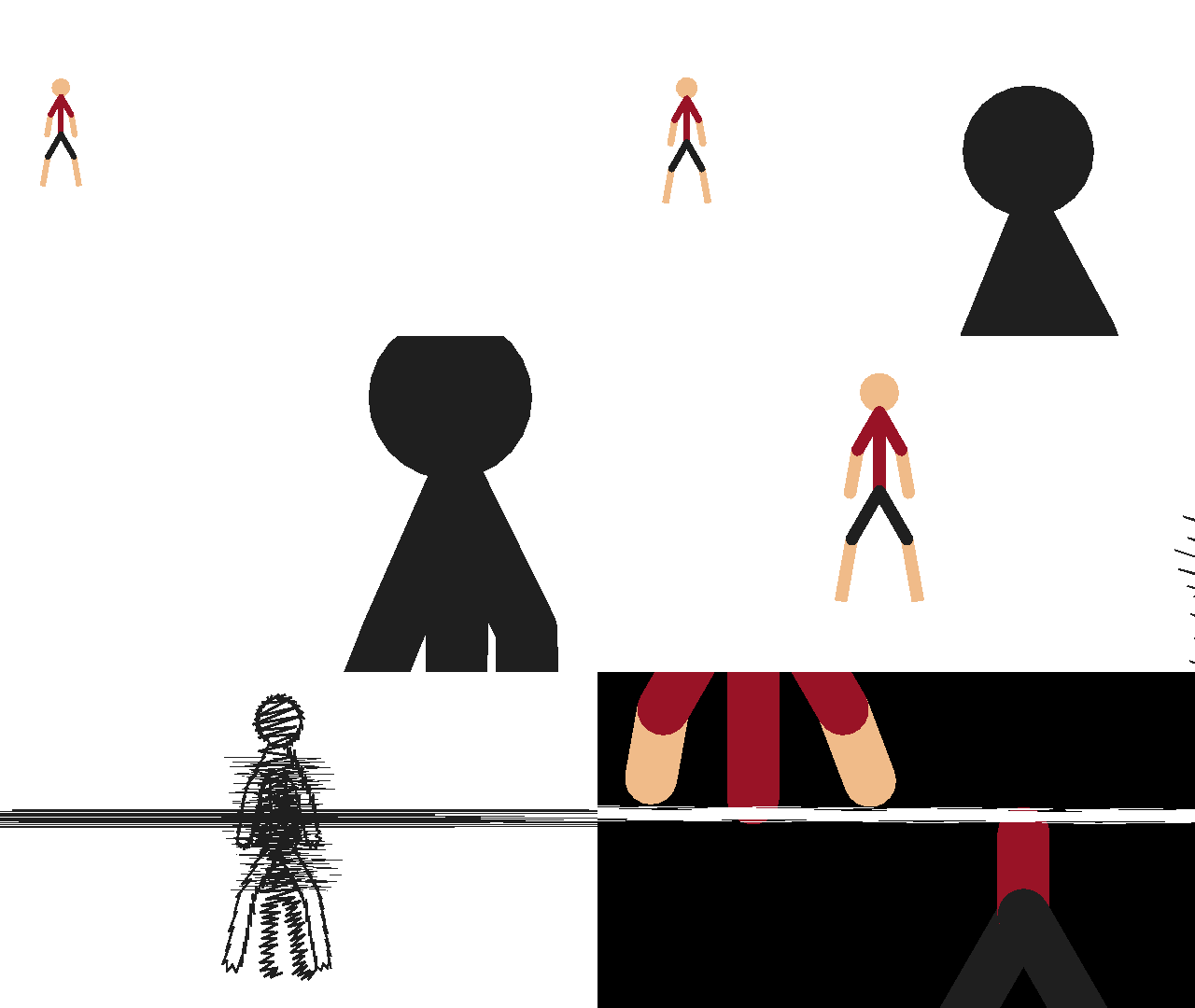
i used add tween for the slice at the end, 50 made it a bit too fast so i had to backtrack and add more tweened frames manually
i can see this being a pretty hard feature to add though, but i wanna see if you’re keen on the idea
Stick Nodes®
A stickfigure animation app created for mobile devices!
Create your own stickman animations on your Android or iOS device!


Teach me
first of all, use 6 fps and tween
then after that, always spam add tweened frame
setting up manually precentage might be pain but understandable.
Tho… I just thought of smth that is just wack af.
Imagine setting up precentage of easing to the next frame on invidual stickfigures. 50 default linear… By that logic max/min values would also make the stick jump from frame A to B, depending if we want the frame to remain during transition or not.
Alright big boi explanation time for a feature that im 99% sure wouldn’t be added.

Frame 1 is bottom, Frame 2 is top. I think it’s understandable so far if you know what tweening is.
Anyway let’s say on invidual stickfigure you can set a precentage. On the tween path we put a point on the tween curve which changes the horizontal position depending on the precentage used. Then we slap it to automatically estimate bezier curve for smooth transition.
So it’s kinda invidual tween easing on separate stickfigure…
what i got out of this was to set a “tween mode” on stickfigures, and then when pressing “add tweened frame X%”, it tweens every stickfigure according to its tween mode, basically X% to the point on the red line
which i think is half of what you were saying but it intrigued me so I stopped thinking about your thing and started thinking about mine
lol
*crying natalie.png*
honestly i found the values pretty good, but you gotta use them strategically
like, add one 10% then go into like a 33/66 then a 90 or something and boom you got a pretty good 4-frame ease in/move-move/out situation
50% is good for adding a bunch of linear-progression frames
off-topic tangent: in fact im gonna add a thing where you can tell the app to “Add X amount fo 50% frames” or w/e, that adds 5,10,20, etc frames of tweening linearly from frame A to B
(right now you can accomplish the same by going back and forth and keep adding a 50% tweened frame)
ANYWAY
making your own percentage is doable, definitely
just, is it really worth it? complicating the otherwise pretty neat and simple system as it is?
that’s what i gotta think about
sometimes giving the user “more” options isn’t always a good thing, can feel overwhelming