
-
Warlock


 2020-05-20 22:01:52 UTC
 Highlight of my day:
I got pro
This is the best thing that’s happened to me all quarantine.
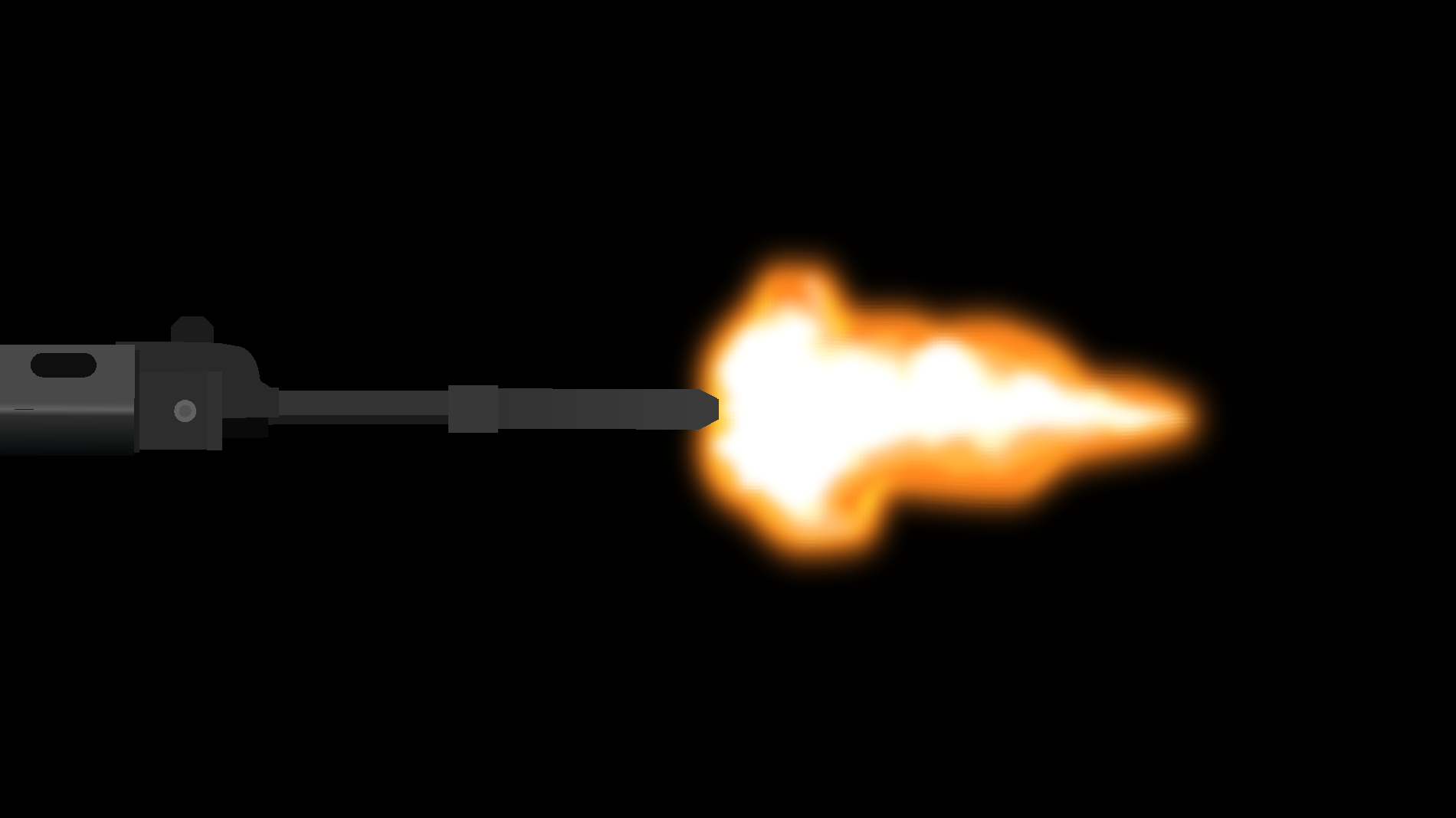
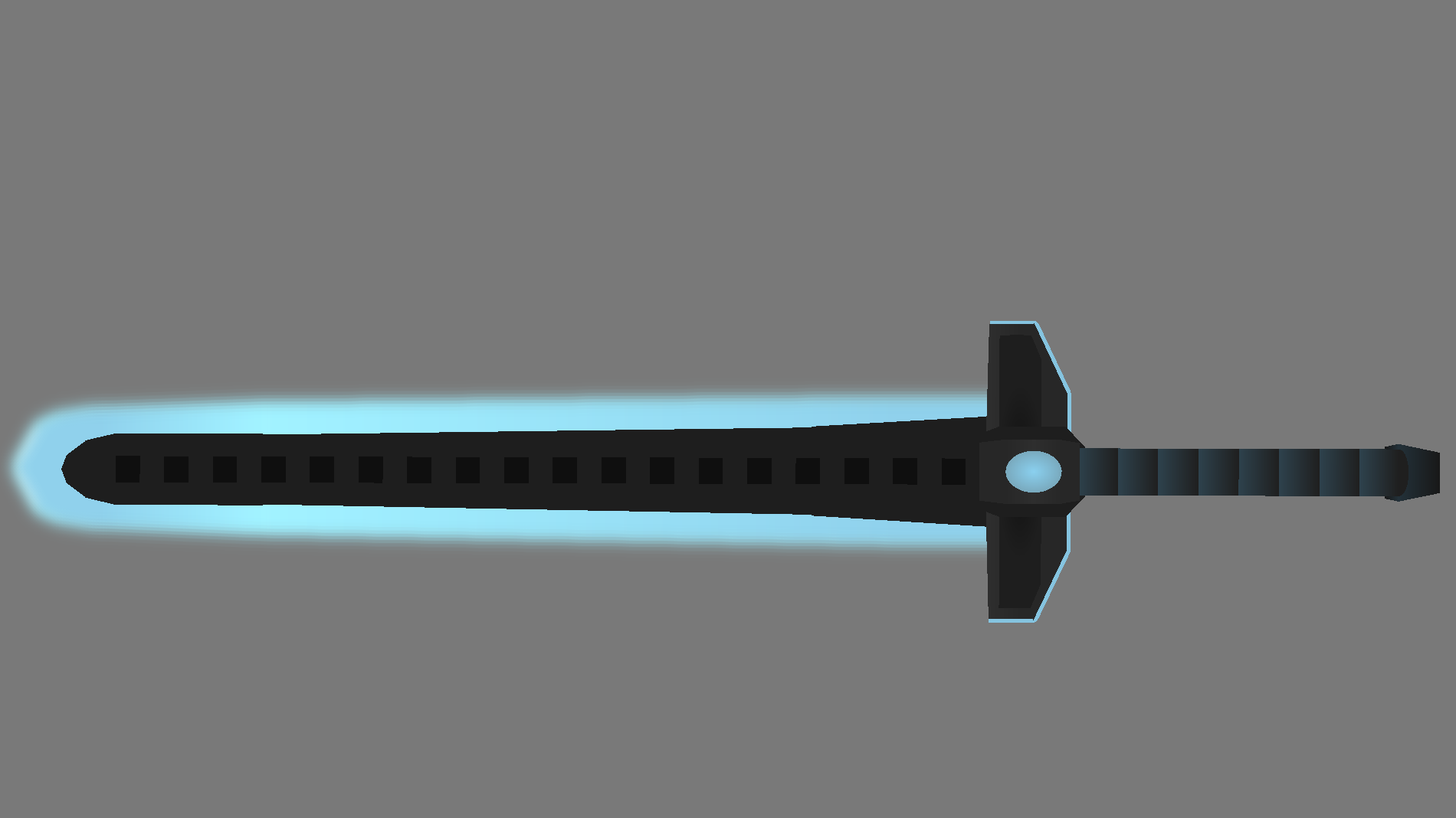
Here is two pieces of art I made which might not be of importance to everyone who has pro but it looks so good to me
Stick Nodes®
A stickfigure animation app created for mobile devices!
Create your own stickman animations on your Android or iOS device!


Your gonna use blur and tint a lot lol
I like the word ‘tint’
If only you know what could be possible with just the free version.
Blur, Tint, Opacity, Glow all sounds astounding to newer users of the app but when you know how to use the app fully than for the most part you don’t need any of them.
If you use a gradient ellipse and position it perfectly enough with a smaller clone of itself you can get a transitioning glow that looks better than glow and causes little to no lag as they are just technically 4 nodes.
If you want opacity than in some cases you can blend the colour of what you want to turn transparent to the colour of the thing behind it and transition the colours and that is an artificial opacity filter.
You can also takes things a step further with using small dots or triangles to create a thicker part to a shape and fade it to smaller to give the illusion of a gradient that has no colour as one if it’s gradients.
If you want blur you can follow the same rules as the artificial opacity filter except instead of using the transitioning colours frame by frame. Use it behind the stickfigure and transition the colours bit by bit until it looks like the blur filter.
Although for Ralphs sake i’d just say you should get Pro. It may also take far too long to set up all these filters with ease and success.
exporting with mp4 is a plus
Pro has it’s benefits although I was just mentioning some things that you don’t crucially need Pro for.
Understood, but… Isn’t opacity a free feature?
Also money makes everything easier so I will not take anytime doing any of that
Sorryyy
Just thought i’d mention it
But isn’t opacity a free feature?
I just checked and yes it is.
It was a long time ago when I looked through the free version properly so you’ll have to excuse my knowledge on the free version.
Although some of my other techniques I spoke about work and doesn’t have the filters on free.
It’s alright
Thanks for the tips though, might use them