
-

not لටʂǶ


 2018-08-04 08:53:16 UTC
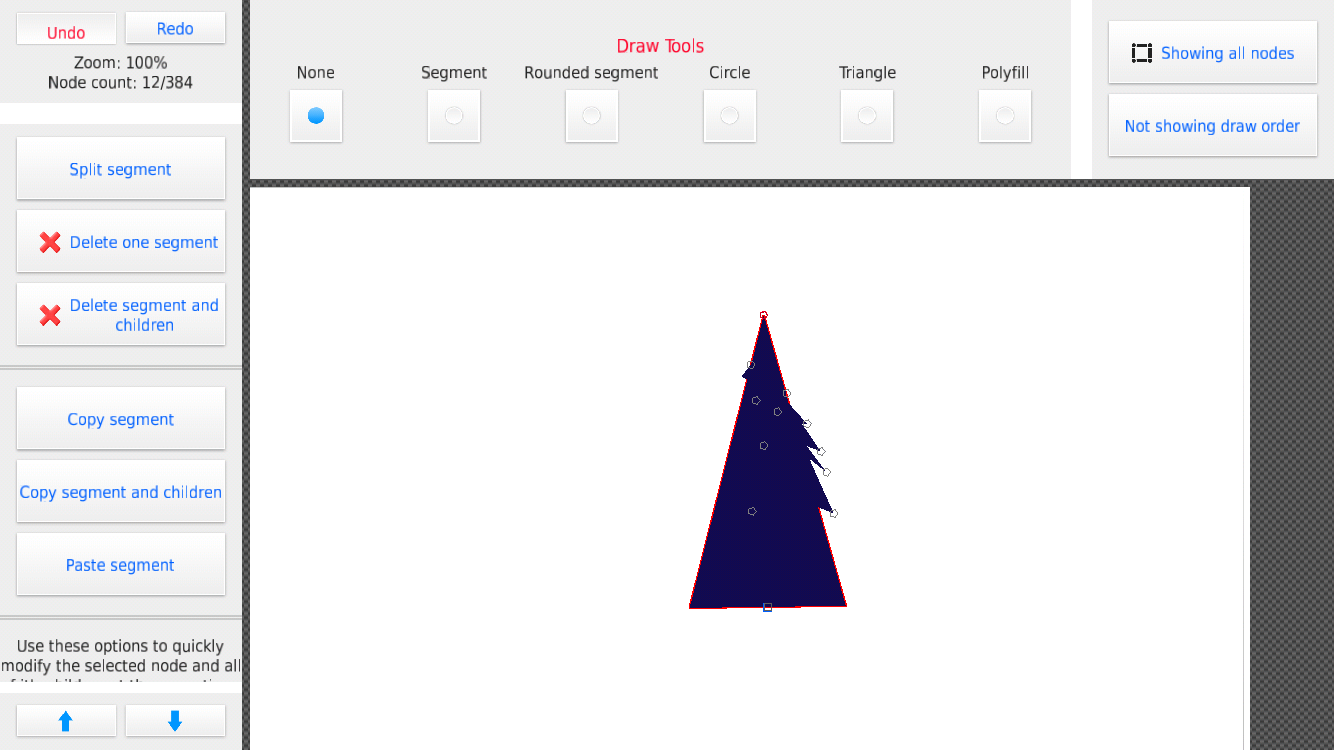
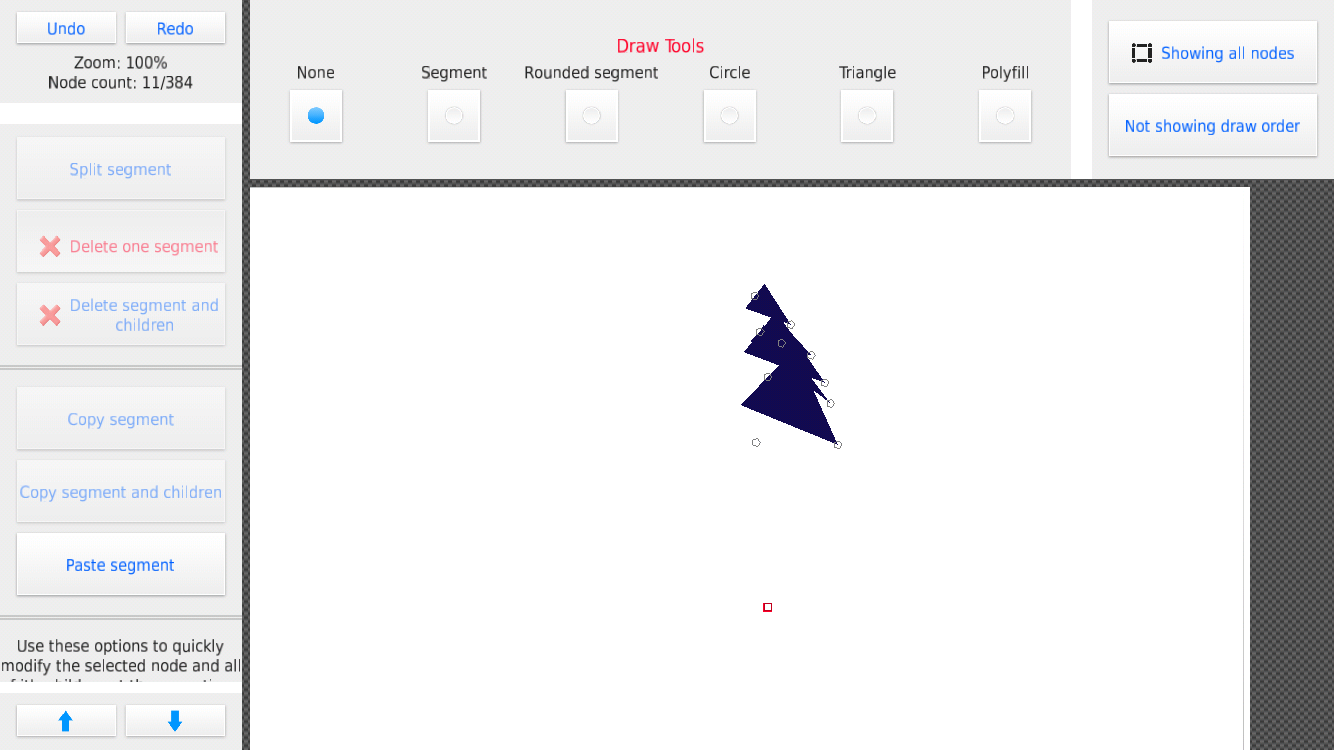
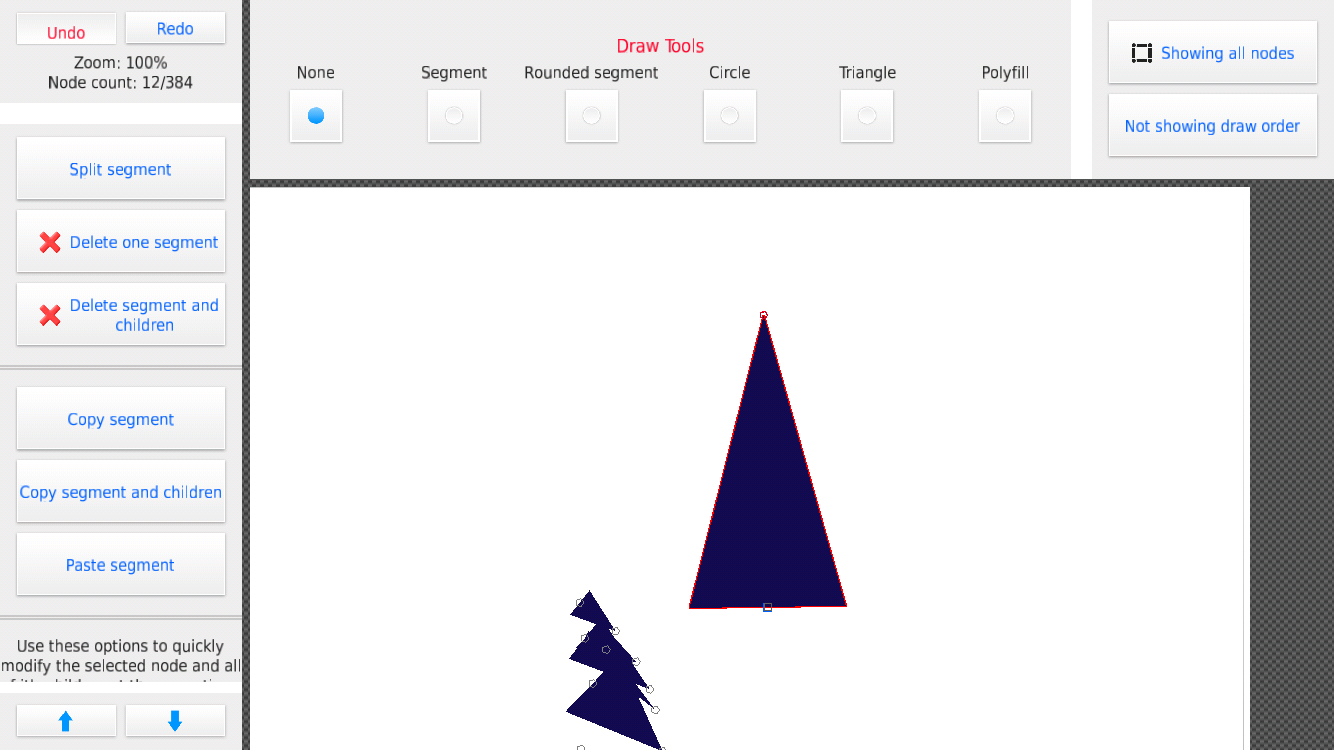
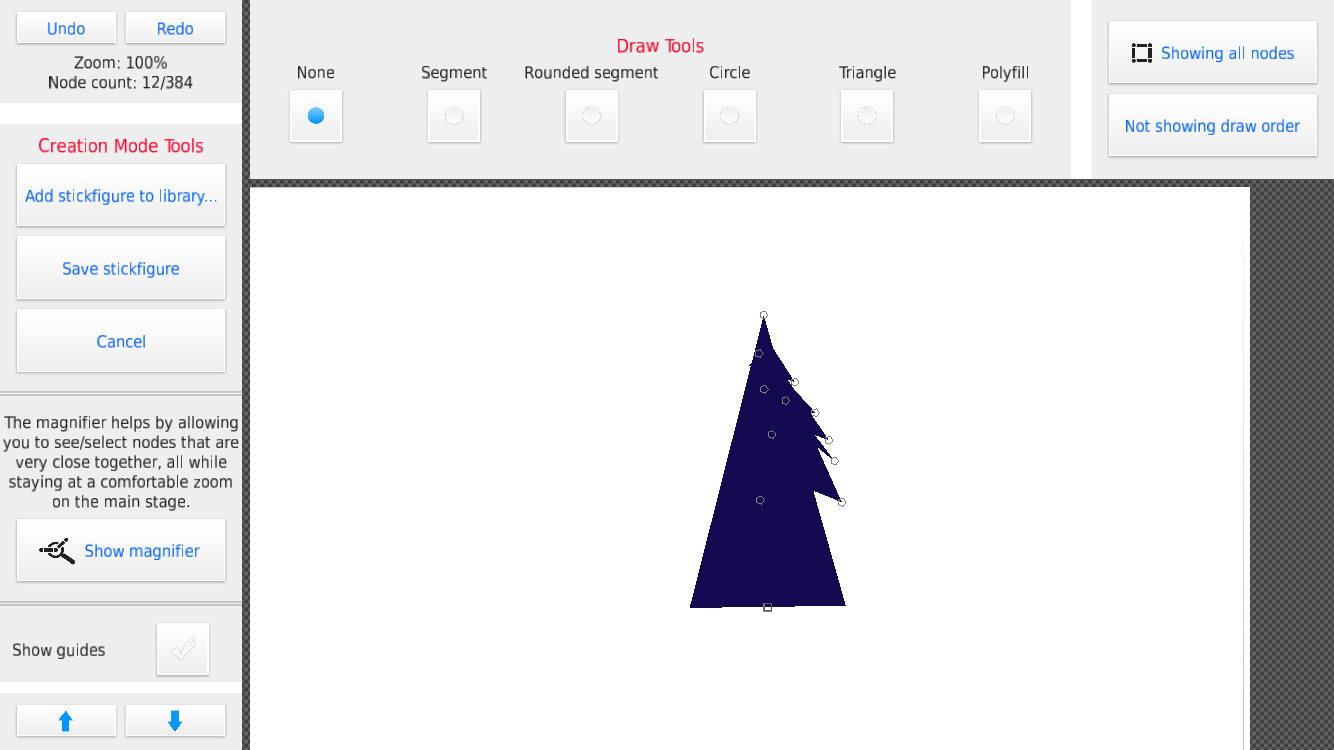
 @ralph when using undo/redo after a “delete one segment” my stickfigure gets messed up. I mean I press undo and it’s totally different from before. I did some research but I couldn’t find out what the problem was. picture examples of my deleting the big triangle, then pressing undo/redo a few times
Stick Nodes®
A stickfigure animation app created for mobile devices!
Create your own stickman animations on your Android or iOS device!


Bottom picture is original btw
i thought it got fixed, since i don’t experience it anymore
try restarting your device?
No
never
i’m confused
Also another thing I noticed: you can’t undo a modify branch or anything before that
yeah you can, and the undo/redo buttons are in the “modify branch” window, at the top
Damn I’m an idiot, thanks a bunch, that’s super helpful
But one more thing: “increment scale” only works if you have “use segment scale” enabled for every segment, which is kinda annoying because I decided i want to make a tree larger, but it’s got hella nodes and none of them are enabled. Maybe you can add that into modify branch?
that too, is already there in the window
boy open your damn EYE HOLES
Oh oops, well I’m that case you should add a feature where you can adjust the color of the segments in modify branch
will do!
okay, thanks, I’ll look into it
undo/redo are the bane of my existence
every single thing I add I need to consider all the possible undo/redo scenarios and it kills me a little inside each time
Can you also make the undo redo button while animating larger?
u filthy scrub how dare you
The whole point of the undo button is for those “fat-fingered mistakes” if we have fat fingers how do we press undo without turning on culling?
W👁👁ke
Use FLEX TAPE
I can’t replicate this, is the main triangle coming off the main node?
and then all the other nodes are coming off the main triang;e?
that’s how I have it built, and I’m deleting the big one, undo/redo is all good :/
this is with 2.4.0 right?