
-
Cheese Biscuit


 2021-10-10 15:07:14 UTC
 These hurt to make
@beginninganimator teach me
Idea: make a group with “classes” every Saturday or so, we all gather to see the post you have about making high detail pics
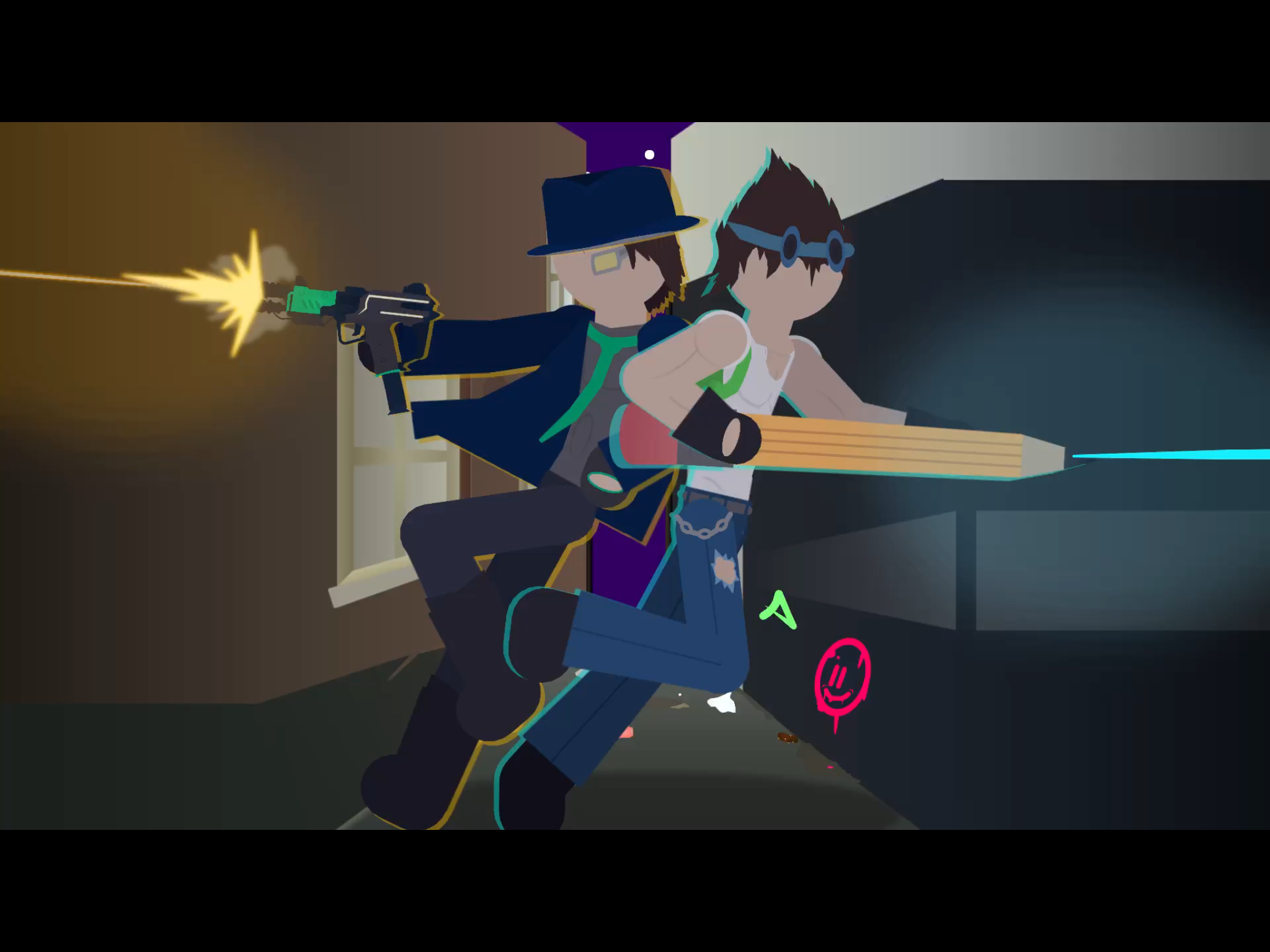
Stick Nodes®
A stickfigure animation app created for mobile devices!
Create your own stickman animations on your Android or iOS device!


And it can be interactive as well
“What’s the answer to this”
“Says answer”
“Correct”
so first, you wanna give it a blur somewhere between 0.05-0.10.
Then you may or may not want to tint it, i’m going to do so because i’m making the background a nostalgic blue (for me).
Next you wanna duplicate it, then put the new figure behind. Tint it to 1.00 with a black/dark color, then blur it and bring down the opacity to an extent that looks good.
This can work as both a shadow on the stick and a shadow behind the stick so just do whatever with that. Or just do both.
Now if you want to add a light, i made a movieclip called “star light” and its mean’t to create a thingamajing of light. This thing is very powerful, and it took a lot of tweaking to adjust to my liking.
So lets say he’s holding a torch, i’m gonna use this as the light for the torch. Gonna blur it to 0.65 to smooth it out and put its opacity on a scale between 0.20-0.50. Gonna give it some tint to an orange color. Then i’m gonna put a white one under the orange one, make it smaller and stuff.
You’re now gonna tell the blue-tint to fuck off and then tint the figure to an orange color since that’s the color of the fire on the torch. And that’s it.
If you wanna improve the look of it i use something called photoshop express, i’m gonna use the charm 4 filter because it looks noice out of most of them.
There are many other things to learn but that’s to be documented in the future.
Well this was not typed by me, this was an explanation given by coll himself, I just copied and pasted it
The technique the says it’s really hard so here is a simple way
First add the fig you want, the copy and paste it, have the pasted figure forward of the original fig, then decrease the opacity to 50 and tint it completely and select the colour you want to merge with the background, and then use blur upto 75 or even more or less
Thanks
That was hard to read lol
“Do this to it” doesn’t help
Ik that the is enormous, just read the last passage to get it
I guess I could share my art skills with the community for others to learn.
The problem I’m seeing with this image is the lighting, which is a common error most people make.
Add some blur around either 0.05-0.10 to them. Try to make the lighting as realistic as possible, using shadows and light sources to your advantage. The light source doesnt seem to be bright enough, try to make it stronger. I recommend creating a movieclip as I’ve done before that I call star light. Its nothing more than a light source that decreases in opacity as it moves outward, the thing is is that its constructed with alot of circles to make it look really smooth. They look like they could be slightly tinted to the color of their light source. Another thing to point out is the light coming from behind him which rationally makes no sense.
There’s alot of things I didn’t mention in this comment that could be done, so I’ll talk about it later.
Stick nodes art is actually quite simple once you’ve passed all the road blocks, the main problem people usually have is lighting and how to make it work in stick nodes. It really becomes a very simple process once you get the hang of it. Me myself is still developing new techniques to support further advancement.
Thanks
could you give like a mediafire link or something to your star light thing