
-

Explosive Bullet


 2019-08-14 02:33:07 UTC
 Anybody have any idea on how to get rid of the bastard on the bottom left. The loading dude. I can’t cause I can’t find anything accurate enough to take him out and not anything else without taking away the transparency in the PNG.
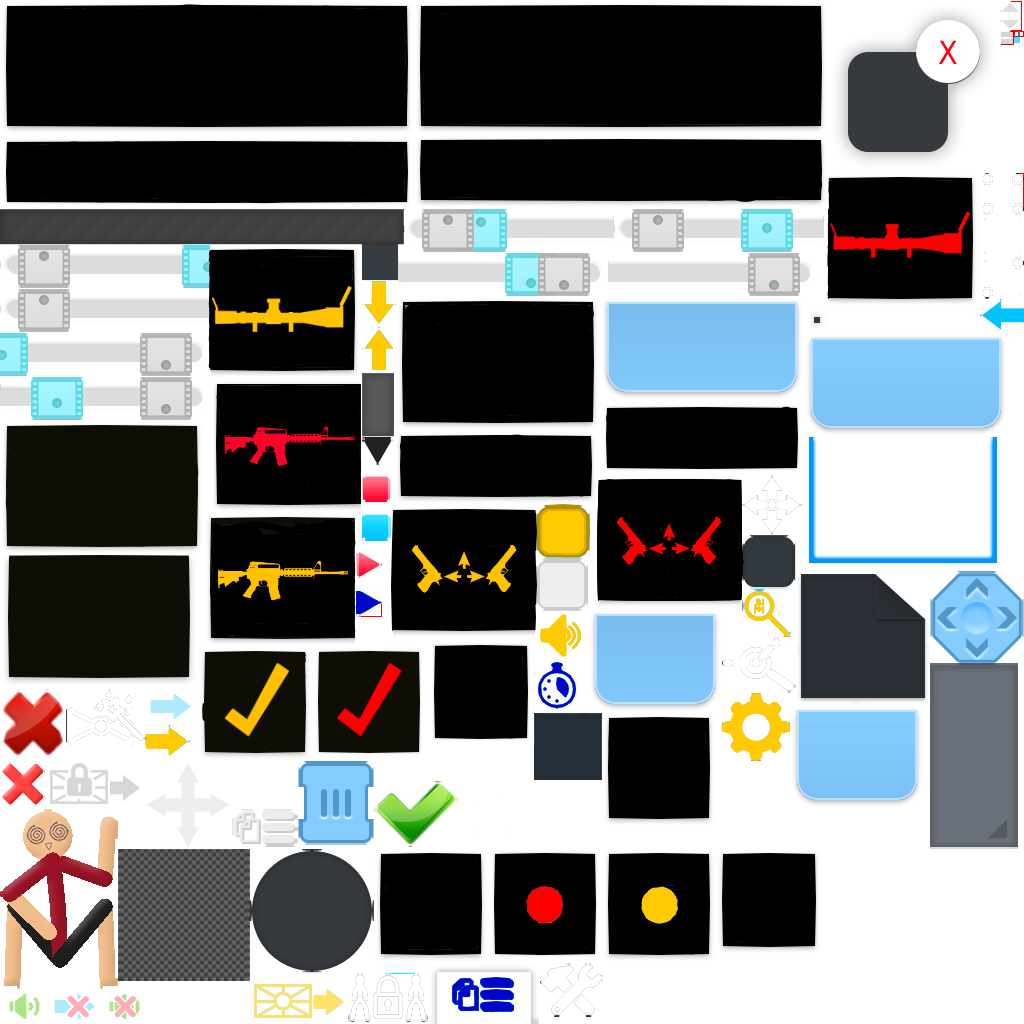
Stick Nodes®
A stickfigure animation app created for mobile devices!
Create your own stickman animations on your Android or iOS device!


I’ll see what I can do. I’ll send it on discord when I’m done
Use paint tool or photoshop
You can take it out just by selecting
Paint tool? That doesn’t have a transparent option with what I am using. For photoshop, any recommendations on which app I should use which is able to do the job precisely?
It works for me
You can export the final work on png so
he might be that one guy who crashes the party
Gimp, Medibang, photopea, photoshop, basically anything that has selection tool and an eraser.
I can’t remove it with mediabang. And tips on how I could remove it? The eraser and the selection tool literally do not do anything.
Locked alpha layer. Or you’re on wrong layer. Or your brush is at 0% or some sort of blending mode.
And selection tool is simply to prevent other stuff from getting erased
No checkboxes are locked. And I’m on layer 0 which is the image. Nothing happens.
You can always try making new project with the image you exported. Tho you could have possibly made a stack of the loading stickfigure on multiple layers
Alright. I’m gonna do another method though, but if it doesn’t work, I will try and make the actual image a layer over the 1st.
E- Explosive bullet skin?!
I need it lmao
Yes you do. #Soon
Hype time!!!
U can download eraser in ur phone. That is what I use
Don’t use a phone but there is a background eraser. So thank you for pointing me in that direction.