

@friskymj277
Joined on February 20th, 2025, this user has been a member for 471 days and is the 254,196th person to register an account.
Has 0 submissions and to be honest, that's just sad.
Has made 0 comments on non-activity pages of the site. Alternatively, this user has made 284 comments on actual activity pages of the site.
This member is not a Users' Choice voter.
Show More

-

-
-
Replying to comment by:
hi mj
-
-

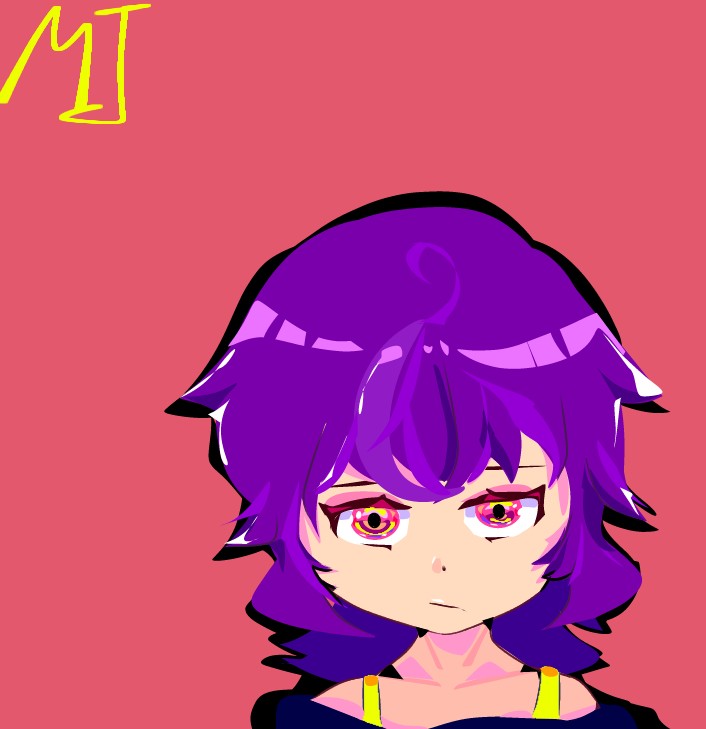
its mj
hi mj
2026-02-12 08:54:06 UTC-
Replying to:
hi mj
2026-02-12 08:54:29 UTC -
 Replying to:
hey that’s my line
2026-02-12 15:49:32 UTC
-
Replying to comment by:
Kindly send the invite please!
-
Replying to comment by:
get lost dude 😭
-
Replying to comment by:
Get well soon bro
-
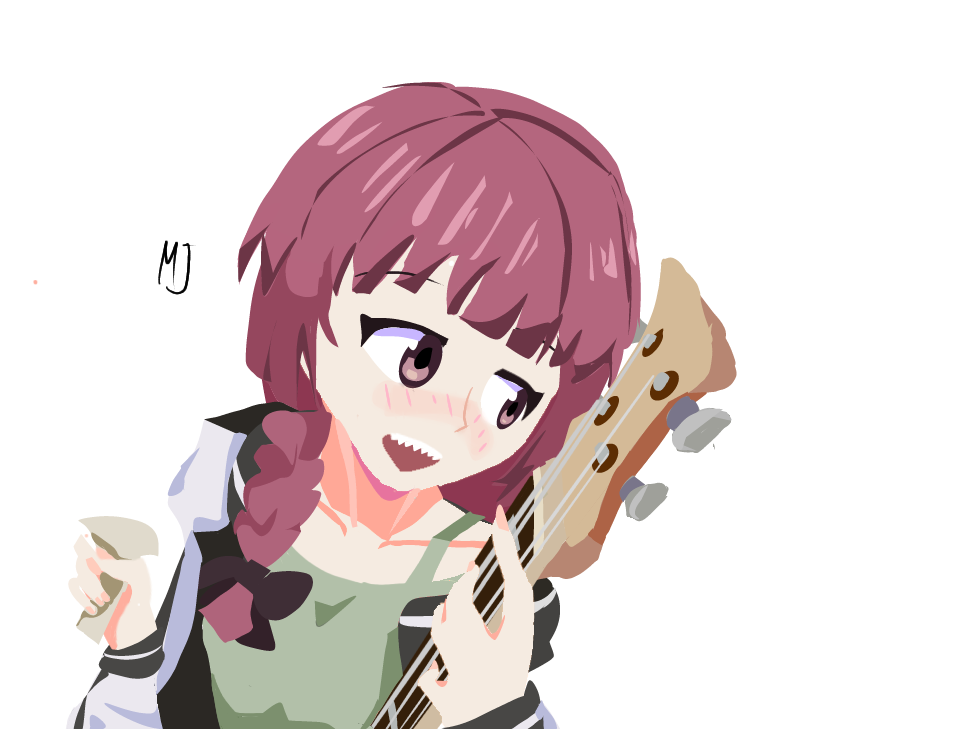
kikuri hiroi
-
Replying to comment by:
Sure, go ahead
-
Replying to comment by:
yummy banana
-
Replying to comment by:
Black monster taste like cough medicine for me lmao
-
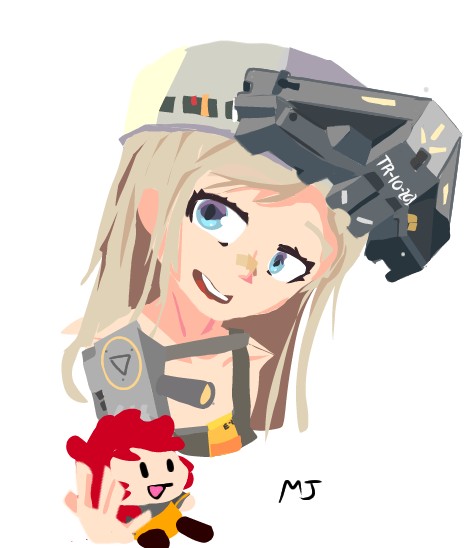
Ibis paint is so freaking amazing, can’t believe It was just rotting in my phone.
Art for a buddy of mine
-

Awesome art
2026-02-10 16:04:46 UTC -

Gah damn
2026-02-10 16:10:11 UTC
-
Replying to comment by:
Needs more anticipation (knee bending before the leap.) lessen the frames between 1 – 2 after knee extension
-
ryo
-
If Ralph added these, I\’d go batshit insane
1. Lasso Polyfills
Create lasso chains with adjustable smoothness. Start with a base node rig (necessary for the lasso chain to start,) then select the node count: higher for smooth, lower for rough/poly effect. Convenient and fast.2. Quick Edit
Fix tiny errors without making a new model. Click the model, adjust static nodes, fix layering, or add anything and save even mid-animation and all of the changes will apply to all of the frames. One click, instant fixes.3. Filter Options in Creation Mode
Select a group of nodes and adjust opacity or other filters while modeling. No more creating multiple figures for one group, joints or layers just to get the look you want.4. Figure Effect Copy-Paste Across Frames
Let\’s be honest, it\’s a pain in the ass to manually copy and paste effects on a figure for multiple frames. We can simply have apply layer/filter effects to one frame, then copy them across all frames (or a selected range). It\’d be super time saving.5. Perspective Sprite Forms
Add 8 control points to sprites for full 3D perspective transformations, like Ibis Paint\’s perspective tool. Imported sprites will be more versatile.6. Smart Curves
Curve a segment and watch all attached details follow the same curve direction automatically. No more manually adjusting every tiny node
everything flows together seamlessly.(These are just ideas, don\’t kill me)
-

 2026-02-10 12:08:47 UTC
 -
just uhhhh
make sounds not exclusively play on the frame they start
like,, if there’s a sound on frame 223, and it plays until 256, we should be able to play whatever frame of the sound according to where in that range we play it from
probably a coding nightmare or smth
but I’d like to see it2026-02-10 12:34:38 UTC-
 Replying to:
Why do you want me to stay on neutral in the middle this ain’t Tekken
(Fighting games reference)
2026-02-10 16:40:02 UTC
- Load More


