



@funny132


Joined on September 4th, 2017, this user has been a member for 3,203 days and is the 2,363rd person to register an account.
Has 16 submissions, the first one uploaded on February 26th, 2018 and the most recent on November 26th, 2021.
Of those, 2 have been featured and 1 has won Users' Choice.
On average, each submission earns 8,061 downloads.
In total, they have been download 128,981 times.
Counting every individual stickfigure, including the contents of all packs, this user has technically made and submitted 68 stickfigures.
On average, when this user rates stickfigures, they are 87% positive.
Also, they are typically 100% positive when rating animation spotlights.
Has made 117 comments on non-activity pages of the site. Alternatively, this user has made 1,238 comments on actual activity pages of the site.
They have visited the site consecutively for 1 day, their best streak being 52 days. On average, they post 0 updates and 0 comments per week.
This member is not a Users' Choice voter.
Show More



-

AnmolAnimatorArmy and
 Your Local Toaster (Wingidon) are now friends 3 years, 7 months ago
 -
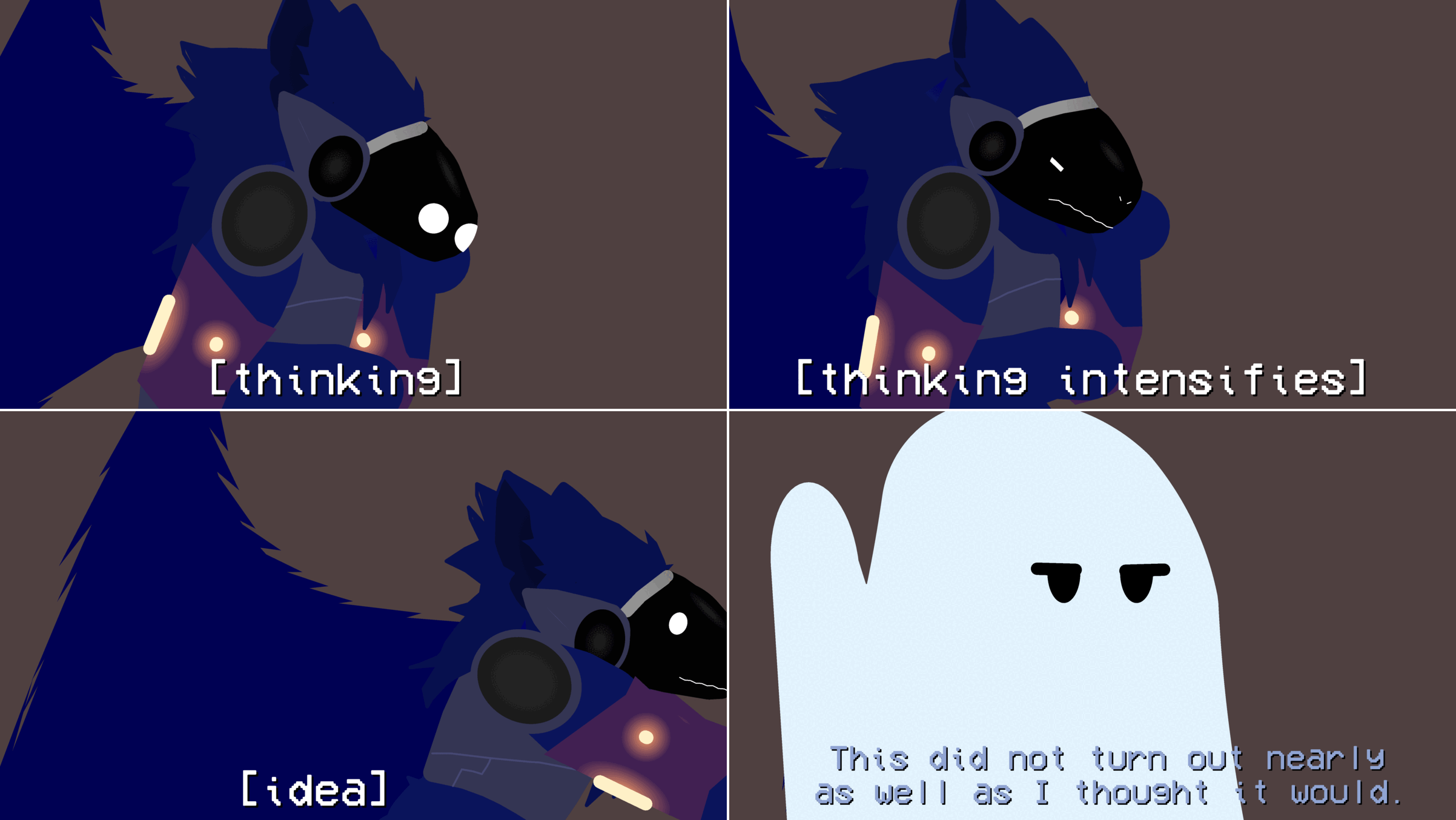
Because it’s still Halloween where most of you live (I think), even though it’s November 1st for me right now, I made a quick little Halloween sequence because I was in the mood for it and why the hell not?
-
I was backreading through my recent posts and the comments on them, and 6 of the likes on this reply from Ralph are fkn @Infiniteguess
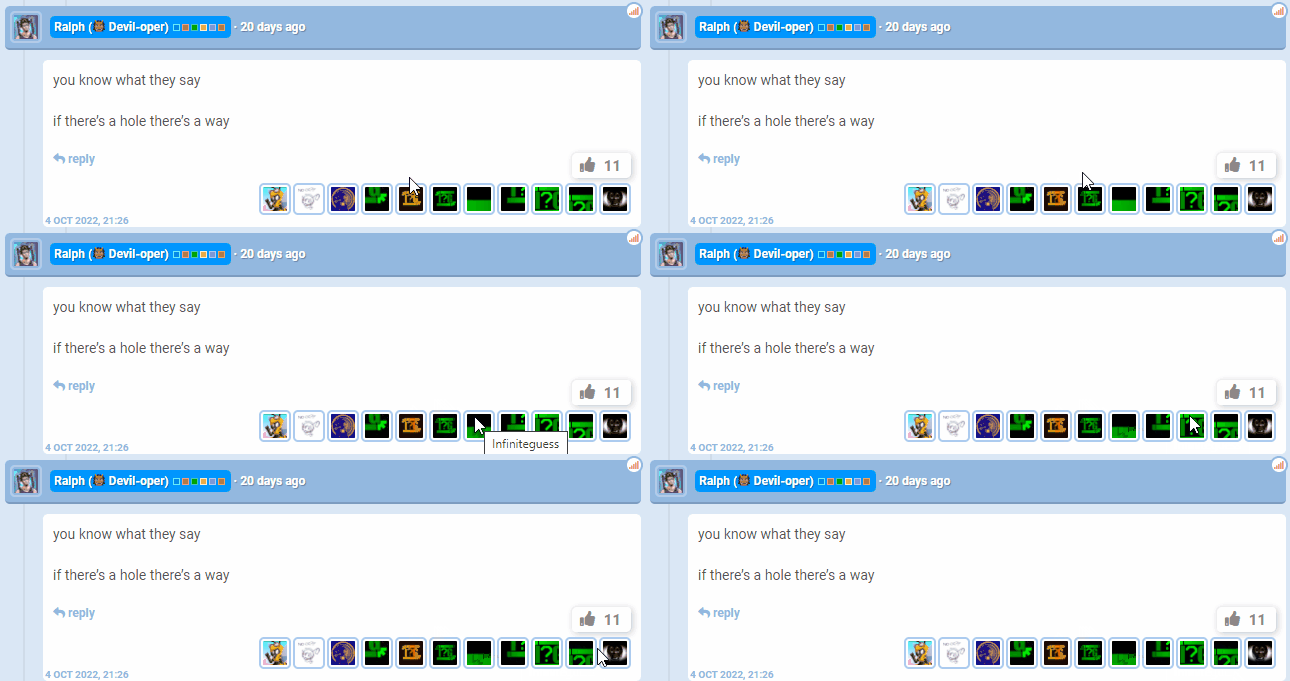
InfiniteGuess, more like InfiniteAltAccounts
-

that was from an age of unrest
2022-10-24 20:13:54 UTC-
 Replying to:
?
Elaborate. What was the age of unrest. I need to know. I NEED TO KNOW.
2022-10-24 20:31:03 UTC-
Replying to:

-
Replying to:
say it, memes can’t help you now
-
Replying to:
it, memes cant help you now
2022-10-24 20:45:17 UTC-
Replying to:
What was the age of unrest damn it!!
-
-
-

I gave ralph a few notifs for the funny
2022-10-24 21:09:17 UTC -

im so relieved we’re not focusing on what i said
-
 Replying to:
that also isn’t what they say.
the phrase is “Any hole’s a goal” i believe
-
-
@ralph Update idea: vector exports. Basically, the ability to export frames as vector sprites, probably with each node being a separate part of the vector whatchamacallit. This would be most useful for people making games and similar things using SN, but I can understand if you don\’t add this.
-
i only recently learned pivot can do this (i think it was pivot)
every time i think i catch up to the Bone he escapes my reach
2022-10-23 23:07:17 UTC-
Replying to:
speaking of can we all stop and realize how much of an L it is Peter Bone didn’t name Pivot “Bones” or something
2022-10-23 23:07:47 UTC
-
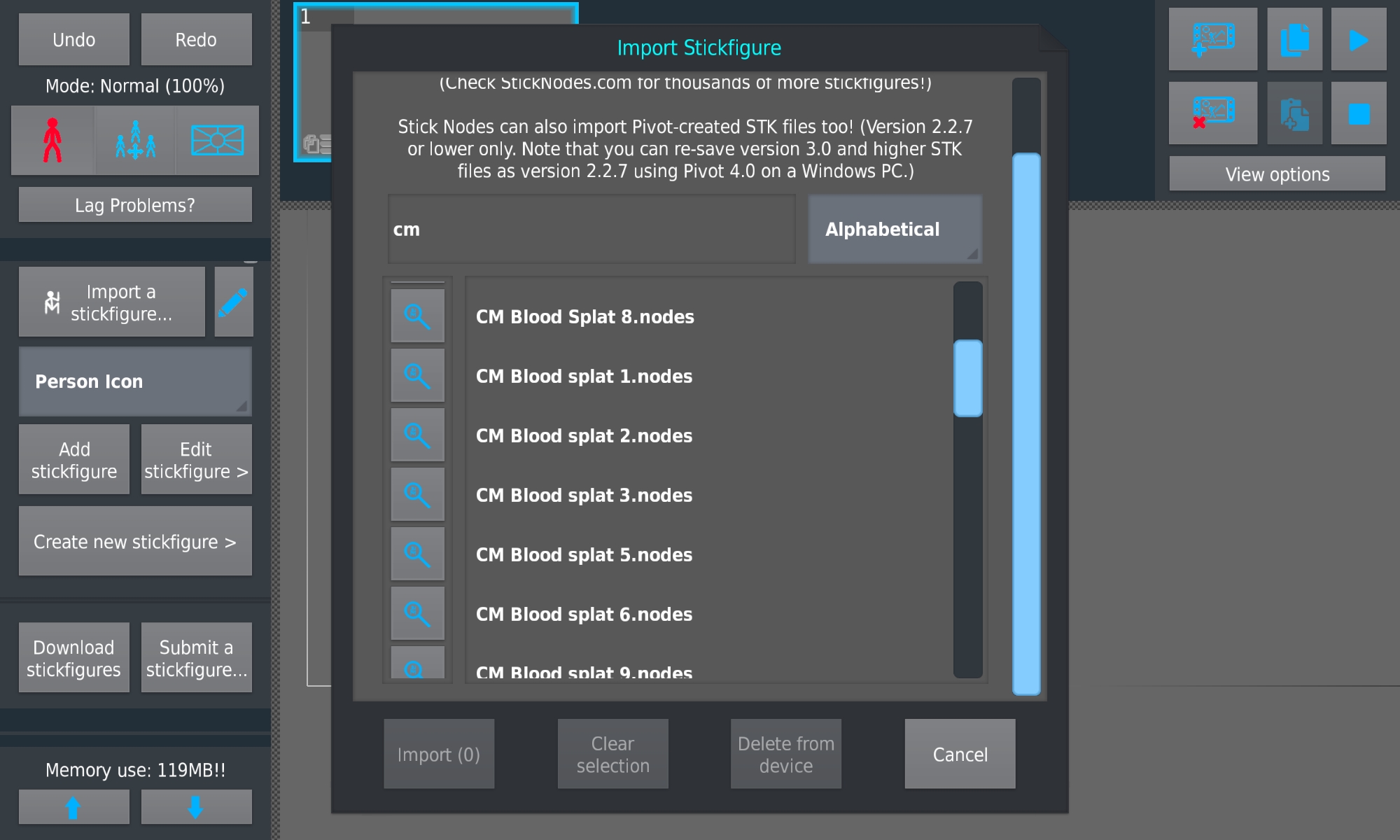
I feel like that isn’t quite the correct order for those figures to be in
-
for some reason capital letters make a difference
that’s dumb
2022-10-05 10:33:12 UTC -
Wdym? Looks perfectly normal to me. Perfectly normal.
2022-10-05 12:06:06 UTC
-
Replying to comment by:
Sidenote, another hole appeared in an entirely separate frame of a different animation in the set, fix your PNG exports Ralph, this is like the fifth time this has happened with Rounded Segments already

-
So I had exported a set of transparent PNG images and I was editing them together for a project I was working on and…

this random fkn hole appeared out of nowhere on one of the last frames

-
Sidenote, another hole appeared in an entirely separate frame of a different animation in the set, fix your PNG exports Ralph, this is like the fifth time this has happened with Rounded Segments already
2022-10-04 04:44:40 UTC -

@ralph as a transparent png export connoisseur, I am absolutely disgusted by your incompetence.
2022-10-04 04:52:20 UTC-
Replying to:
 2022-10-04 10:27:21 UTC
-
you know what they say
if there’s a hole there’s a way
2022-10-04 10:26:22 UTC
-
Alright y’all, -1 days left to submit your entries, better get ’em in soon!



-
your entry is deleted now
2022-09-13 10:39:01 UTC
-
-
Replying to comment by:
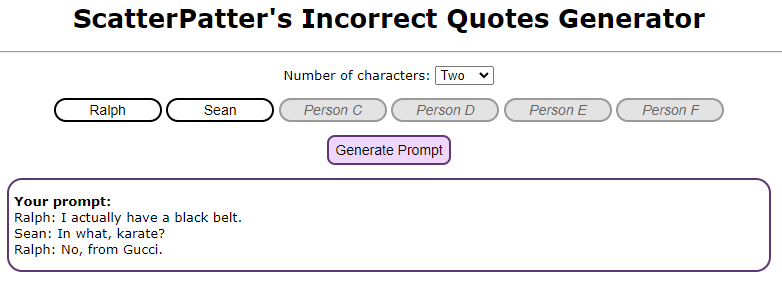
As a sidenote, and I have no clue if this embed will work, but I threw you both in again, and after the amount of suggestions Ralph has had and struggle to put in, this feels accurate.

-
@ralph I just threw you and Sean into an Incorrect Quotes Generator and this was the first result that popped up.
And to warrant the mention, I also have a bug to report – adjusting the length of a Locked Node via the + and – buttons will move the locked node temporarily, but it’ll reset to its original position the moment you try to move it via the workspace itself. It’s difficult to explain, just take a figure, lock a node, then modify the length of the locked node using the + and – buttons, you’ll see what I mean.
-
As a sidenote, and I have no clue if this embed will work, but I threw you both in again, and after the amount of suggestions Ralph has had and struggle to put in, this feels accurate.
2022-07-24 09:20:32 UTC-
 Replying to:
Do one with me and billbo
2022-07-24 10:42:38 UTC -
Replying to:
this one actually is believeable
2022-07-24 14:22:57 UTC
-

Tabs Pfp.
2022-07-24 13:28:23 UTC -
nice bug
-

Petric and
Your Local Toaster (Wingidon) are now friends 4 years ago -
Replying to comment by:
I\’m excited to see how this ends up working when it gets added in. However, I\’m assuming these frames you set are frames within the main workspace rather than including the tweened frames from tweening, as that could cause issues.
-
Replying to comment by:
A quarter of a year since my last post, Hikari.
-
Once again, it hasn\’t been a quarter of a year, but @ralph I just thought of a way to implement delays into Movieclips – Frame Delay. Rather than staying on one frame for a set number of seconds, which could cause issues regarding the movieclip desyncing with everything else, it\’d stay on the same frame for a set number of frames in the main project.
Basically, if you set a movieclip\’s Frame 6 to have a Frame Delay of 5, the movieclip would stay on Frame 6 for 5 frames in the main animation. Desync issues? Gone. I\’d say it sounds pretty good, I dunno how difficult it\’d be to code in though.
Either way, no matter how picky or whatever I or anyone else in the community sounds, take your time with the update, Ralph. We as users would rather have a good update with good new features rather than a rushed-ass update with fifty billion bugs, so take your time, do whatever\’s healthiest for you, and have a good day.
-

it hasn\’t been a quarter of a year,
5 months in
2022-05-09 14:40:24 UTC-
Replying to:
A quarter of a year since my last post, Hikari.
-
this is similar to another idea i have for movieclips as well to make things like panning a scene take 2 frames (user can set how many interpolated frames the MC should simulate between the 2 frames)
rather than panning something for like 100 frames inside a movieclip
so its similar, as its the user telling the MC to use its frames in a specific way
-
Replying to:
I’m excited to see how this ends up working when it gets added in. However, I’m assuming these frames you set are frames within the main workspace rather than including the tweened frames from tweening, as that could cause issues.
-
- Load More


