



@graziela


Joined on November 20th, 2020, this user has been a member for 2,068 days and is the 43,101st person to register an account.
Has 12 submissions, the first one uploaded on November 20th, 2020 and the most recent on August 17th, 2024.
Of those, 2 have been featured and 2 have won Users' Choice.
On average, each submission earns 3,818 downloads.
In total, they have been download 45,818 times.
Counting every individual stickfigure, including the contents of all packs, this user has technically made and submitted 64 stickfigures.
On average, when this user rates stickfigures, they are 97% positive.
Also, they are typically 100% positive when rating animation spotlights.
Has made 60 comments on non-activity pages of the site. Alternatively, this user has made 95 comments on actual activity pages of the site.
They have visited the site consecutively for 2 days, their best streak being 38 days. On average, they post 0 updates and 0 comments per week.
This member is not a Users' Choice voter.
Show More


-
II dreamed that Ralph had updated The site has been given a dark theme, lol.
I’m serious, I’m not kidding. -

-

Warlock and
GzFairy500 are now friends 5 months, 1 week ago -
Happy New Year everyone! My time zone only showed the new year now 😛
-
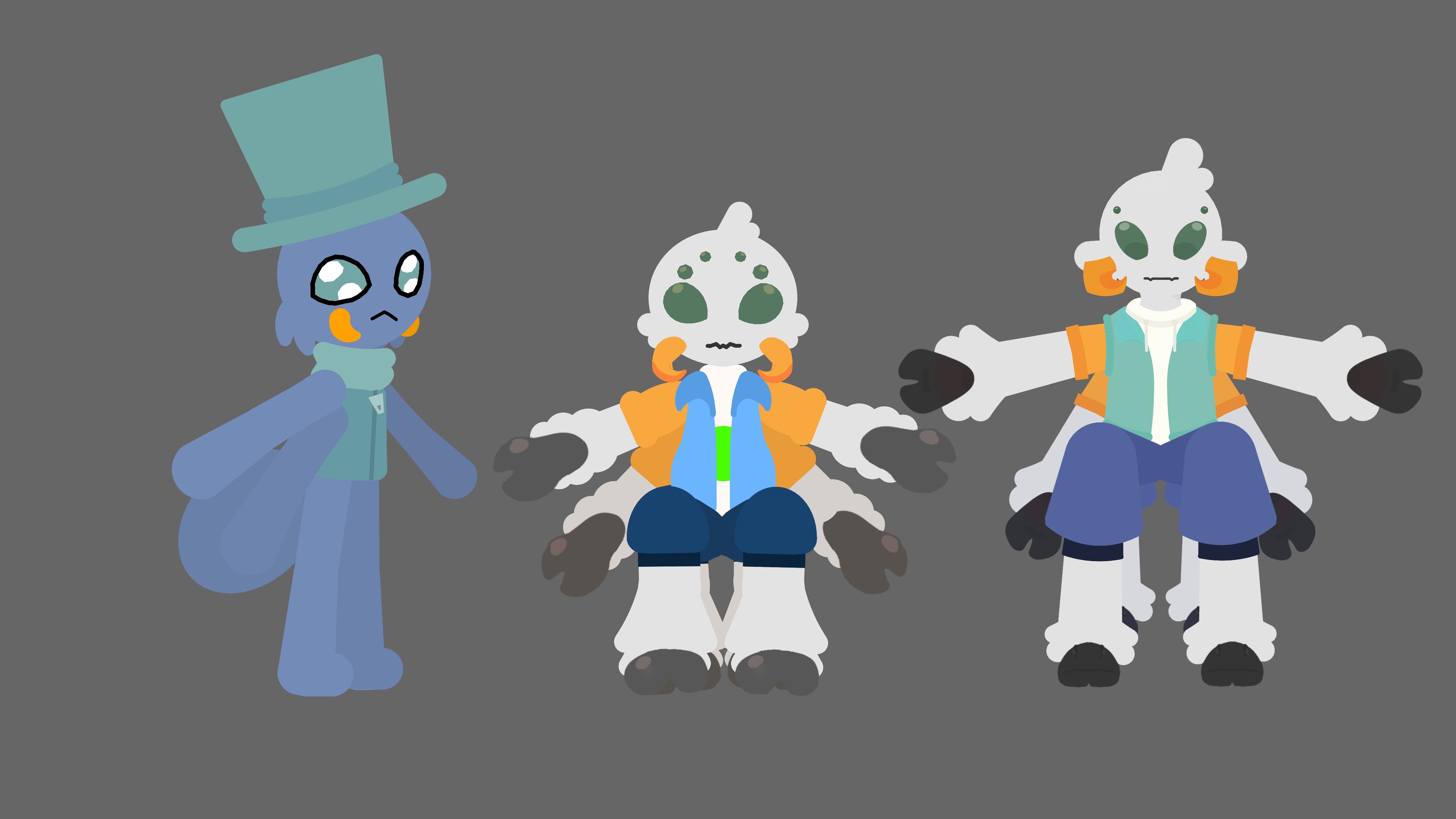
My evolution in creating the character. The first one is the oldest and the last one is the current one, I’m very happy with the result.
-
Replying to comment by:
Problem solved, the 1° image I had double .png lol
-
-
Replying to comment by:
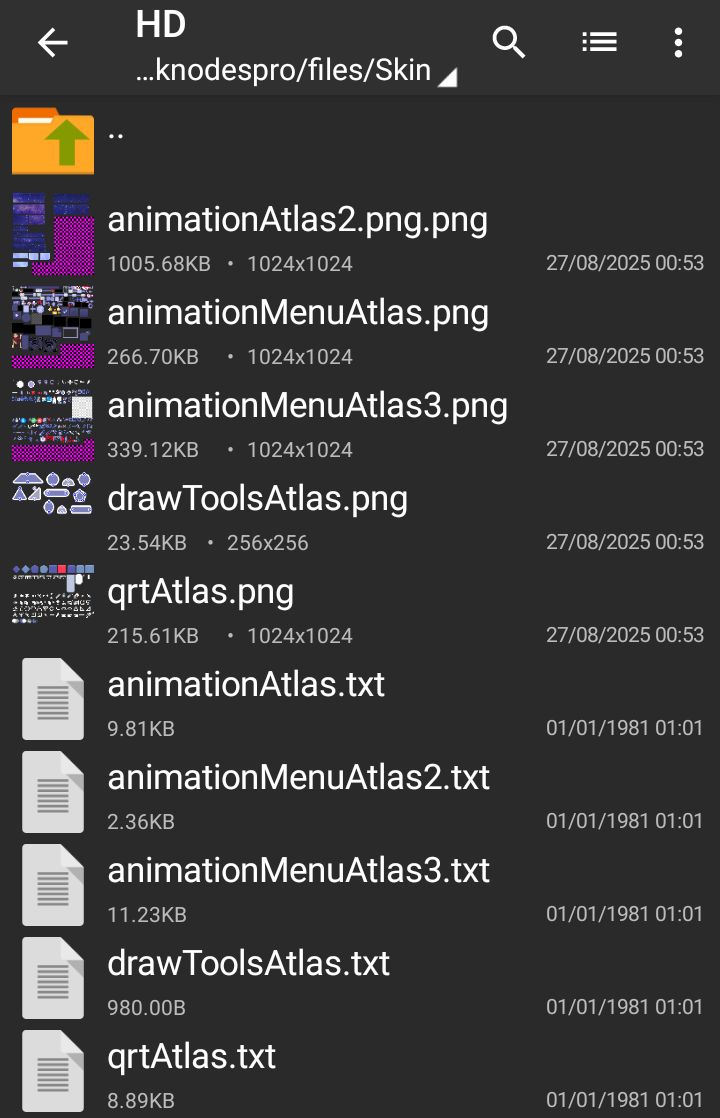
It\’s a skin… It\’s always been there, you basically create a folder in the files on the stick nodes with the name skin. I had to update it because of the update, but this one isn\’t working anymore, There must be a programming problem or they changed the way the skins are placed and I want to know, can I tag Ralph for help?
-
Please someone help, I made an updated skin but when I go into the app the skins don’t load! I did it the way I always did and I can’t anymore…
-

wait you can do that
2025-08-27 17:48:30 UTC-
Replying to:
It’s a skin… It’s always been there, you basically create a folder in the files on the stick nodes with the name skin. I had to update it because of the update, but this one isn’t working anymore, There must be a programming problem or they changed the way the skins are placed and I want to know, can I tag Ralph for help?
2025-08-27 17:53:09 UTC
-
Problem solved, the 1° image I had double .png lol
-

luckyoldkid 14 and
GzFairy500 are now friends 11 months, 2 weeks ago -
Replying to comment by:
Click Profile (You will be redirected to your profile) then scroll down and then you will find some buttons but look for \”change profile Photo\” then click, place your photo and that\’s it
-
My first definitive animation, if you are interested take a look 🙂
-
Replying to comment by:
Someone needs to make an animation of this!
-
GzFairy500 joined the group
 a random group 1 year, 4 months ago
 -
Replying to comment by:
Dude, I have 15 tabs open, thanks for reminding me to clear the tabs. Chrome sucks up all the RAM on my phone
- Load More


![★彡[ᴀɴᴅʏ ᴄʀᴇᴀᴛɪᴠᴇ]彡★](https://sticknodes.com/wp-content/uploads/avatars/95033/69bd5a6a93ac7-bpthumb.png "★彡[ᴀɴᴅʏ ᴄʀᴇᴀᴛɪᴠᴇ]彡★")


I thought this was real for a second
until I read the “I dreamed that”
…I need to examine things better