
-

Perma


 2018-12-19 00:11:25 UTC
 Some information about the new Smart Stretch feature
To get smart stretch to work to it’s full potential on most objects, you gotta construct them a certain way
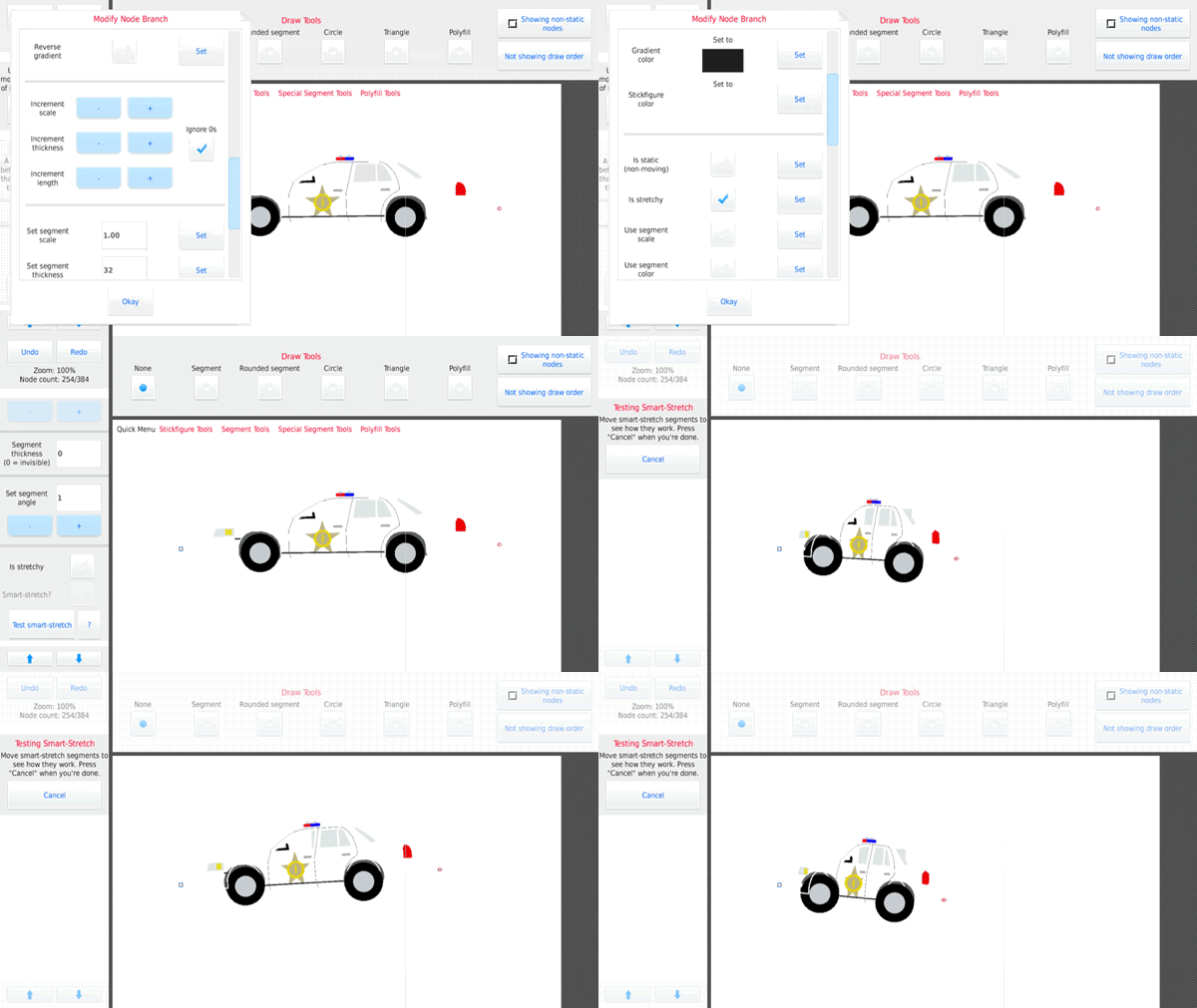
A quick example of this is by getting the cop car figure that comes default with the app, press modify branch on the rotation Node, set every Node to “stretchy”, then set the rotation Node to smart stretch and test it, it should look something like this first gif
It isn’t perfect because obviously this car was made years before smart stretch.
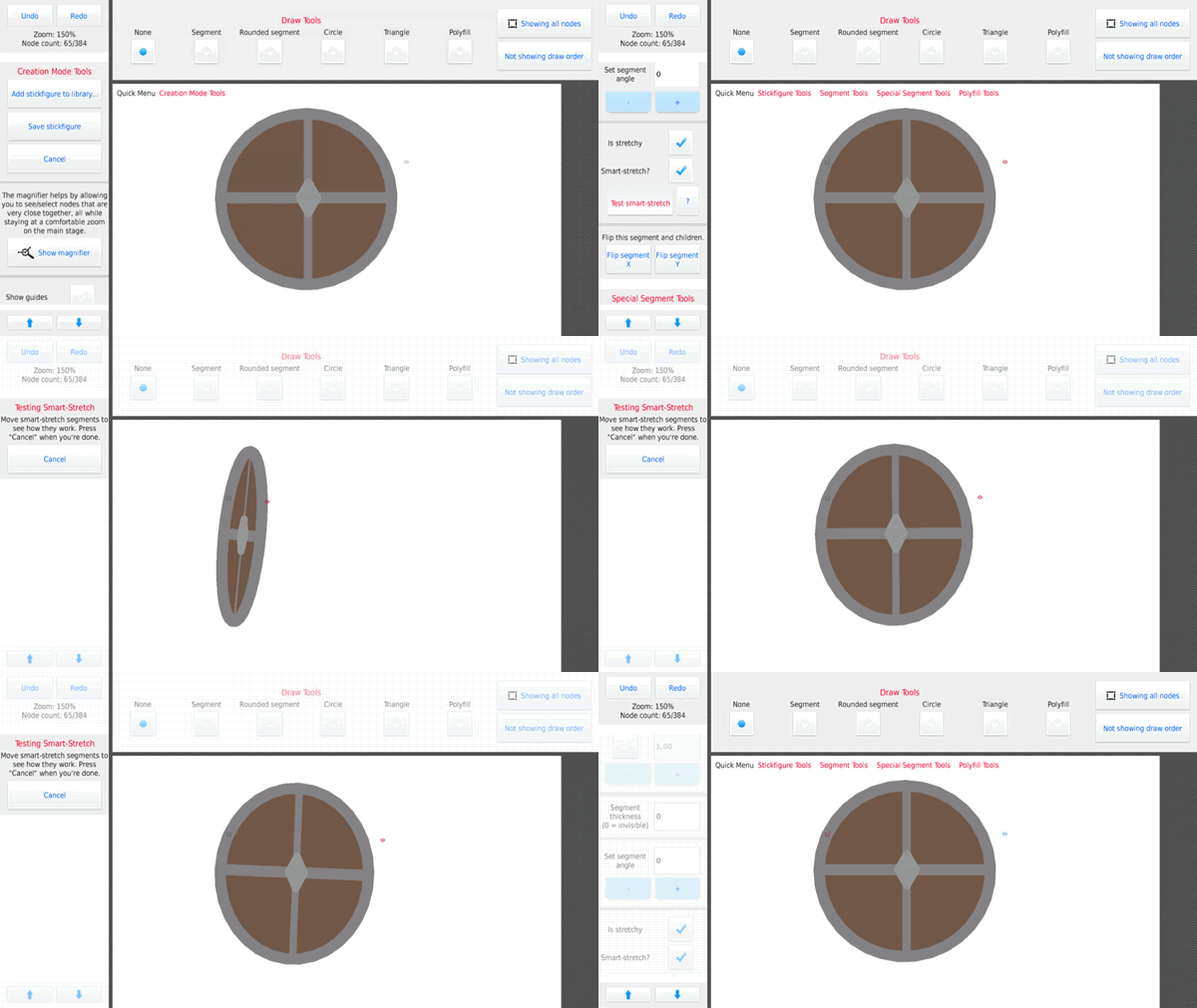
For full efficiency, you have to design the object around the feature, like this shield in the second gif.
PS. DONT USE CIRCLES WITH SMART STRETCH. Circles don’t “stretch”, they expand, which causes shrinking and enlargement when you’re tryin to smart stretch, if you want a circular shape, you’re gonna have to do it manually with the rounded Node tool.
Stick Nodes®
A stickfigure animation app created for mobile devices!
Create your own stickman animations on your Android or iOS device!


There’s also somethings you can do for perspective purposes
For example, Explosive Bullet added some darkened nodes to the side of a door to signify whether the door is opening inward or outward.
this a great explanation of S-S and how to use it
as the programmer, I watched that car one wincing through one eye just waiting to see it fail miserably
everything went better than expected