

@heat


Joined on September 19th, 2020, this user has been a member for 2,085 days and is the 40,626th person to register an account.
Has 13 submissions, the first one uploaded on January 10th, 2020 and the most recent on May 20th, 2021.
Of those, 2 have been featured and 7 have won Users' Choice.
On average, each submission earns 2,549 downloads.
In total, they have been download 35,693 times.
Counting every individual stickfigure, including the contents of all packs, this user has technically made and submitted 34 stickfigures.
On average, when this user rates stickfigures, they are 39% positive.
Also, they are typically 100% positive when rating animation spotlights.
Has made 327 comments on non-activity pages of the site. Alternatively, this user has made 605 comments on actual activity pages of the site.
This member is not a Users' Choice voter.
Show More


-
 Replying to comment by:
Because who tf makes that?
-
HEAT and
 RedHood are now friends 5 years, 1 month ago
 -
Replying to comment by:
This is pretty clean 😳, what FPS is it in?
-
HEAT and
 Collo are now friends 5 years, 1 month ago
 -
@eliteraptr bro? 🤨
-

centrist
-
 Replying to:
Centrist
-
-
Stonks
-
HEAT and
 Maawoz are now friends 5 years, 1 month ago
 -
Replying to comment by:
😂
-
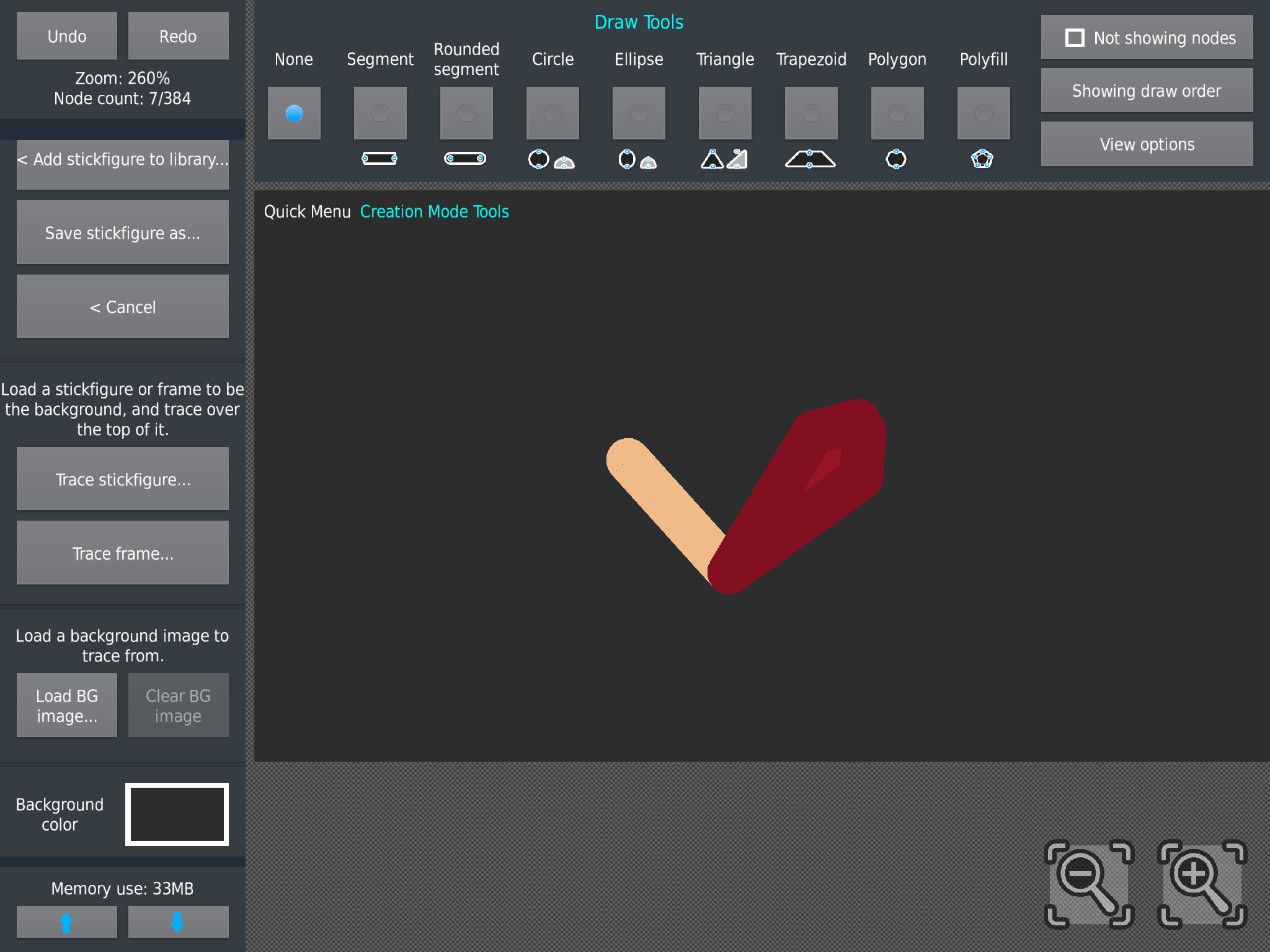
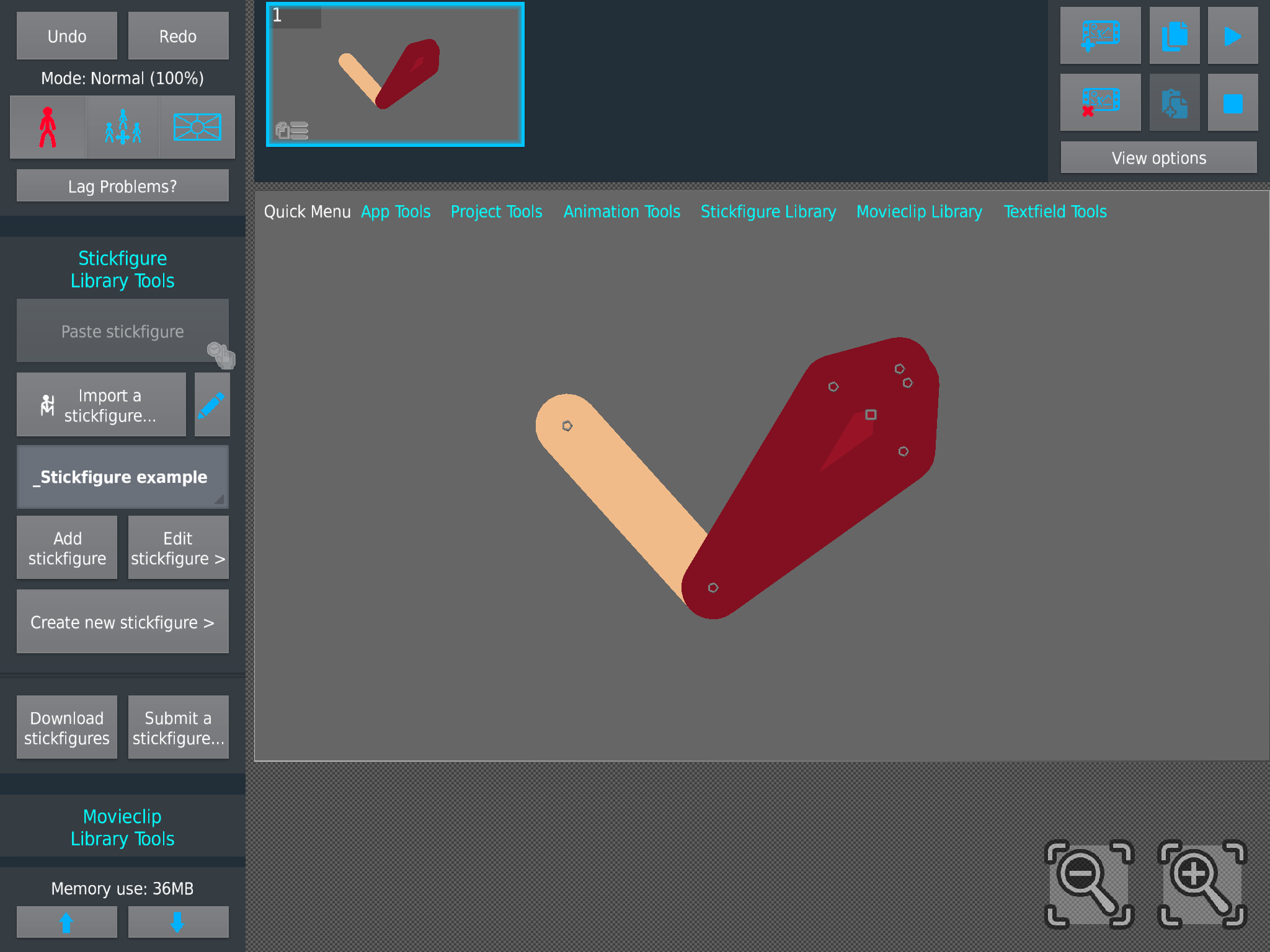
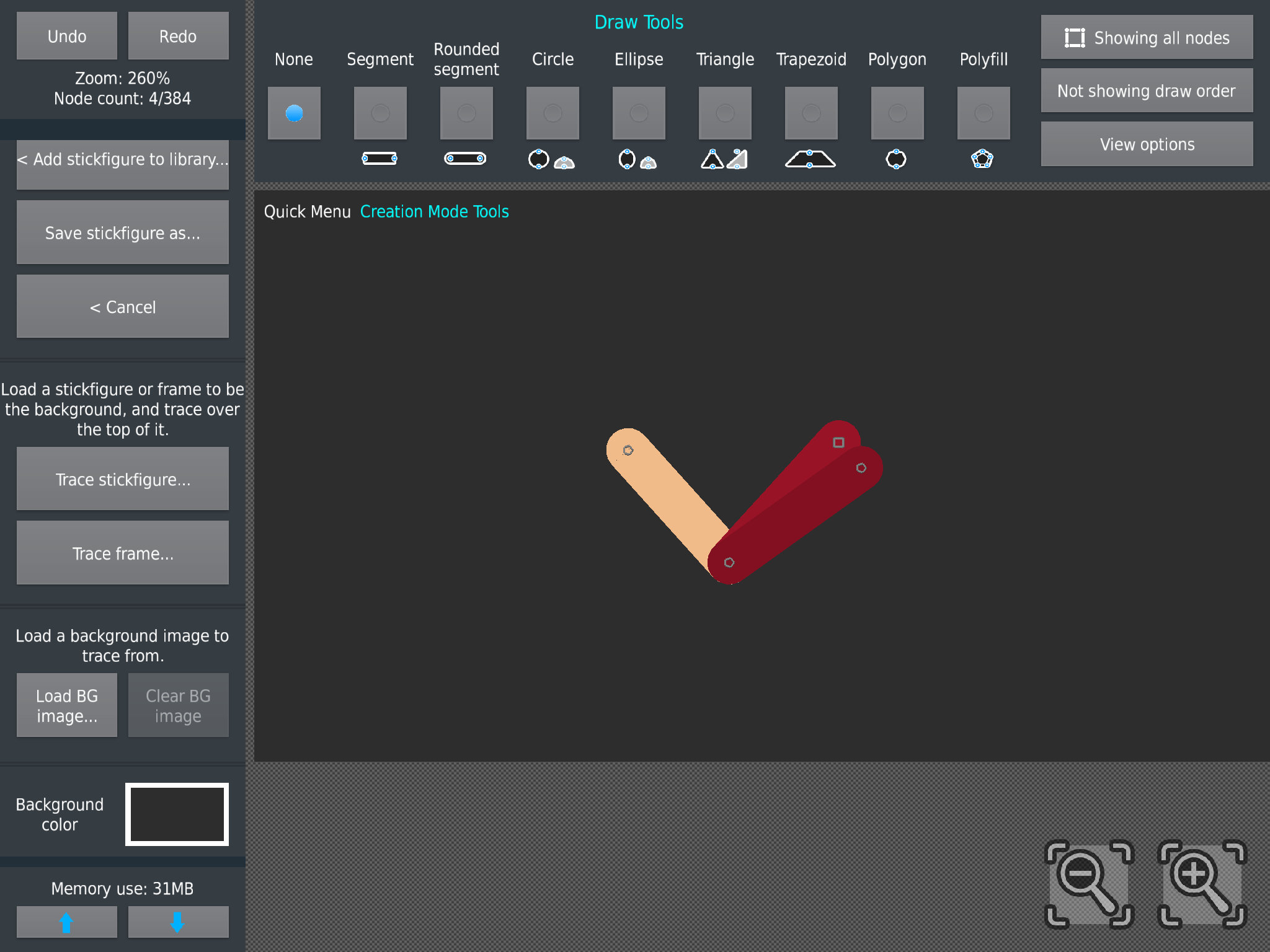
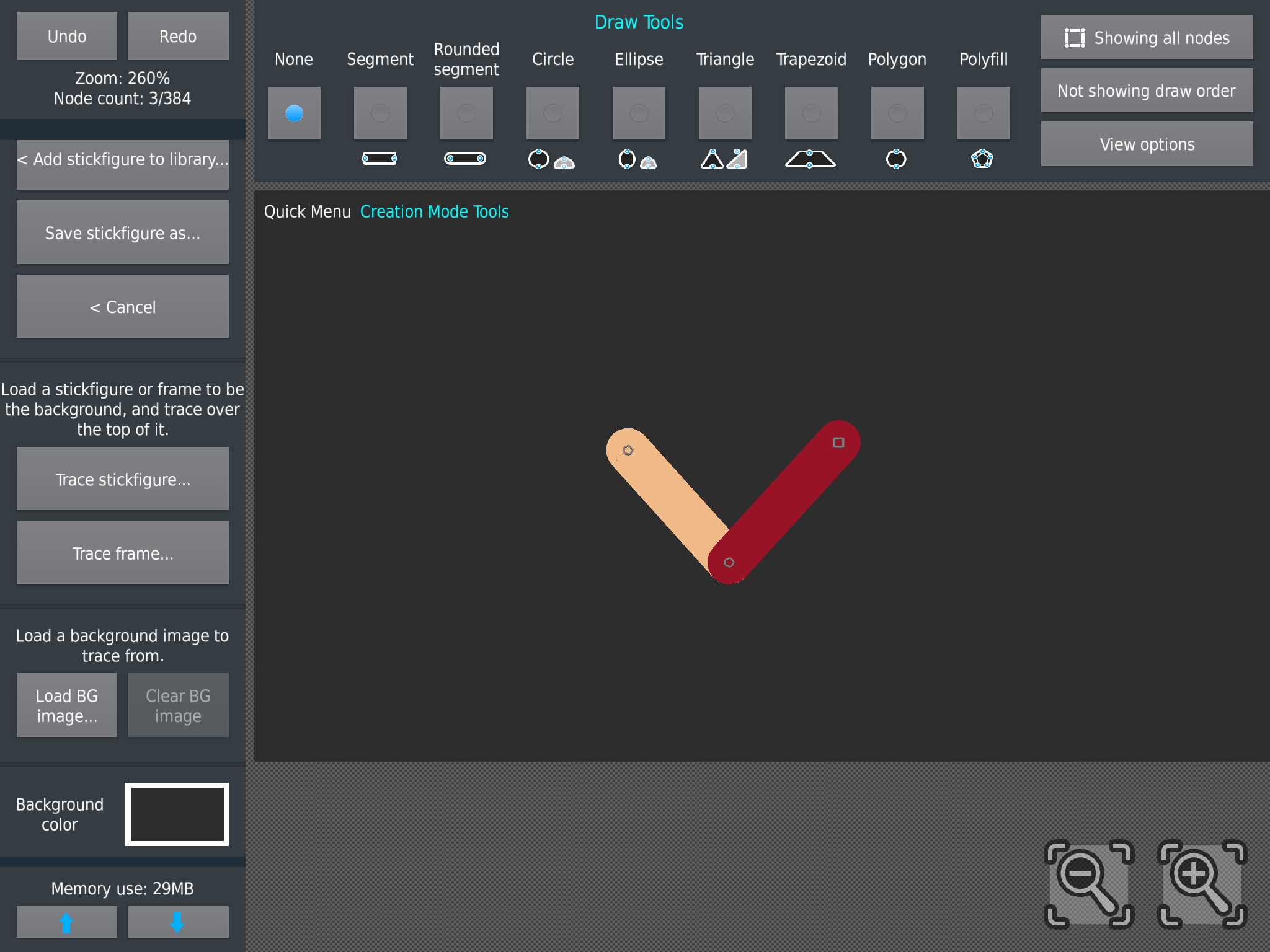
@areovibez read what I wrote here first to understand what I’m talking about. http://sticknodes.com/members/heat/activity/1075175/
As you can see this is how to put “details” (I did this in 30 seconds) on a part of a fig and have it move along with that part of the body you want.

-
Replying to comment by:
The inspiration is different for everyone, for me I’m trying to make it to the UC voter badge, and this app is one of my biggest creative outlets. How to trace an image is simple go under project tools in the sidebar and you will see a button called “load BG (meaning background) image” press that and you can select an image from you’re camera roll to put on the screen you can even make the image on top of a fig to see how accurate it it without moving it, and you can change the opacity. And lastly how to compose body parts, I don’t personally specialize in characters, but I think I can give some basic tips, if you want it to look right I suggest looking at what proportions are correct online, and if you want some detailing on a part of the body like armor and want it to move with that part of the body, what you should do is make the length of the body part you want, then from the point where the fig can move it in circles around a the other point is where you want to start putting your details, I’ll put up a picture of what I mean and I’ll @ you so it’s more clear. If you are confused about anything don’t be shy I’ll try to clear up any confusion.
-
Replying to comment by:
thanks for the advice, I’ll try to make something that fits my style, hmmmmmm…….. we’ll see
-
Replying to comment by:
Will do thanks for the advice!
-
Replying to comment by:
This you?

-
I’m going to remaster these two guns next, also some people said my previous background color looks like poop water and I agree, so I changed it. This will be the background color in all my future fig submissions.
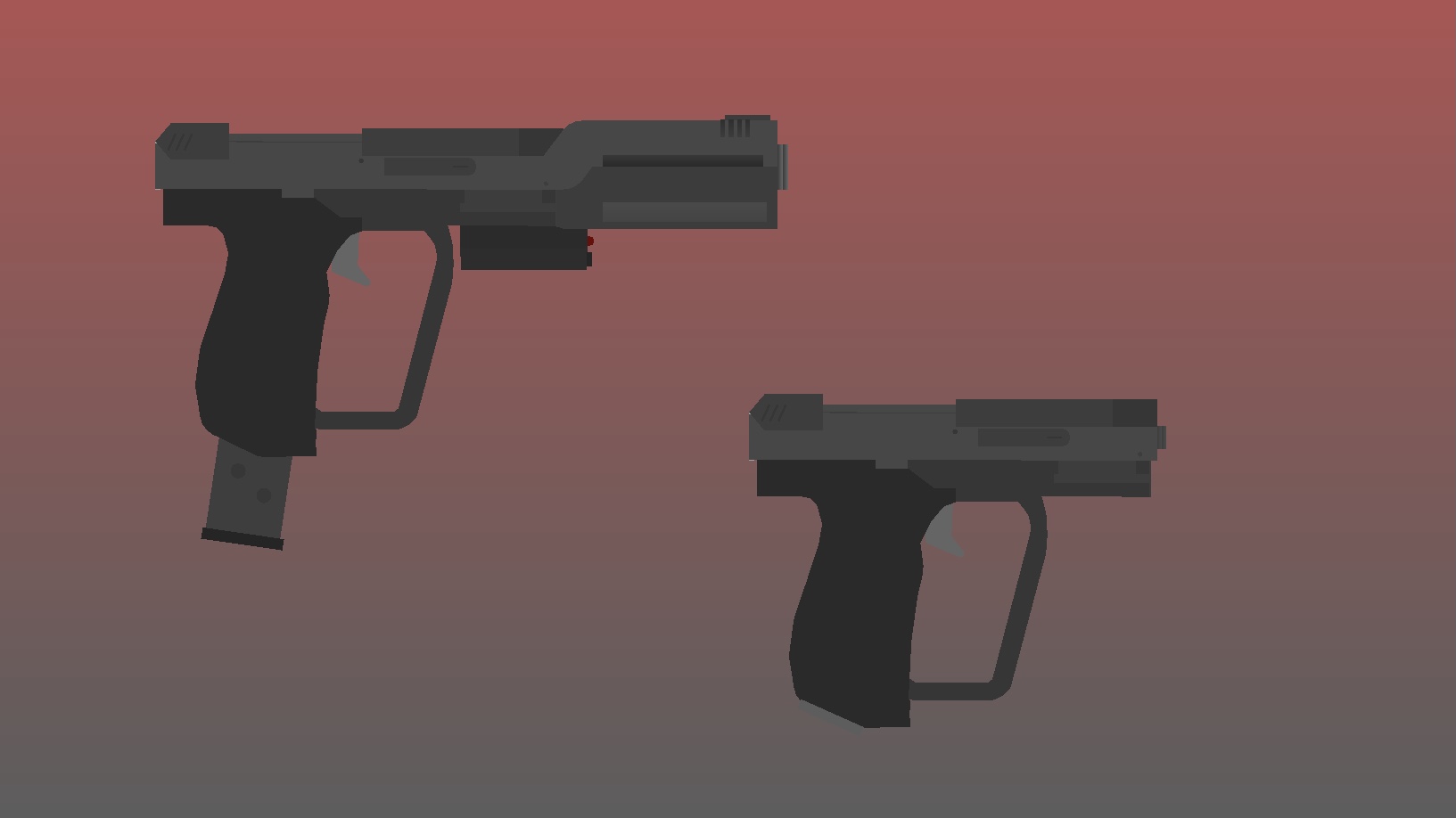
Do you like my new background color?
- 27%
- 40%
- 20%
- 13%
15 votes-

i suggest making an actual background other than a simple gradient, excited for the figs though
-
Replying to:
Will do thanks for the advice!
2021-04-22 01:02:26 UTC
-
-

def veto the background color
too dull/dreary
get you a color that pops even if it’s obnoxious, that’s how you brand yourself
2021-04-21 21:56:20 UTC-
Replying to:
thanks for the advice, I’ll try to make something that fits my style, hmmmmmm…….. we’ll see
2021-04-22 01:03:10 UTC
-
![Profile picture of [Abandoned]](https://sticknodes.com/wp-content/themes/dw-minion/assets/img/wpsn/default-avatars/03.png "[Abandoned]")
if you can use glow for outlines
-
Replying to comment by:

-
Replying to comment by:
Mmmmm…… spooky
- Load More


