movements felt abit robotic, delayed, and unnatural but props to you for trying out the scenery and camera angles to make the scene more dynamic, try using opacity for the sword to appear and use white tint and a complementary glow color for the after-spawn effect on the sword.
Or possibly free more space on your device. That is the only thing that can prohibit it from loading all the way unless it has actually been corrupted.
Replying to:乃???? ㄗ?????Then I don't know... Maybe @ralph can fix this
m8 freeing up space has absolutely no impact on memory usage of an app
in this case, mr @kurtchan, you need to scroll down in the “Open Project” window and read what is written there as it directly applies to what’s going on in your situation, unfortunately
open half the project, the first 50%, save it as “project_first half”
then go and open the project again, but only open the second 50% and save it as “project_second half”


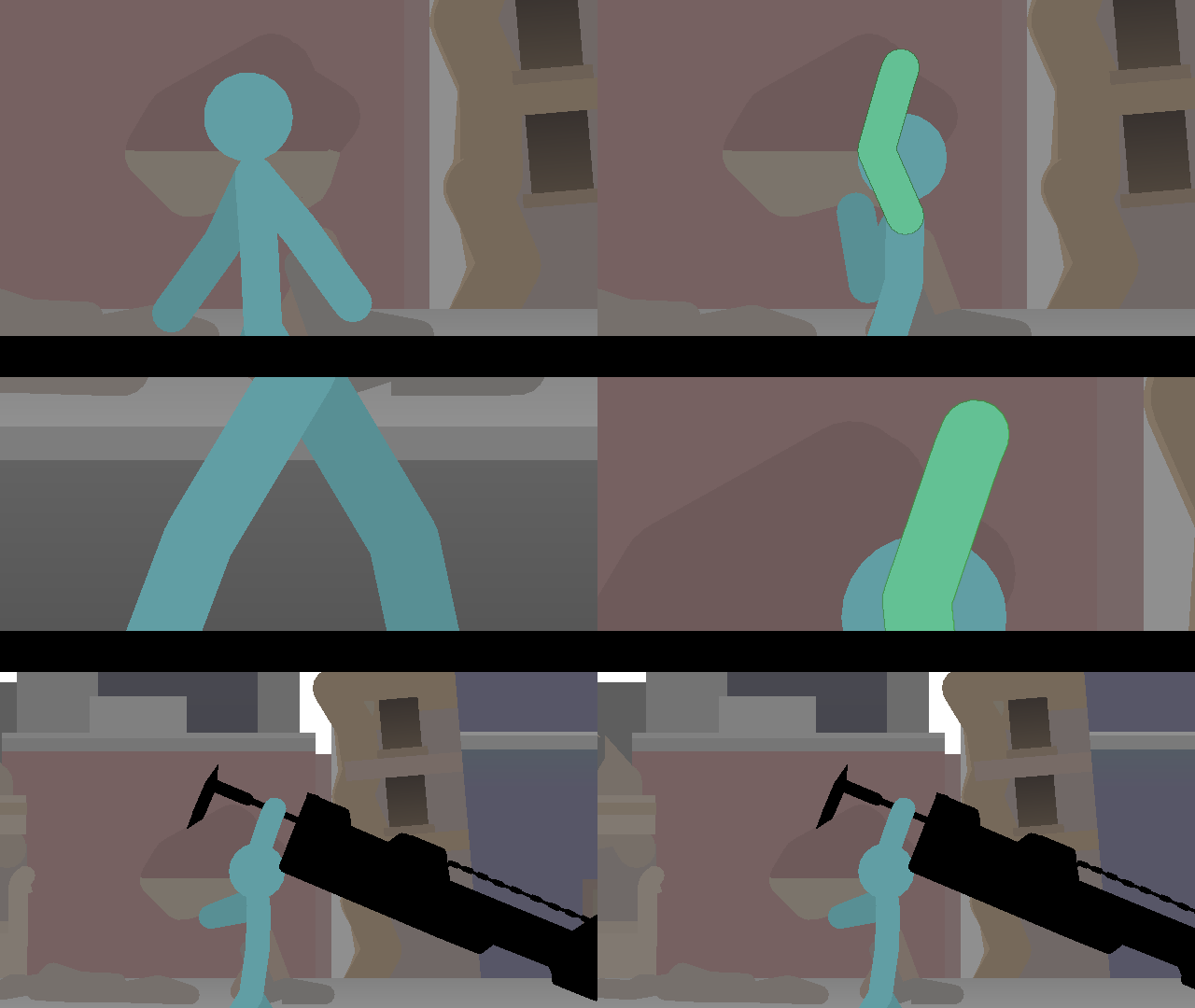

movements felt abit robotic, delayed, and unnatural but props to you for trying out the scenery and camera angles to make the scene more dynamic, try using opacity for the sword to appear and use white tint and a complementary glow color for the after-spawn effect on the sword.
I’mma do that if I could open the damn project
I thought is was pretty good. Also, you might need a new device if you want it to load.
qwq
Or possibly free more space on your device. That is the only thing that can prohibit it from loading all the way unless it has actually been corrupted.
But my space is like super good, 32 gb only used like 21
Then I don’t know… Maybe @ralph can fix this
m8 freeing up space has absolutely no impact on memory usage of an app
in this case, mr @kurtchan, you need to scroll down in the “Open Project” window and read what is written there as it directly applies to what’s going on in your situation, unfortunately
open half the project, the first 50%, save it as “project_first half”
then go and open the project again, but only open the second 50% and save it as “project_second half”
now you have 3 .stknds files
project.stknds
project_first half.stknds
project_second half.stknds
you’re free to open project_secondhalf.stknds and continue now, as it’s only half the size
export both when you’re done, and use a video editing app to put together the MP4s
I just tried it out to 50% below and it still shows the same text, it says i’m outdated
oh well that’s different
something happened to the file or you’re using not-2.6.4-version of stick nodes?
or 2.6.5 I guess if on IOS
I’m using 2.6.4 the latest version, already moved on about it soooOOo i’m good
well it kinda bothers me can you just send me the file whenever you get a change
from the app, Send Files, send it to [email protected] pls
Oof
I deleted the project already and made a new one