


@melonlord123


Joined on January 23rd, 2018, this user has been a member for 3,058 days and is the 5,759th person to register an account.
Has 33 submissions, the first one uploaded on June 1st, 2018 and the most recent on July 14th, 2025.
Of those, 7 have been featured and 19 have won Users' Choice.
On average, each submission earns 5,883 downloads.
In total, they have been download 194,150 times.
Counting every individual stickfigure, including the contents of all packs, this user has technically made and submitted 90 stickfigures.
On average, when this user rates stickfigures, they are 75% positive.
Also, they are typically 100% positive when rating animation spotlights.
Has made 167 comments on non-activity pages of the site. Alternatively, this user has made 1,245 comments on actual activity pages of the site.
This member is not a Users' Choice voter.
Show More



-
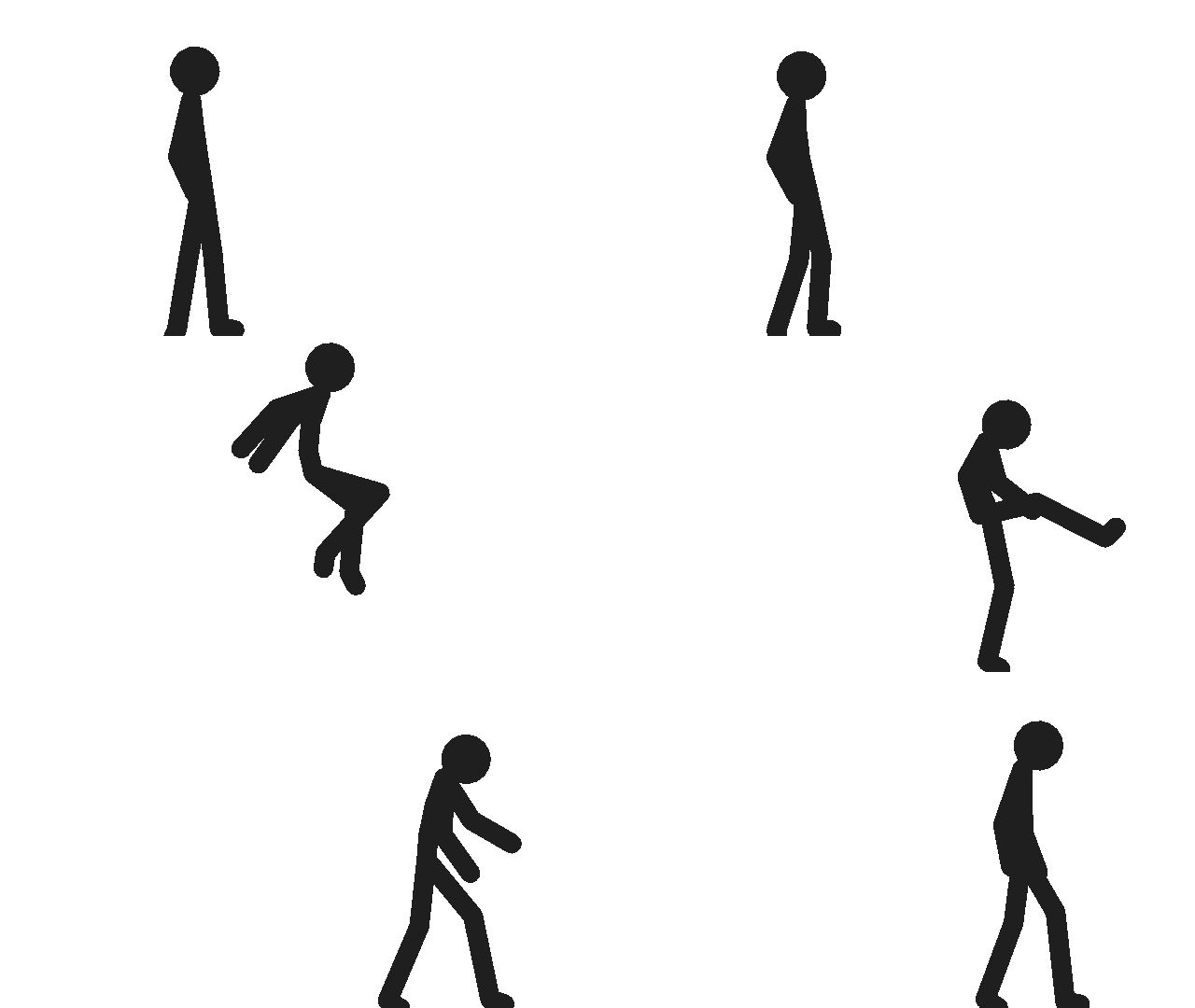
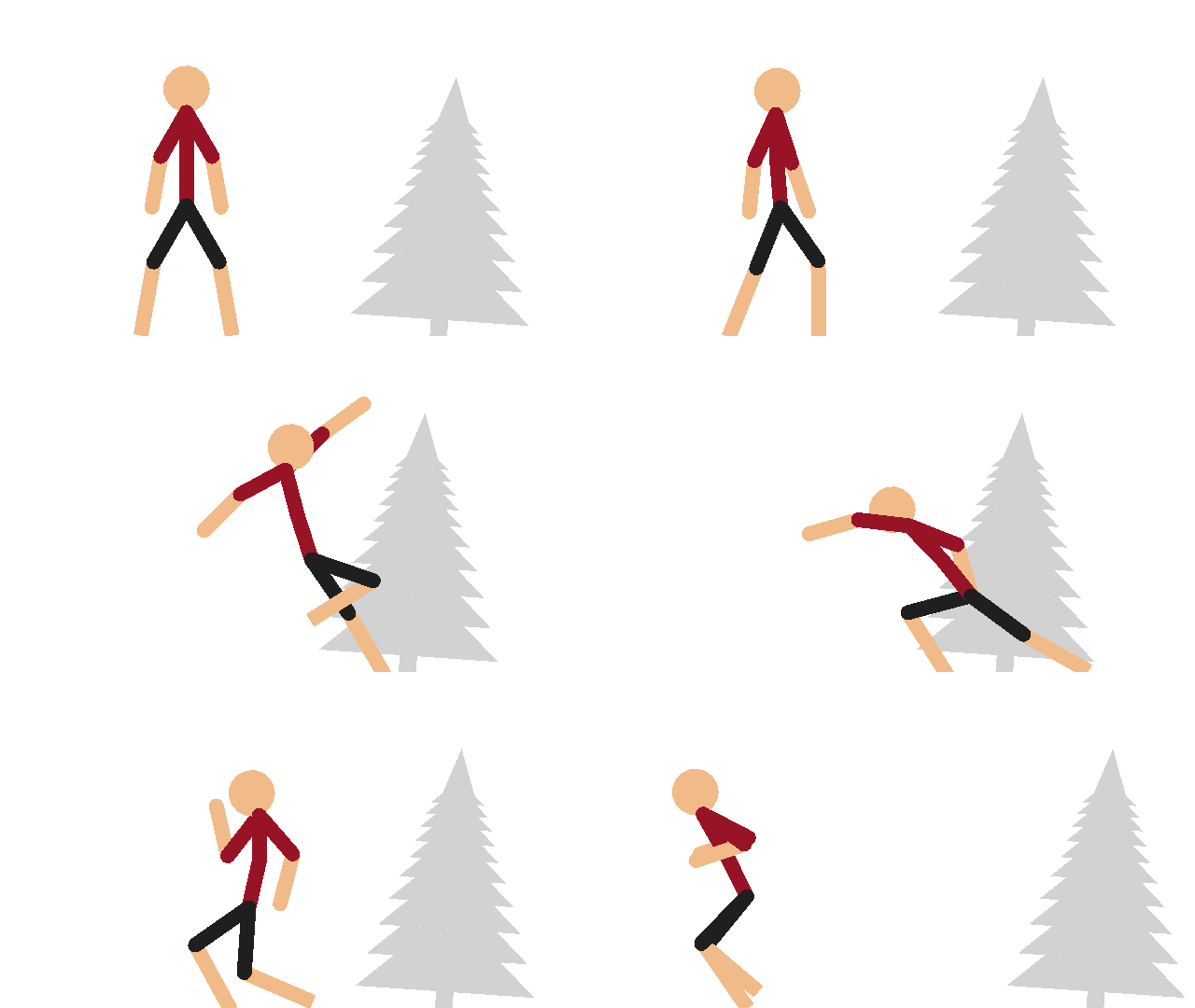
24 FPS bisheeeeeeeeeeeeeeeeeeeeeeeeees
-
This is my first collab and I’d greatly appreciate it if people would join!
-
 Replying to comment by:
Very
-
@explosivebullet you’ve done blender, rate my gun animations!
-

even if im not the one your asking the question to i gotta say a clean 8/10 because of how smooth and fairly natural it is
-

Weird Sticknodes animation…
2020-09-29 01:34:52 UTC-
Replying to:
Very
2020-09-29 01:41:32 UTC
-

that’s really good
2020-09-29 02:08:28 UTC -

Very simple. But solid. Things get complex and tough when you include hands, textures and an assload of rigging. Gonna model a gun at some point and then my own arms then rig them. Then use them and soon become a god at 3D animation.
2020-09-29 03:23:10 UTC
-
Replying to comment by:
Yo ngl, dat Star Wars group sounds intriguing! Someone got a URL?
(yes Tod, I know this post is old.) -
Replying to comment by:
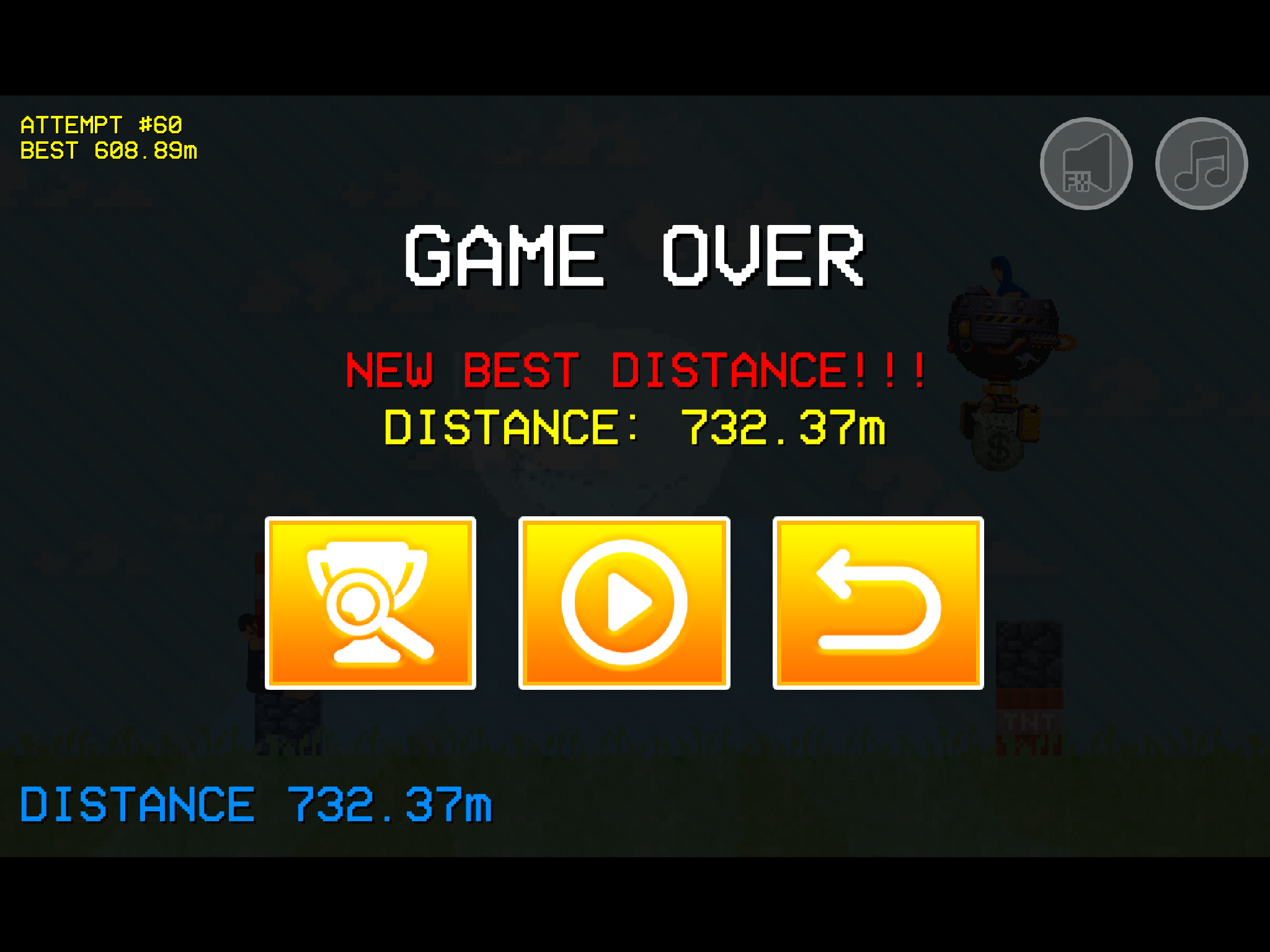
When making a new project, open up the arrows menu and select when of the stickfigure’s segments. Then, press the “lock node” but on the arrow screen. Then, press up up down down left right left right B A.
-
Replying to comment by:
Lol, yep!
-
Get on my level.
-

heard about this minigame in the app
just never knew how to get in it-
Replying to:
When making a new project, open up the arrows menu and select when of the stickfigure’s segments. Then, press the “lock node” but on the arrow screen. Then, press up up down down left right left right B A.
-
-

What is that?
-

Wait , it still exists ?
-
Replying to:
Lol, yep!
-
-
Replying to comment by:
THIS WORLD IS COMPLETE!!!
Time for the next 😉
-
Replying to comment by:
THE END
-
Replying to comment by:
THE CONCLUSION
-
Replying to comment by:
S
-
Replying to comment by:
N
-
Replying to comment by:
Ok, what’s the discord btw?
-
Replying to comment by:
Oh my god the compression is To HIGH
- Load More


