-
Mich2000 Alternative

 2026-05-14 13:15:36 UTC
 I made a custom skin for myself. Why doesn’t it work?

Stick Nodes®
A stickfigure animation app created for mobile devices!
Create your own stickman animations on your Android or iOS device!
Mich2000 Alternative 2026-05-14 13:15:36 UTC
I made a custom skin for myself. Why doesn’t it work?


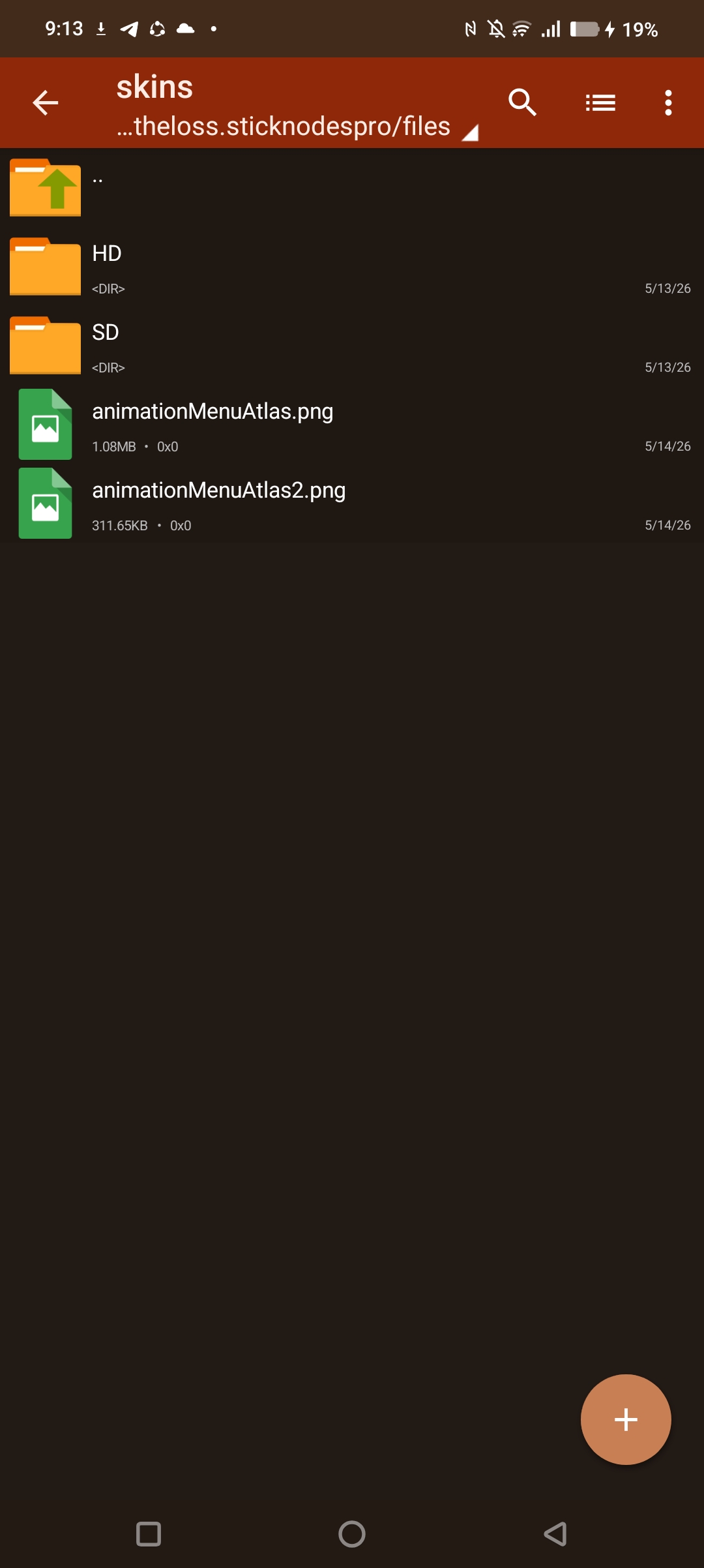
There’s four total PNGs that need to go into two folders, ‘ HD ‘ and ‘ SD ‘ which are essentially just the higher and lower quality versions of the Stick Nodes UI.
Note that if you’re on a device like a Tablet, you may not need to include an SD file.
The file line-up should be, animationMenuAtlas, animationMenuAtlas2, animationMenuAtlas3, colorPickerAtlas and finally the .txt file allowing you to choose specific text colours by altering the file and saving it into the ‘ Skin ‘ folder that you have the HD and SD in.
If your custom changes break the boundaries of the textures by exceeding it or even if you save it as a JPEG or outside the boundaries, I’m pretty sure that can also break it and it won’t load.
alright. so in order the custom skins to work it needs to have 4 png files to overwrite in?
Yes
It’s got to be the right dimensions and file type, given you do that, and name them as they are named in the original files, it should work.
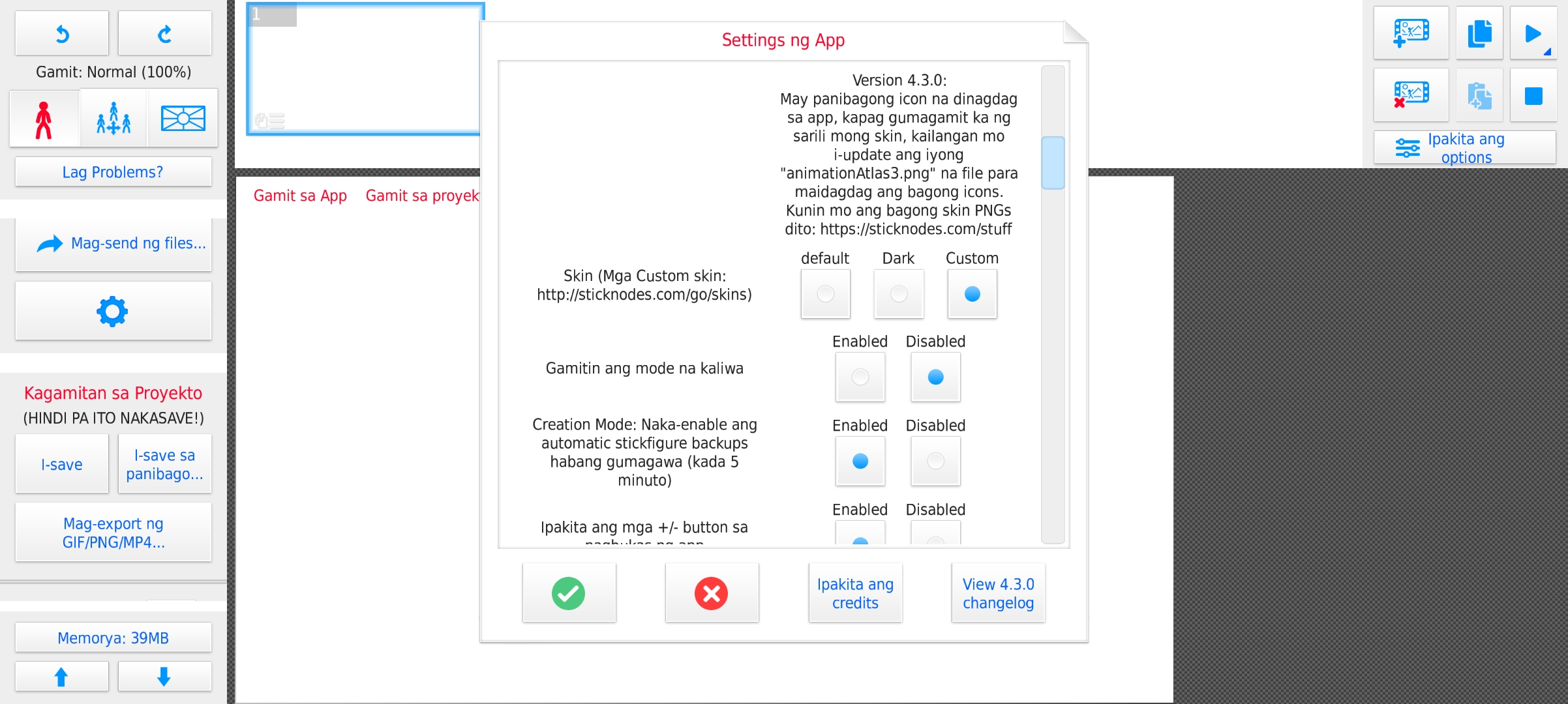
Sticknodes.com/stuff is where you can find the app skin files.