-
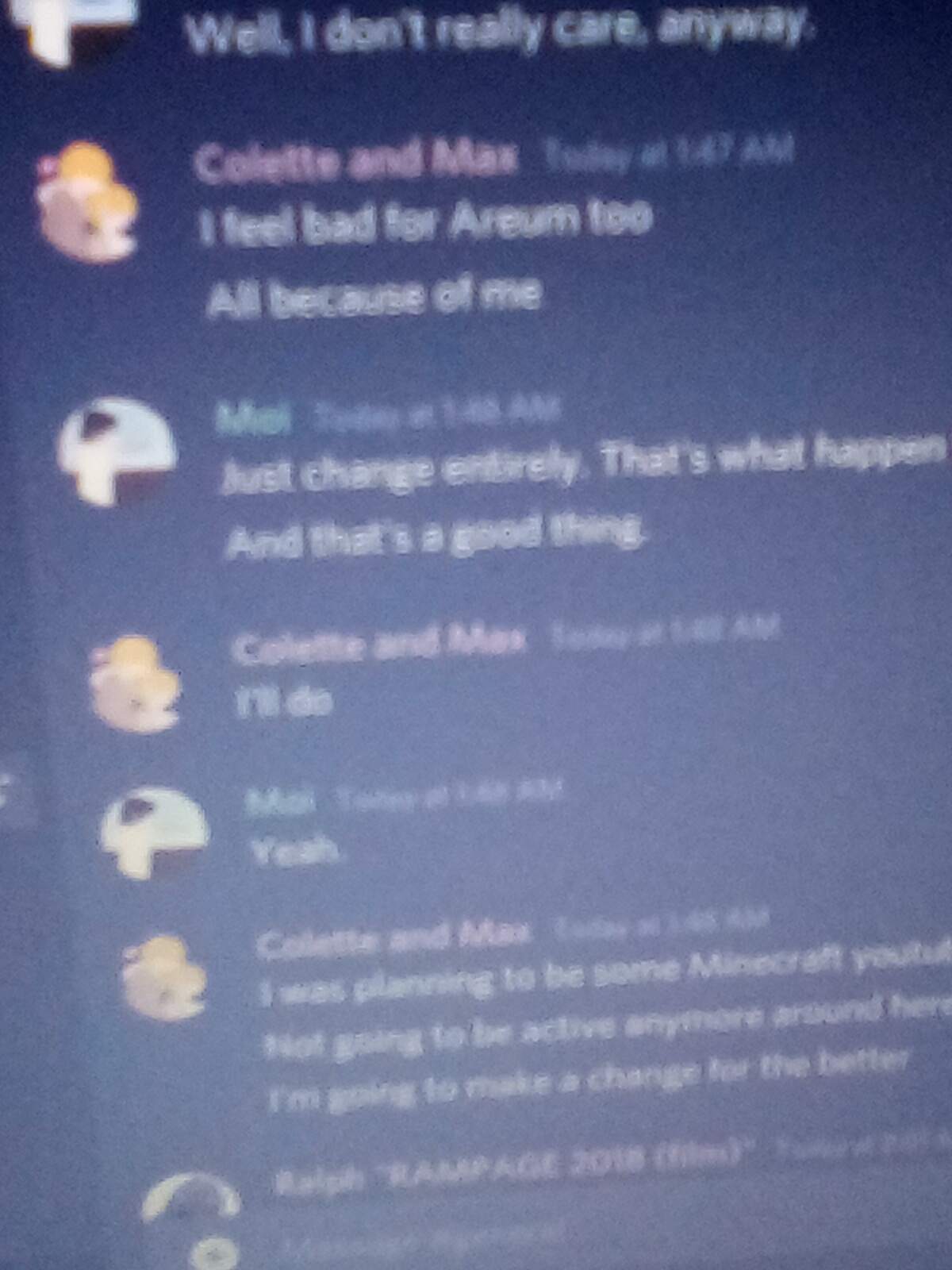
@gordo Sorry for the @ but look at what I found on discord

Stick Nodes®
A stickfigure animation app created for mobile devices!
Create your own stickman animations on your Android or iOS device!
@gordo Sorry for the @ but look at what I found on discord





Should’ve just screenshot the thing.
User Banned
How do u do that on pc?
To capture your entire screen and automatically save the screenshot, tap the Windows key + Print Screen key. Your screen will briefly go dim to indicate that you’ve just taken a screenshot, and the screenshot will be saved to the Pictures > Screenshots folder.
– cnet
User Banned
I don’t think there’s a windows key on a fucking chromebook
¯\_(ツ)_/¯
cool
User Banned
o
User Banned
Ahhh ok
did you go out of your way to violently shake the camera while taking this photo
Lookin’ like a Bigfoot sighting
User Banned
No the “camara” is bad I wasn’t shaking in my boots