


(Guest)
Aug 14th, 2017
Oct 3rd, 2019
( 12 thumbs )
( 12 thumbs )
 1st
1st 2nd
2nd 3rd
3rd
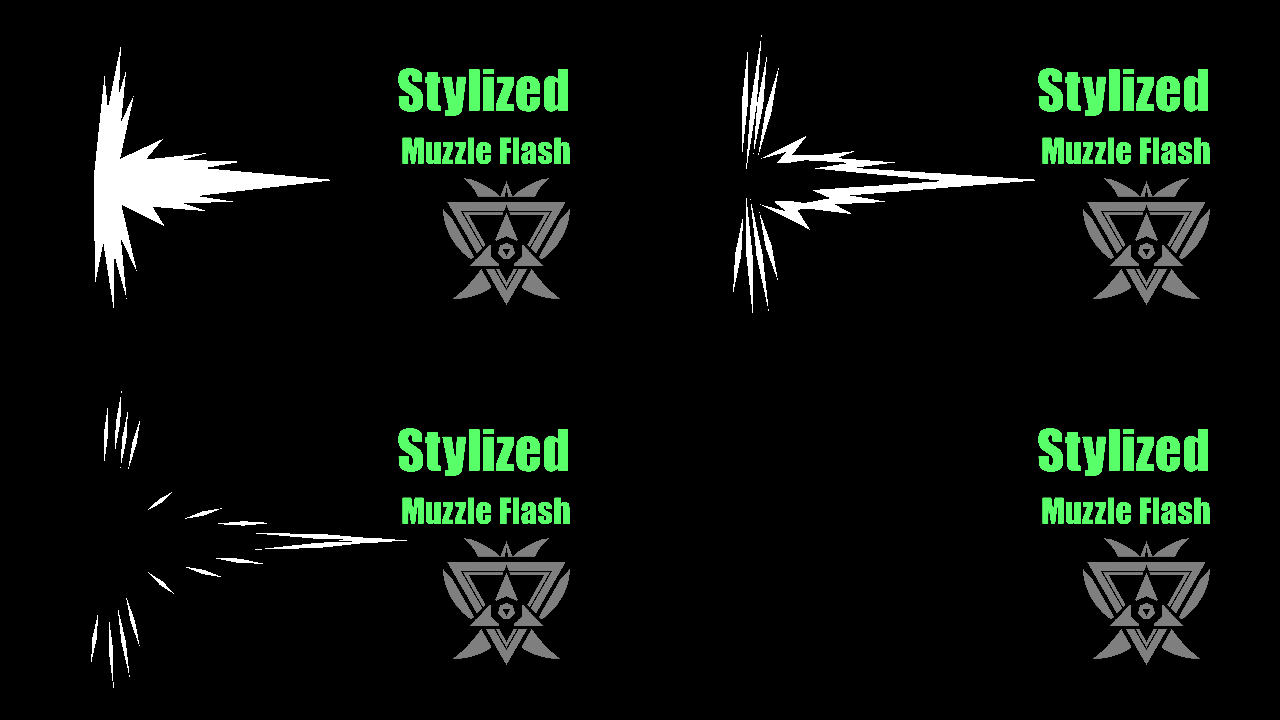
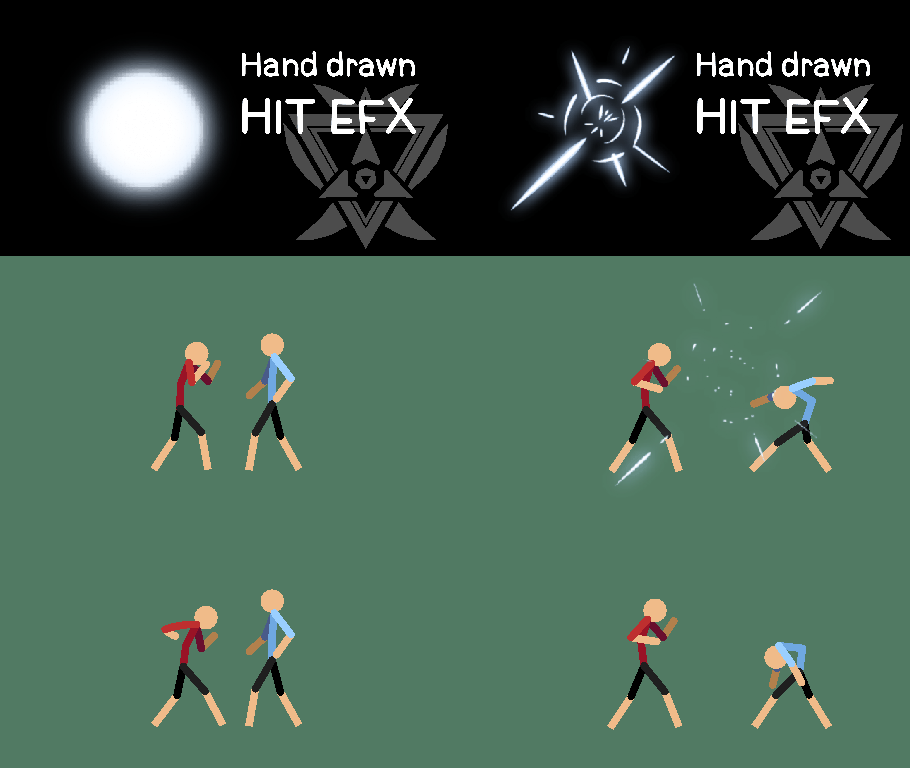
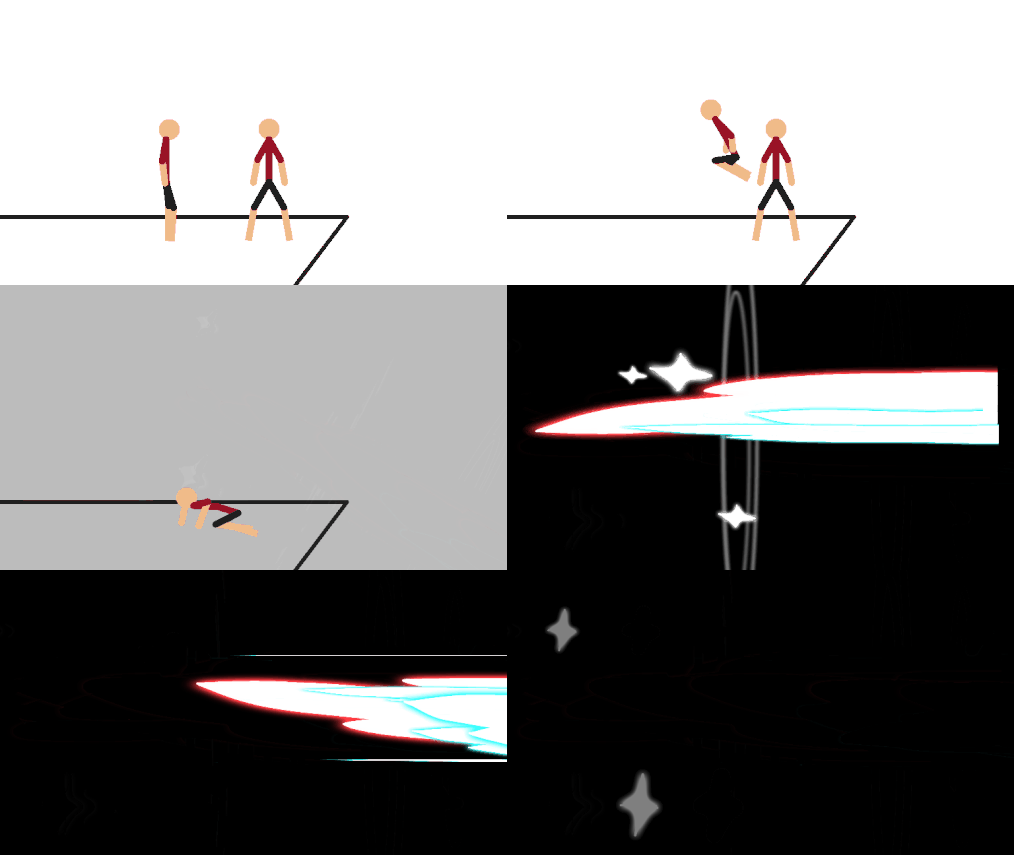
A speedy dash effect.
Aug 14th, 2017
Oct 3rd, 2019
( 12 thumbs )
( 12 thumbs )
1st2nd3rdProblem with this submission?
Please log in to report this file.





Other popular submissions in effects category


It’s not letting me download this… does it not work for Kindle?
Hey AJ.
It should work for Kindle. What happens when you download it?
On my device, the file simply downloads and is put into the /downloads/ folder. Then I use an app like FX File Explorer to move the file from the /downloads/ folder to the /Stick Nodes/stickfigures/ folder where the app can “see” it.
Hey you have to click on the name bro
Holy sht this comment is old
and so are you my friend
no u
Well, I think it does download, and then a little pop-up appears and says something like “download completed, tap to open” and then I tap it and it will say that the file cannot be opened. I’m going to try that app that you mentioned
Yeah, you don’t open the .nodes files. All you do is move them to the /Stick Nodes/stickfigures/ folder and then import them from inside of the Stick Nodes app. You should be good after doing what I said above using FX File Explorer or a similar app.
Thank you!
How do you put the downloaded items from Dropbox to the app I really want to know??
Oh I mean the IOS APP
Nvr mind
I’m on IPod and it doesn’t work for me
What do you mean it doesn’t work? What exactly doesn’t work?
Your brain.
Hey I can’t figure out how to download this im also on iPad and I have stick nodes when I download it on chrome google chrome it looks like I downloaded it but I didn’t…..
Yeah I can’t work it out either… if only there were an FAQ… hmmm…
Lol, anyway, you can’t download stick figures on iDevices, you have to use a Mac or PC to download them and then send it via iTunes.
I’m on iPhone and I’m clicking download but it keeps saying safari can’t download.does anyone have a solution or do I have to use a computer
Please go read the FAQ that Sean linked too. It specifies how to download the files onto your iOS device, including a big bolded line that reads “Don’t bother downloading the files on your device!”.
When I download it on my computer do I need to put something that connects my phone to the computer and put it on my phone?
That is correct, you need to use a USB cable to connect your phone to the computer and use iTunes to transfer over the stickfigures.