


(Guest)
Aug 14th, 2017
Oct 3rd, 2019
( 12 thumbs )
( 12 thumbs )
 1st
1st 2nd
2nd 3rd
3rd
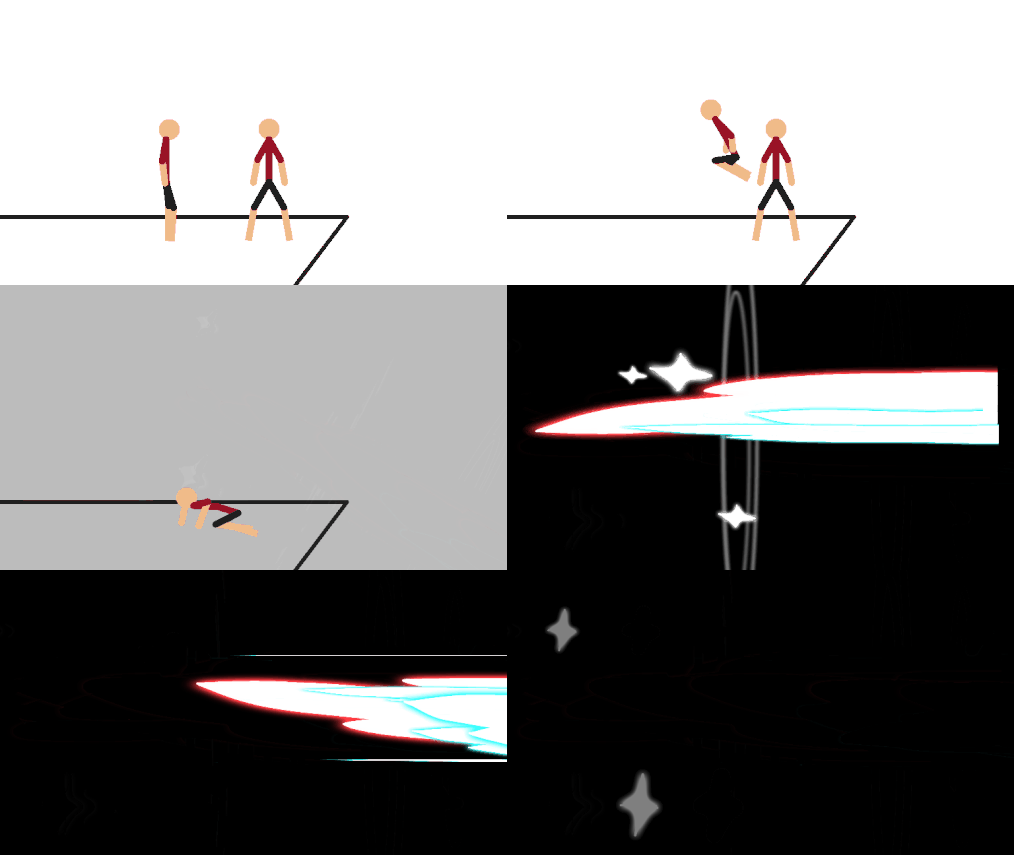
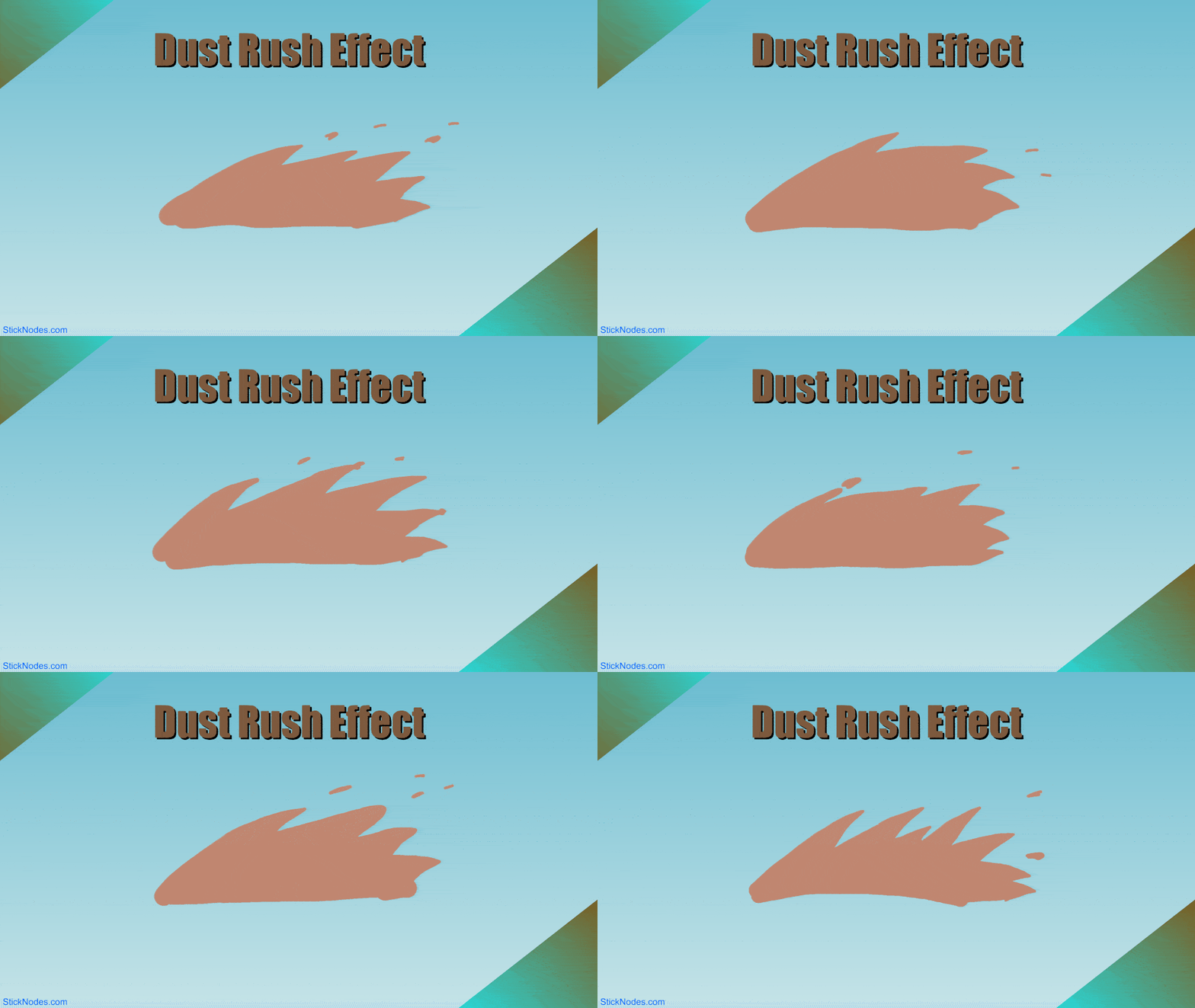
A speedy dash effect.
Aug 14th, 2017
Oct 3rd, 2019
( 12 thumbs )
( 12 thumbs )
1st2nd3rdProblem with this submission?
Please log in to report this file.


Other popular submissions in effects category


I have a iPad Air 2 and I want to download this but it’s not working I have a file app but no fx file thingy help me pls
You’re combining the instructions for Android with your iOS device, which is wrong. See the FAQ section here for instructions.
Does it let you download on iPad?
Wait how do you download stick figures on stick nodes pro?
Um I can’t find the dash in stick nodes pro. Wait do I have to use the computer again
Nah u gotta transfer using FX once u installed FX u go to downloads click on apllications and hold on the effect dash and press cut (move) and go to main storage and click stick nodes and click on superior cleft corner and click paste and its done go to stick nodes pro or normal and u will find it
How do we download on stick nodes on iOS
I’m going to answer that with another question – how do you download any app on iOS?
No but seriously, go to the App Store and search for “Stick Nodes”.
Ralph but i cant open it
What can’t you open?
That a cool effect
How do you download stick figures from the website to the stick nodes app on iOS??? Please answer ;-;
Please see the FAQ section here, there’s even a link to a video tutorial.
Ralph how do you download stick figures casue I tried to download one of them which was called the dash node but when I downloaded it it said can’t open file.
………who opens nodes?!?!?! Just go to the app and it’ll be there
You shouldn’t try to open the file, please follow the instructions in the FAQ section here.